

Brand Details
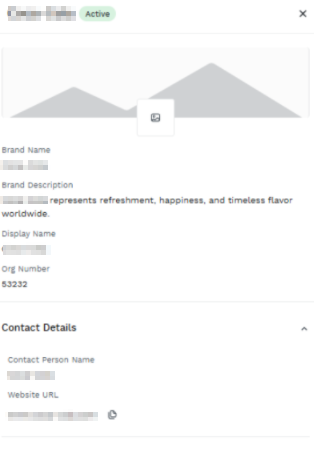
The Brand Details option on the Brands dashboard allows you to view all the updated brand details.
To view the brand details information, perform the following steps:
- Follow step 1 of the Add a New Brand topic.
- On the RCS widget, click Manage. The Brands page appears.
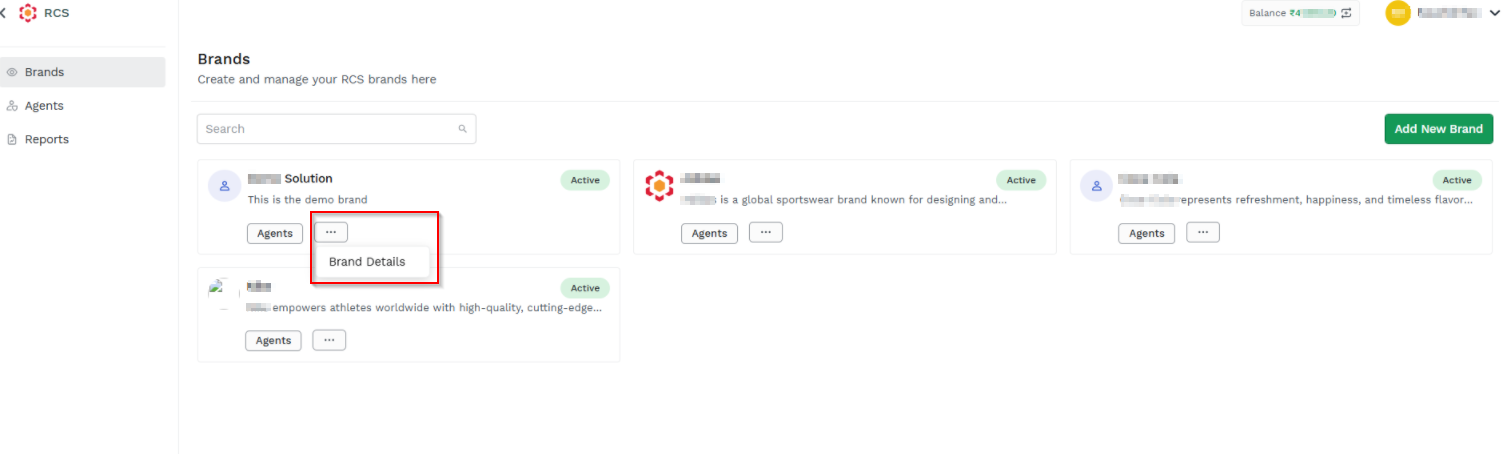
- On the Brands dashboard, select any brand, click the three dots (...) and then click Brand Details option. The brand details information pop-up appears.
Updated 3 months ago
Did this page help you?