

Prepaid Billing Usage
Kaleyra platform allows you to monitor spending and service consumption details associated with your communication services such as SMS, Voice, WhatsApp, Email, and other messaging channels.
To view the prepaid billing usage, perform the following steps:
- Follow step 1 and step 2 of Prepaid Billing Overview.
The Billing Overview page appears.
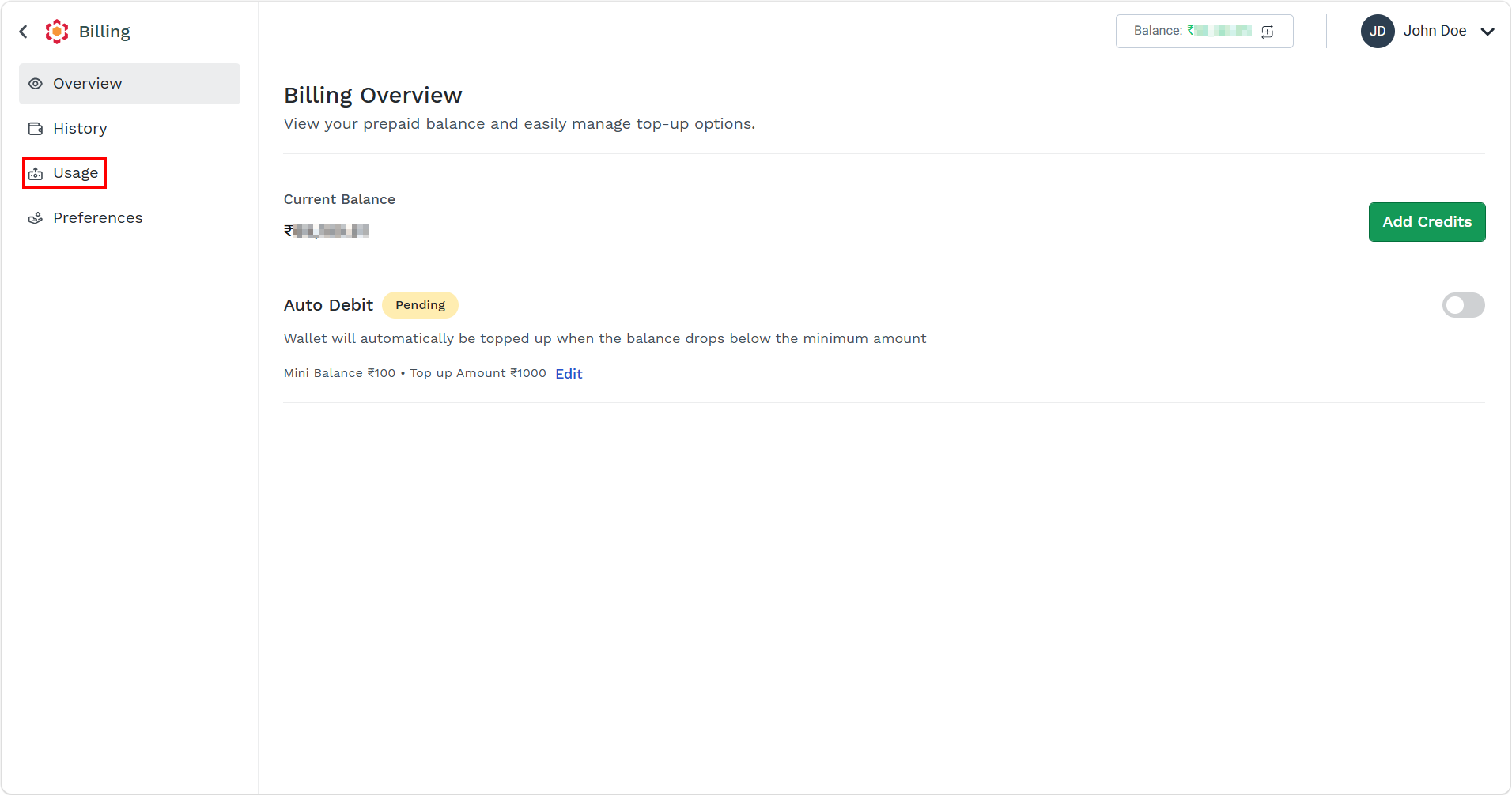
- On the left menu bar, click the Usage menu.
The Usage list view page appears.
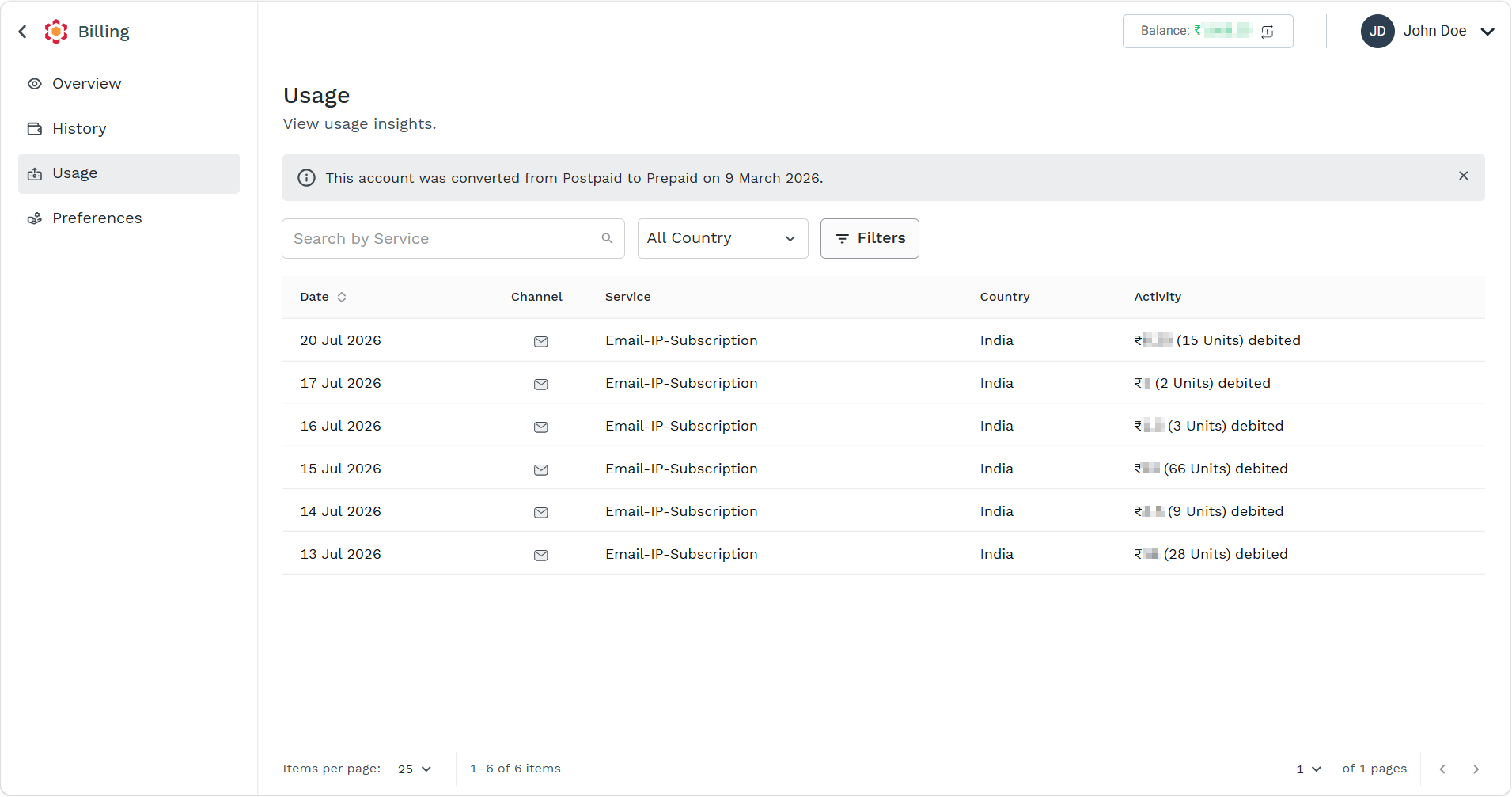
The following details appear:
| Column Field Name | Description | Example |
|---|---|---|
| Date | The date on which the deduction for a service was recorded. | 20 Jul 2026 |
| Channel | The communication channel used for the activity, such as SMS, WhatsApp, Voice, Email, or other supported messaging services. | |
| Service | The specific service or messaging type consumed on that channel, such as OTP messages, promotional SMS, transactional messages, notifications, or voice calls. | Email-IP-Subscription |
| Country | The destination country where the message was delivered or the communication service was used. This is important because pricing often varies by country. | India |
| Activity | The volume of usage recorded for that entry, such as the number of messages sent, calls made, or transactions processed. This activity contributes to the billing charges deducted from the prepaid balance. | ₹ XX.XX (9 Units) debited |
- You can perform the following:
Updated 2 months ago
Did this page help you?