

Channel Overview
The Channels section provides a streamlined and intuitive way to manage your communication channels.
The main page now gives you an immediate overview of all channels available for your account, while the left-hand navigation provides direct access to the assets, configurations, and settings associated with each channel. This makes it easier to reach the functionality you need without having to enter each channel first.
While the overall navigation experience has been enhanced, the individual asset management, configuration, and settings pages retain the familiar functionality and workflows you already know, with no major UX changes introduced.
The Know More button provides quick access to information about the current pricing plan associated with your account, helping you easily understand the pricing applicable to your services.
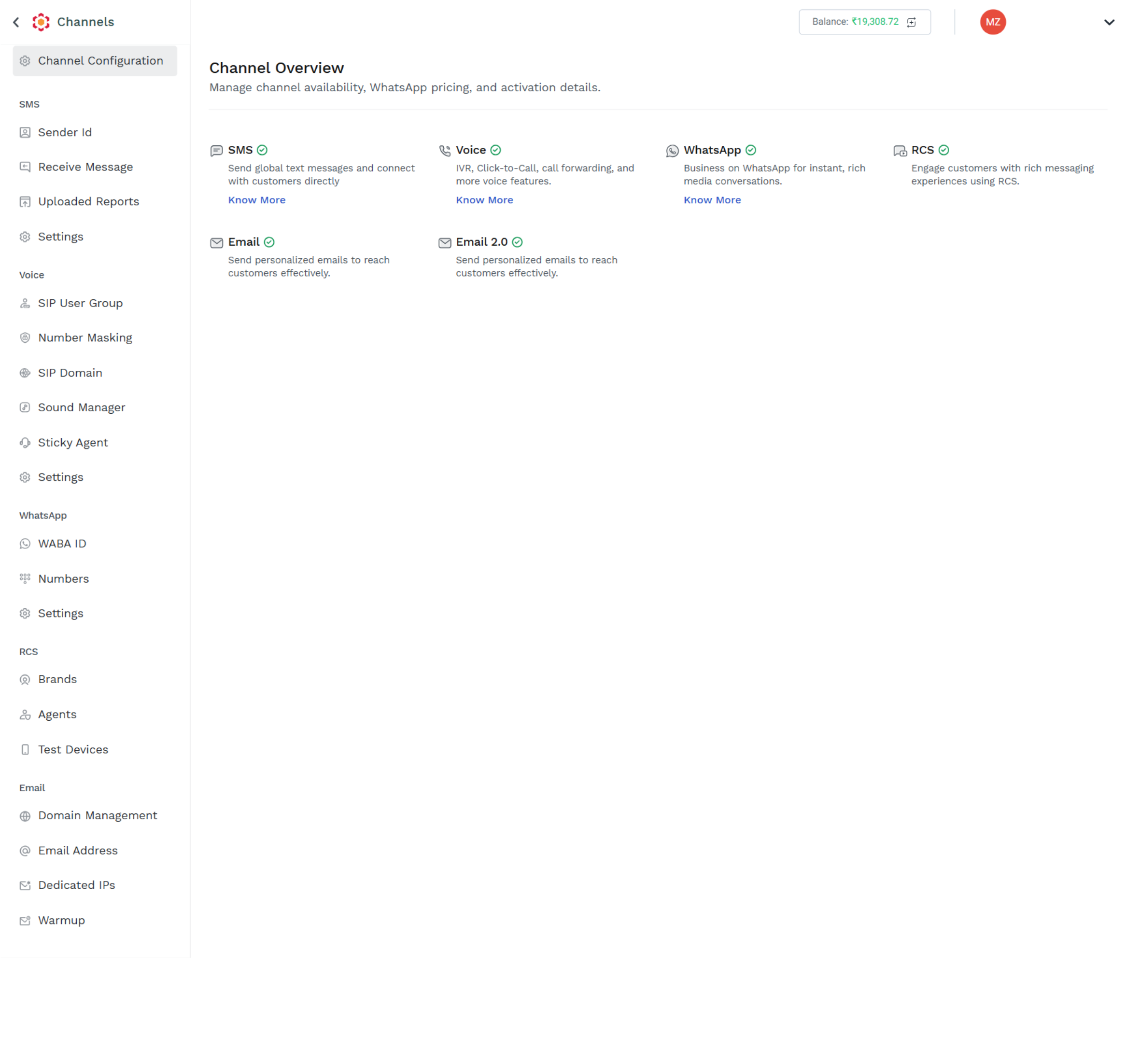
The Channels section provide information about:
Updated 11 days ago