

Search by Service and Filter Billing Usage
You can search the usage by service and filter the billing usage from the Usage list page.
The topic contains the following sections:
Search by Service
You can search the usage by service.
To search the usage by service, perform the following steps:
- Follow step 1 and step 2 of Prepaid Billing Overview.
The Billing Overview page appears.
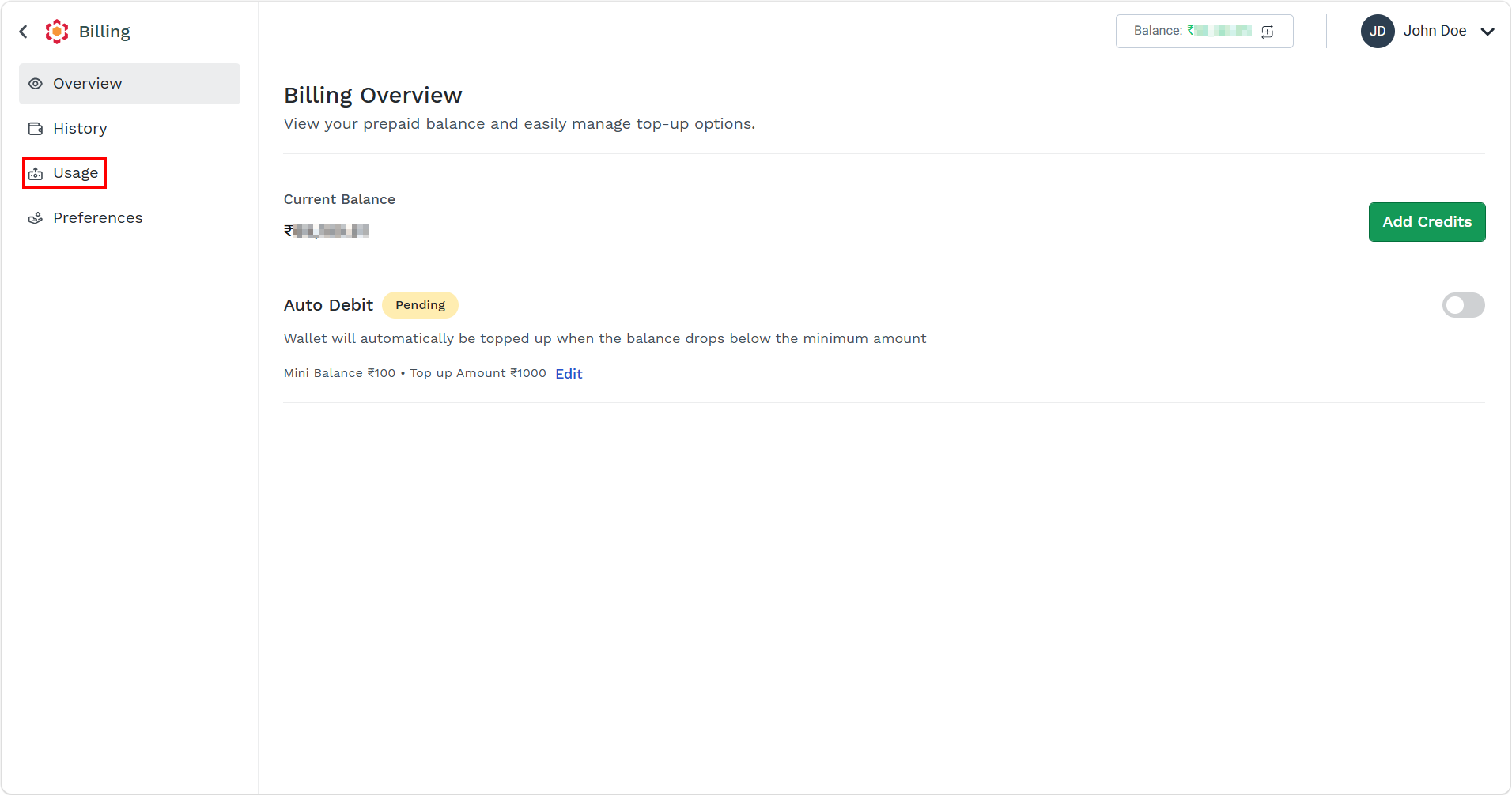
- On the left menu bar, click the Usage menu.
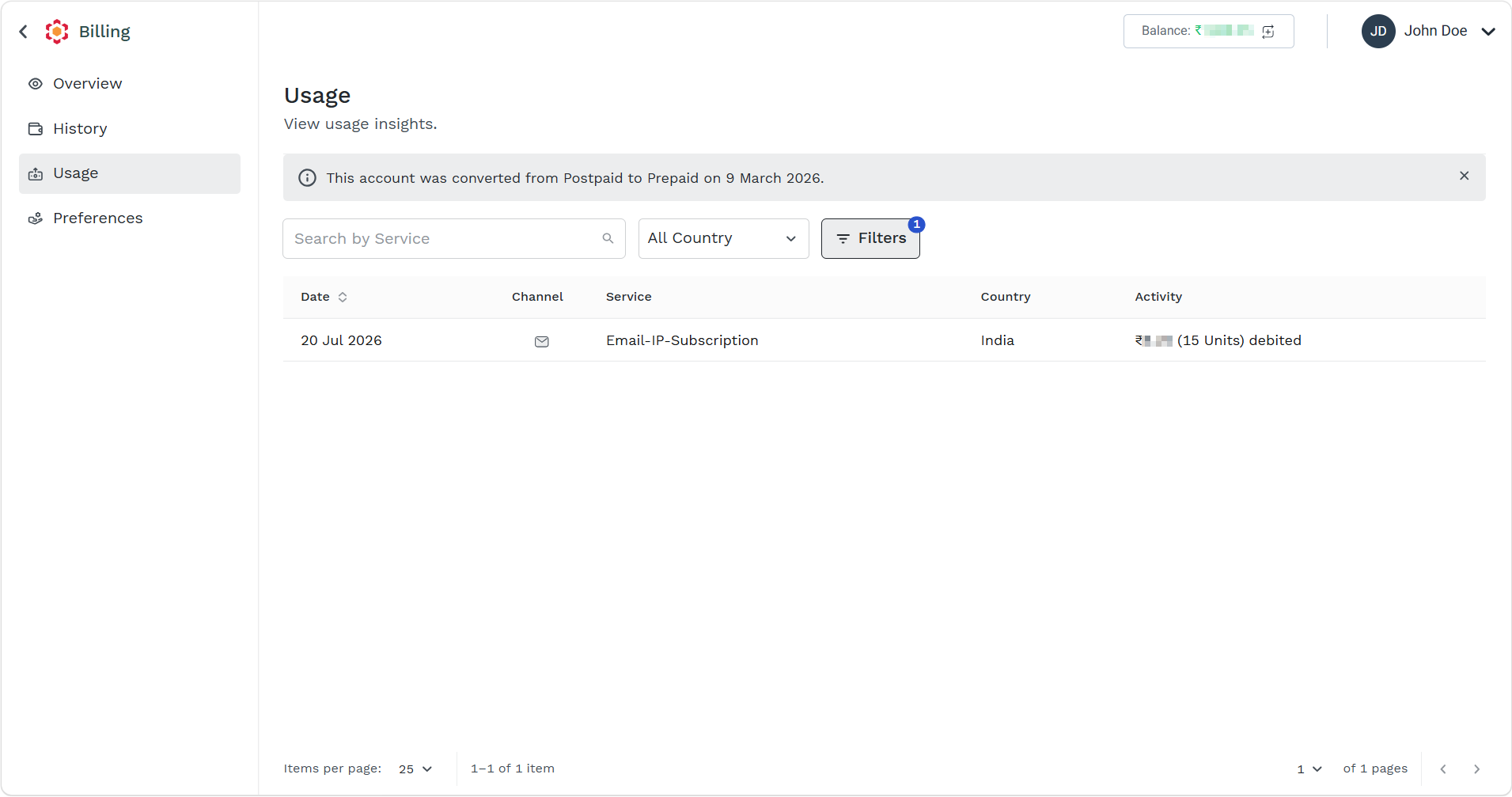
The Usage list view page appears.
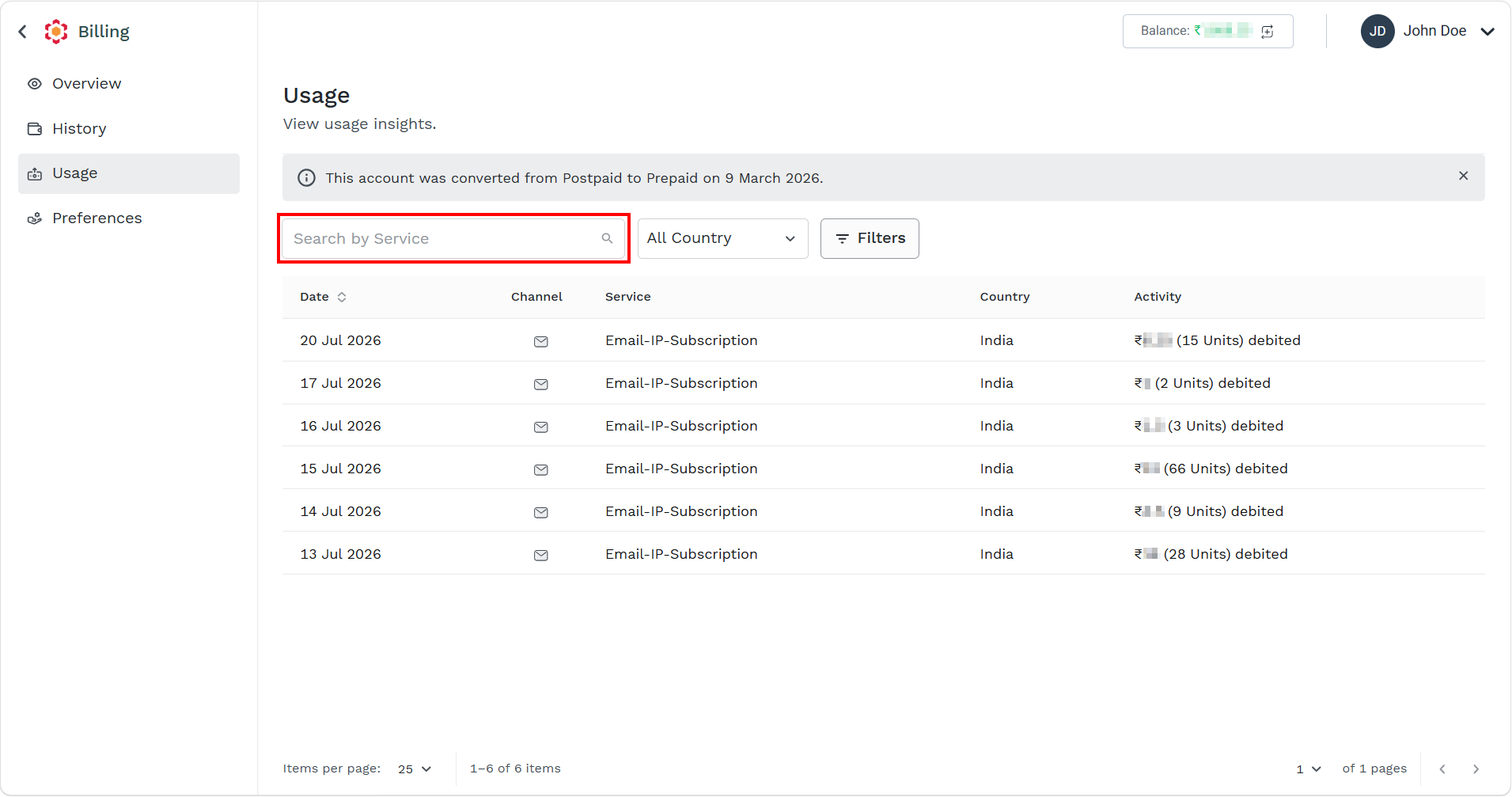
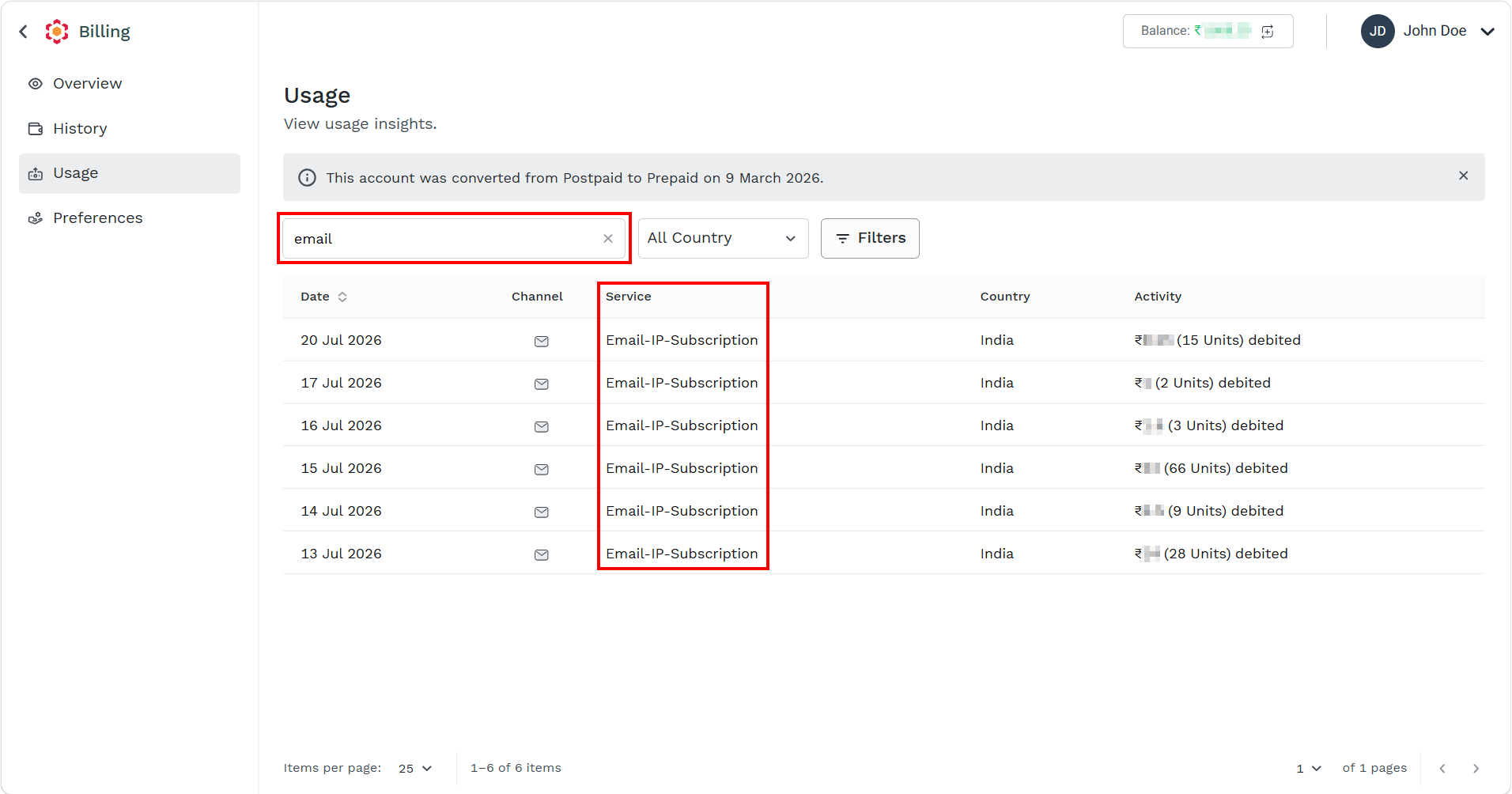
- In the Search field, enter the service name you want to search. For example, email, sms, and so on.
Based on the entered matched, the live search result appears.
Filter by Country
You can filter the usage based on the delivered country.
To filter the usage by country, perform the following steps:
- Follow step 1 and step 2 of Prepaid Billing Overview.
The Billing Overview page appears.
- On the left menu bar, click the Usage menu.
The Usage list view page appears.
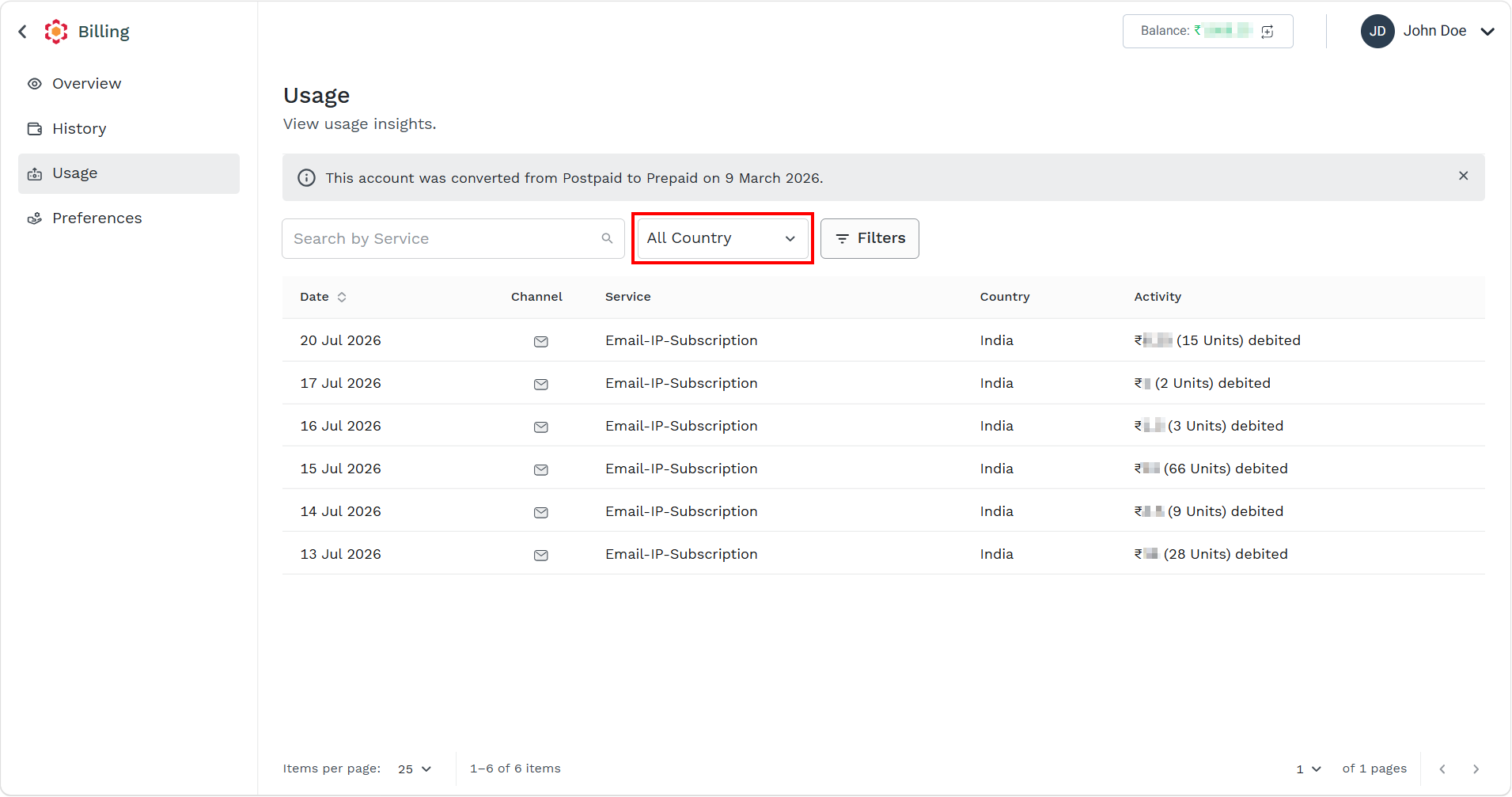
- Click the All Country drop-down.
The list of countries appears.
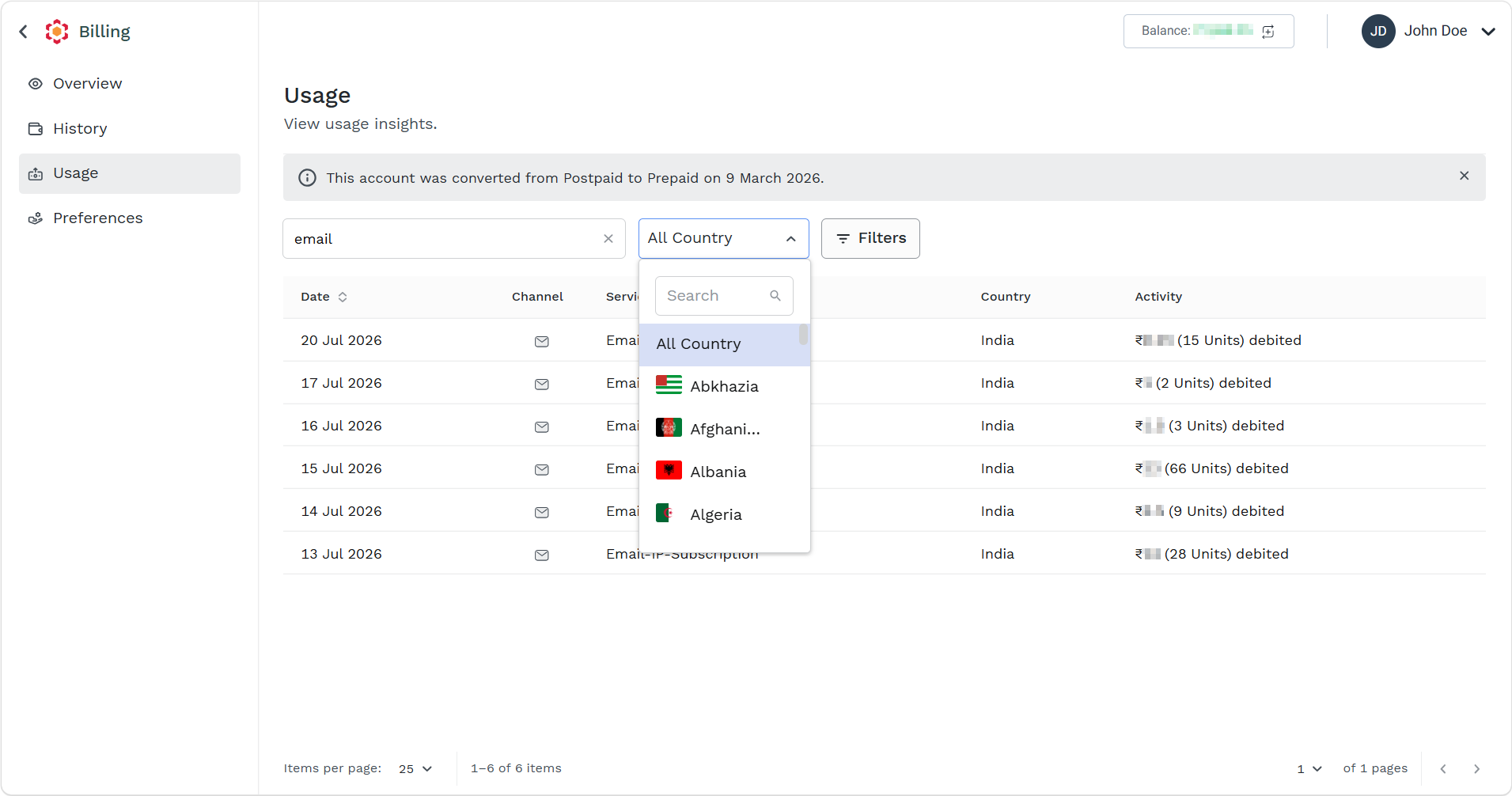
- In the Search field, you can search the country name or scroll down and select the country of your choice.
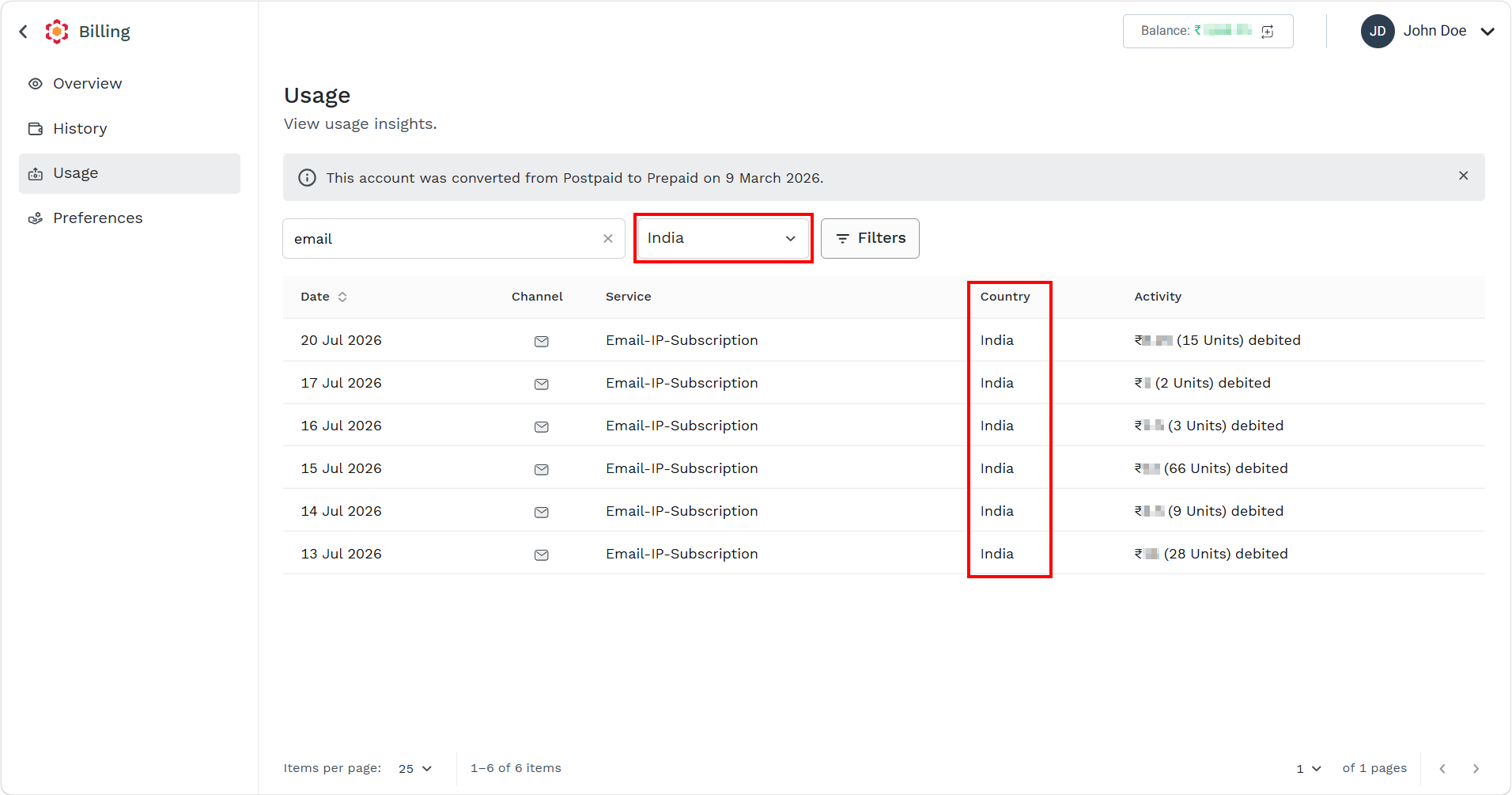
Based on your country of choice, the search results appear. In this case, India is selected.
Filters
You can filter the usage based on available filters other than country.
The following are the available filter options:
- Date
- Service
- Channel
To filter the usage details, perform the following steps:
- Follow step 1 and step 2 of Prepaid Billing Overview.
The Billing Overview page appears.
- On the left menu bar, click the Usage menu.
The Usage list view page appears.
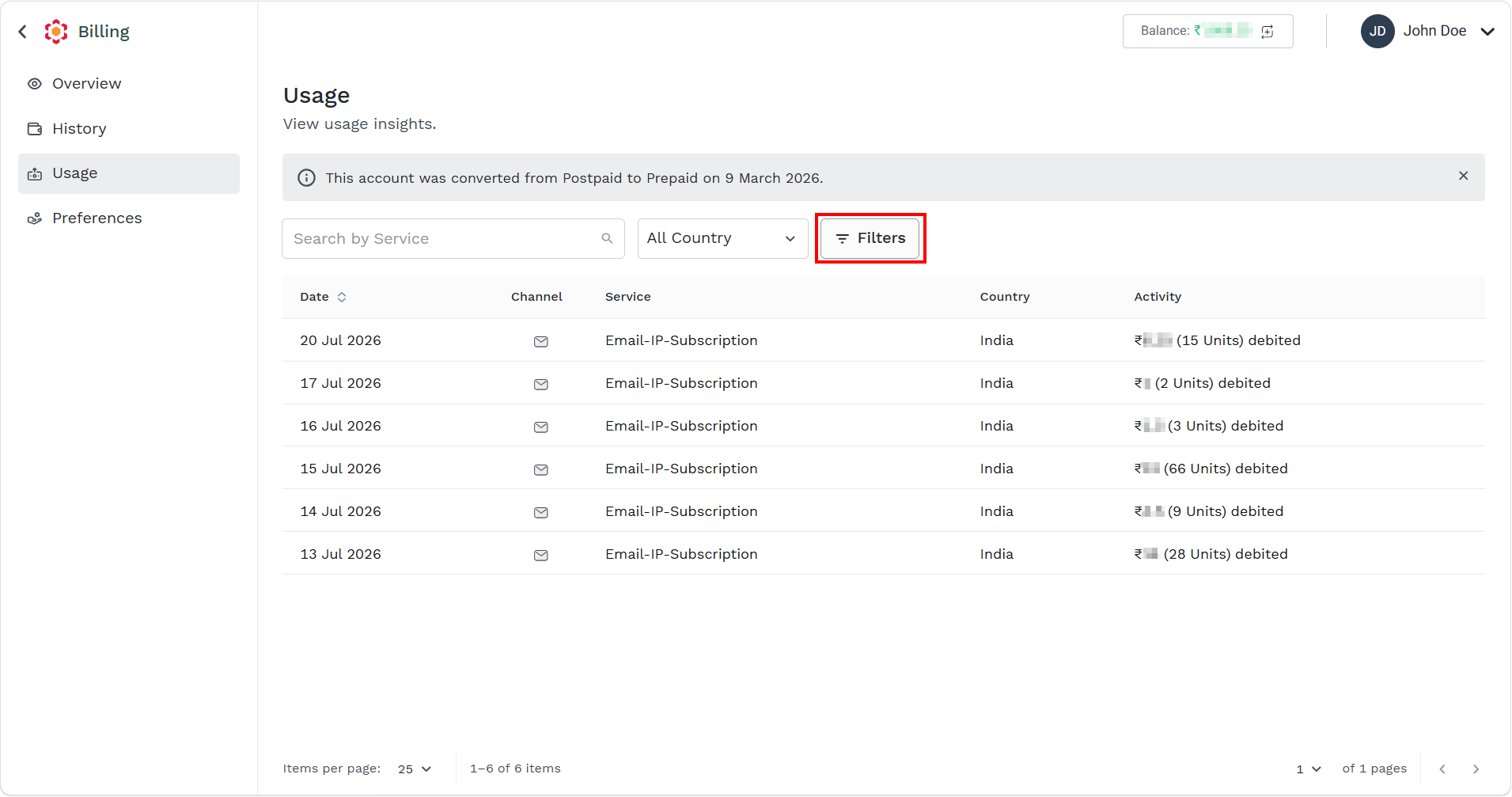
- Click the Filter icon.
The filters pop-up appears.
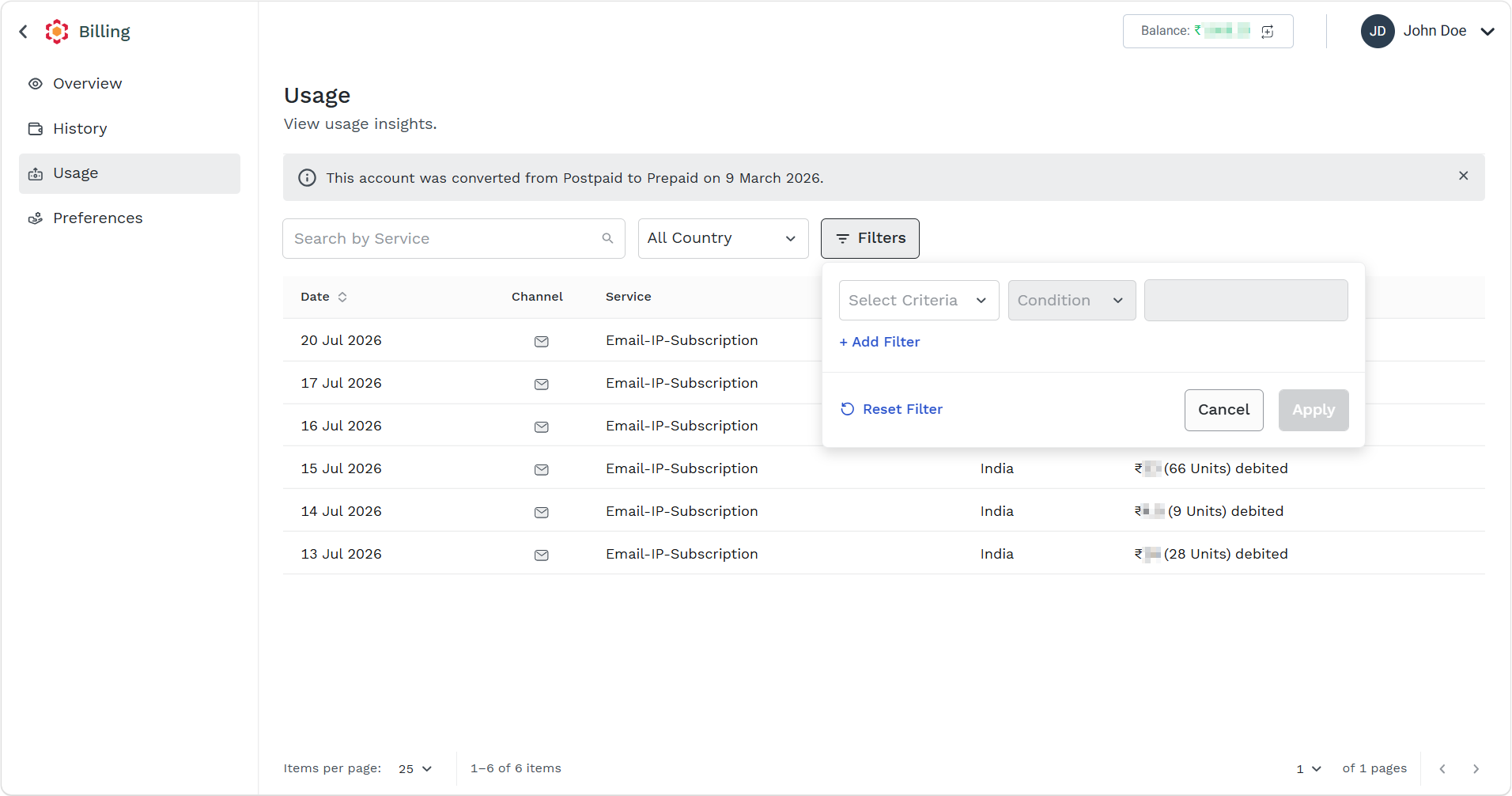
- Perform the following:
- Click the Select Criteria drop-down and select one of the following options:
- Select the Date option and then in the Conditions field, select either Is or Between. If you select the Is option, then select a date from the Select date field or if you select Between option, then select the date range from the Select date field.
- Select the Service option and then in the Conditions field, select Equals. From the Select an Option drop down, select the services for which you want to view the usage from the available options.
- Select the Channel option and then in the Conditions field, select Equals. From the Select an Option drop down, select the channels for which you want to view the usage from the following options:
- Email
- Email_V2
- RCS
- SMS
- Voice
- Whatsapp
- Click Apply.
According to the set filter the Usage list view page gets updated.
- Click the Select Criteria drop-down and select one of the following options:
Updated 2 months ago
Did this page help you?