

Documents
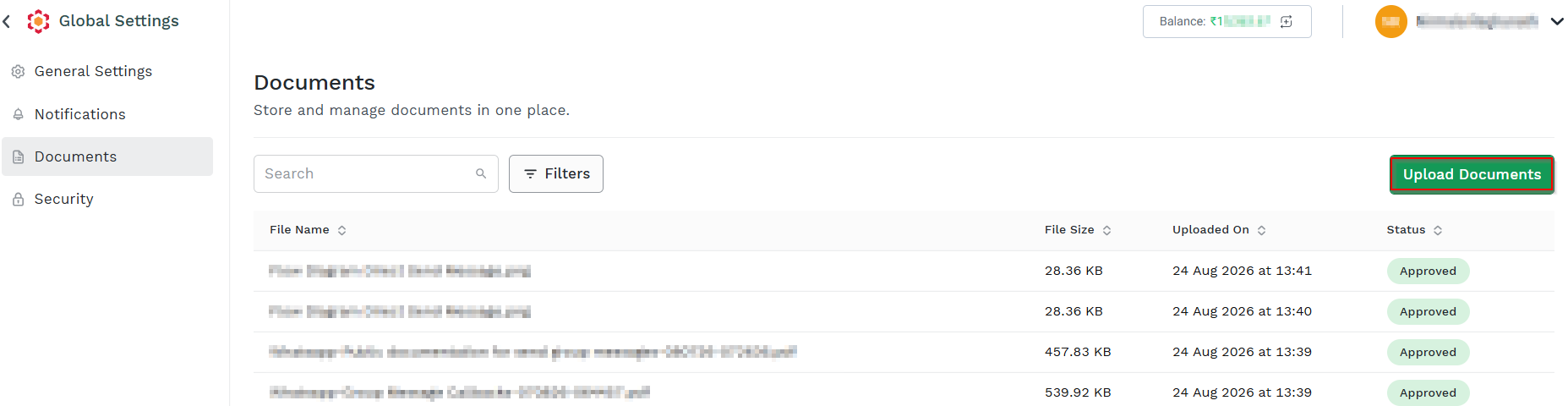
On the Documents page, you can maintain your account related documents in one place. Such documents are useful for the KYC or for the 'SenderId' requests (if needed). You can view the File name, File Size, Uploaded On and Status information.
To view the Documents page, perform the following steps:
-
Login to Kaleyra Platform.
-
On the User Profile page click Settings.
The Global Settings page appears.

-
On the left navigation bar, click Documents. The Documents page appears.
-
Click Upload Documents.
-
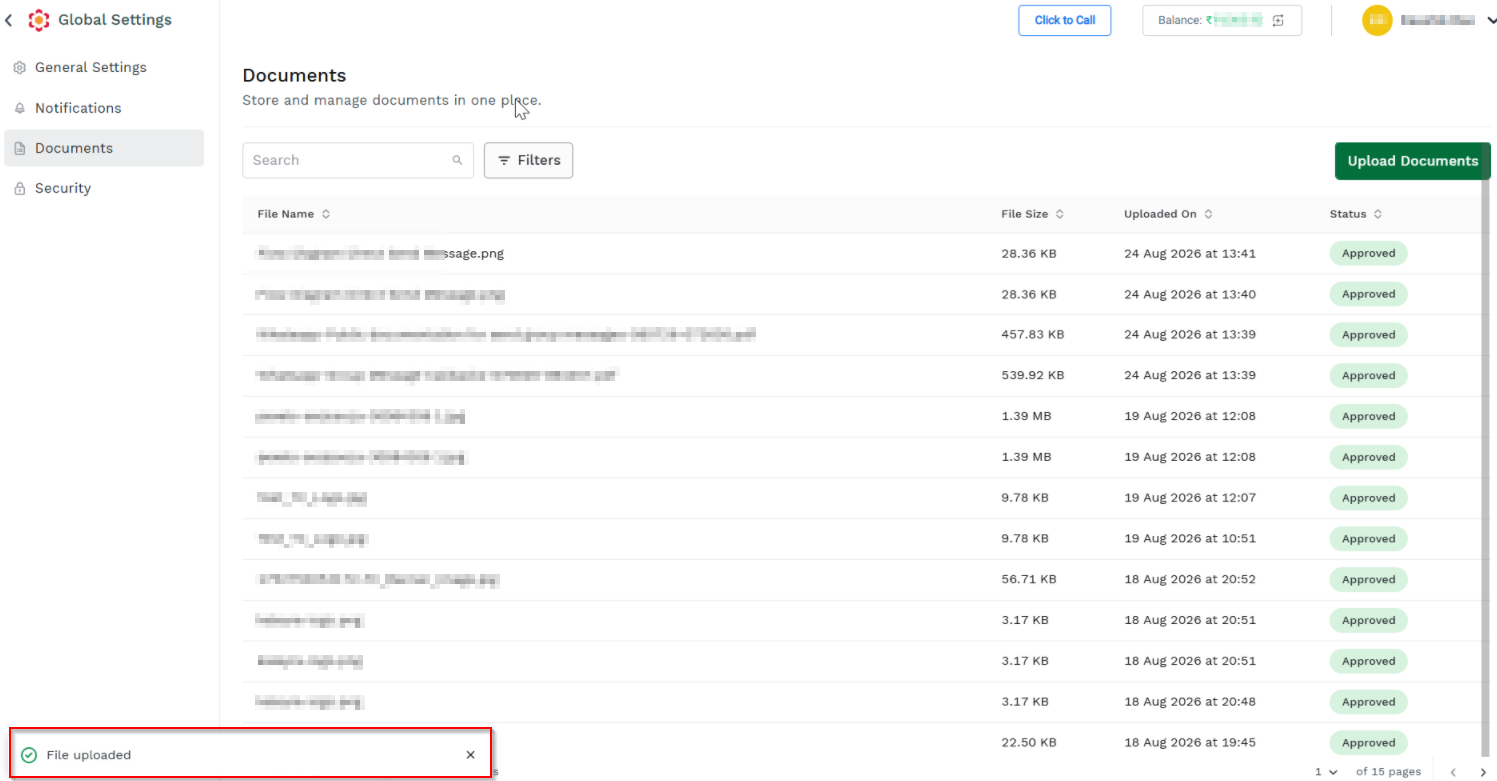
Select the file from the folder. The File uploaded pop-up appears.
Updated 21 days ago
Did this page help you?