

WhatsApp Settings
The WhatsApp Settings section allows you to manage the callback URLs used to receive WhatsApp event notifications. You can add or update one or more callback URLs based on your integration requirements.
To view the WhatsApp settings, perform the following steps:
-
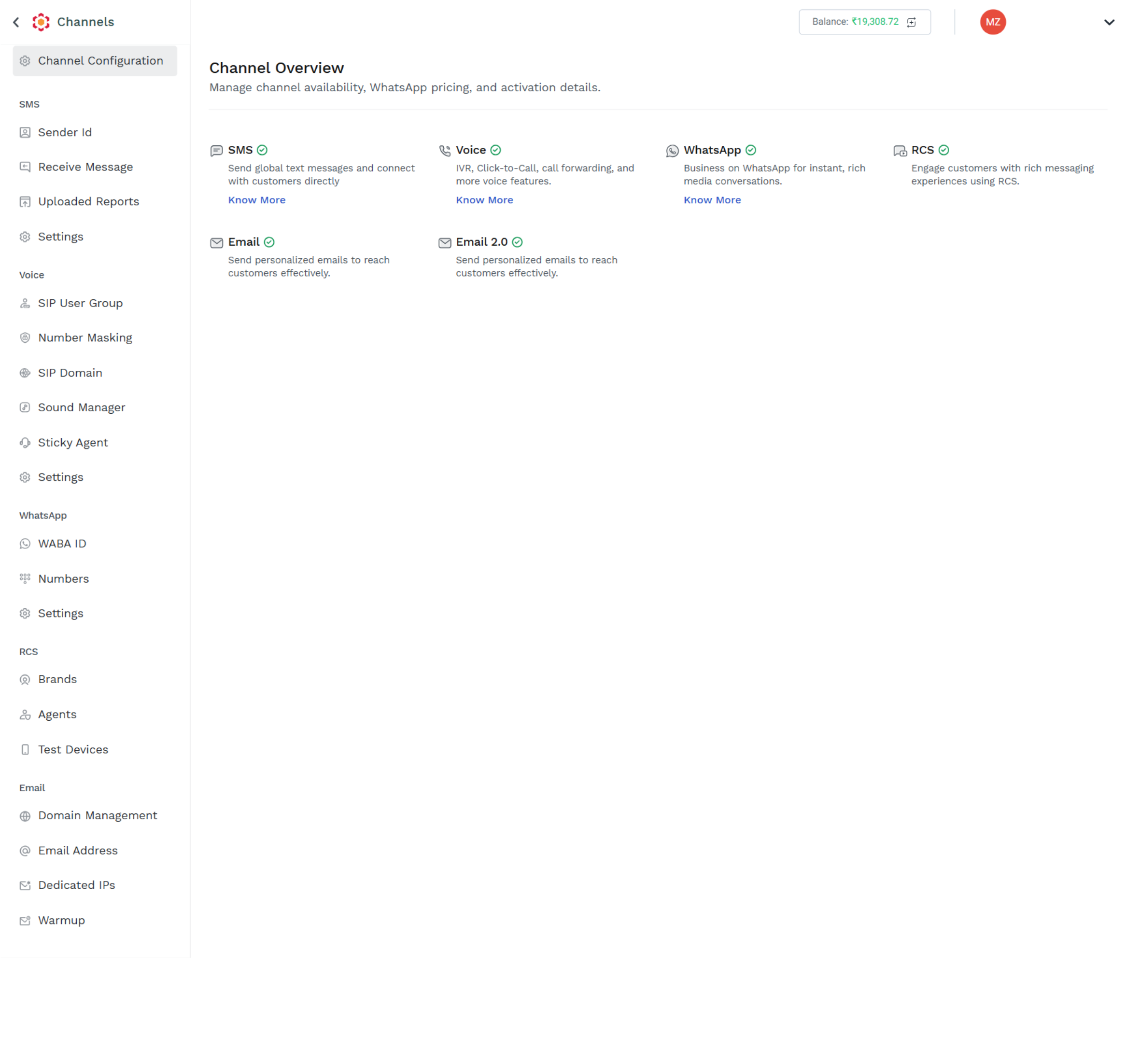
Login to your Kaleyra platform. The Channels page appears.
-
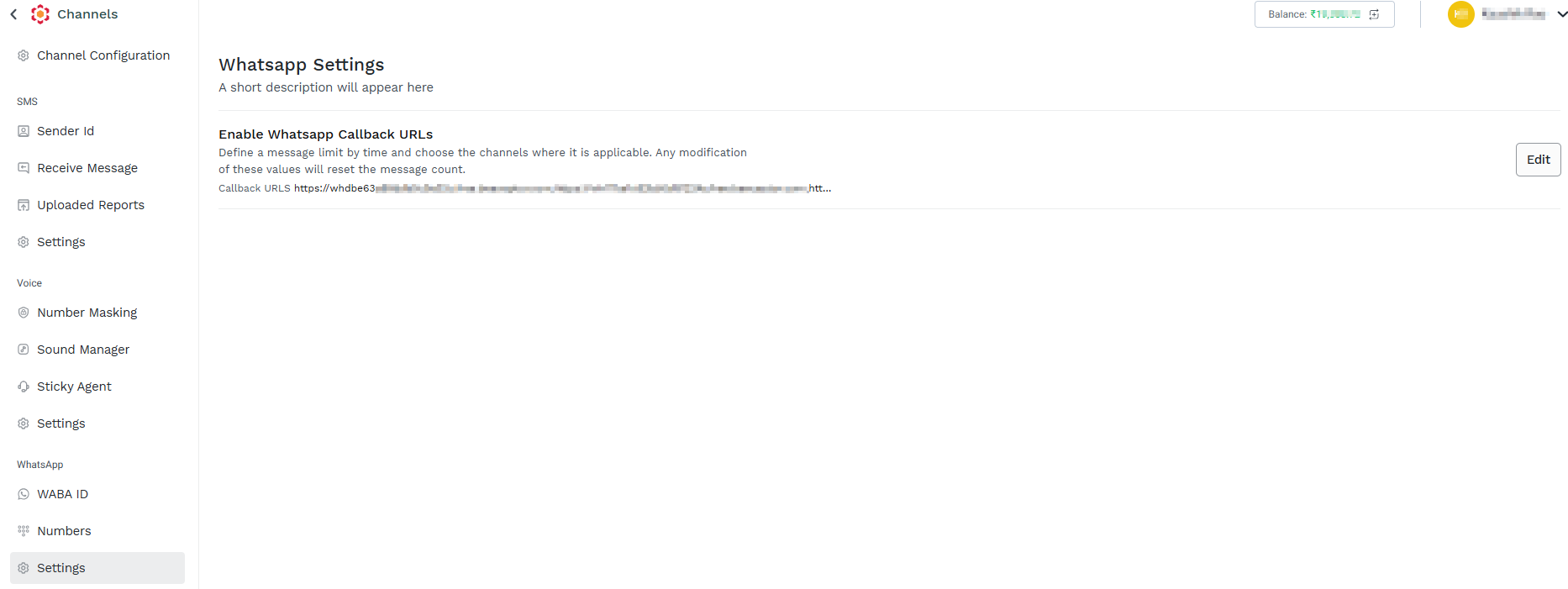
On the left navigation bar, click Settings. The WhatsApp Settings page appears.
-
Click Edit. The Whatsapp Callback URLs pop-up appears.
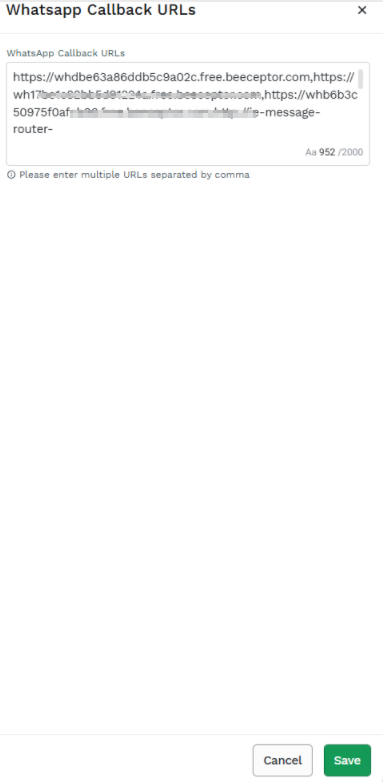
4. In the Whatsapp Callback URLs section, Enter the WhatsApp Callback URLs.
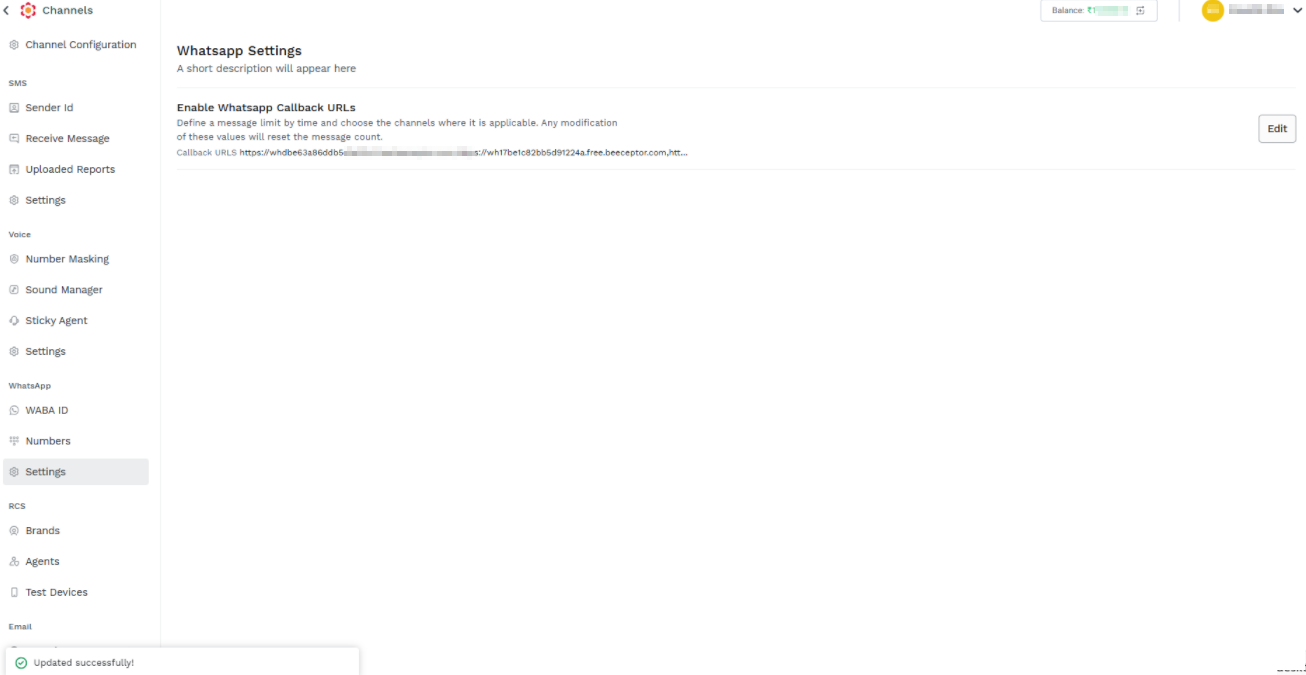
5. Click Save. A confirmation message "Updated successfully" appears.
Updated 2 months ago
Did this page help you?