

Settings
The Voice Setting page provide you with control over global setting for the Voice Channel.
To view or edit the Voice Setting page, navigate to the Channels section from the main left navigation bar and then locate on the left pane the Setting tab under Voice and click on it.
The Voice Setting page appears.
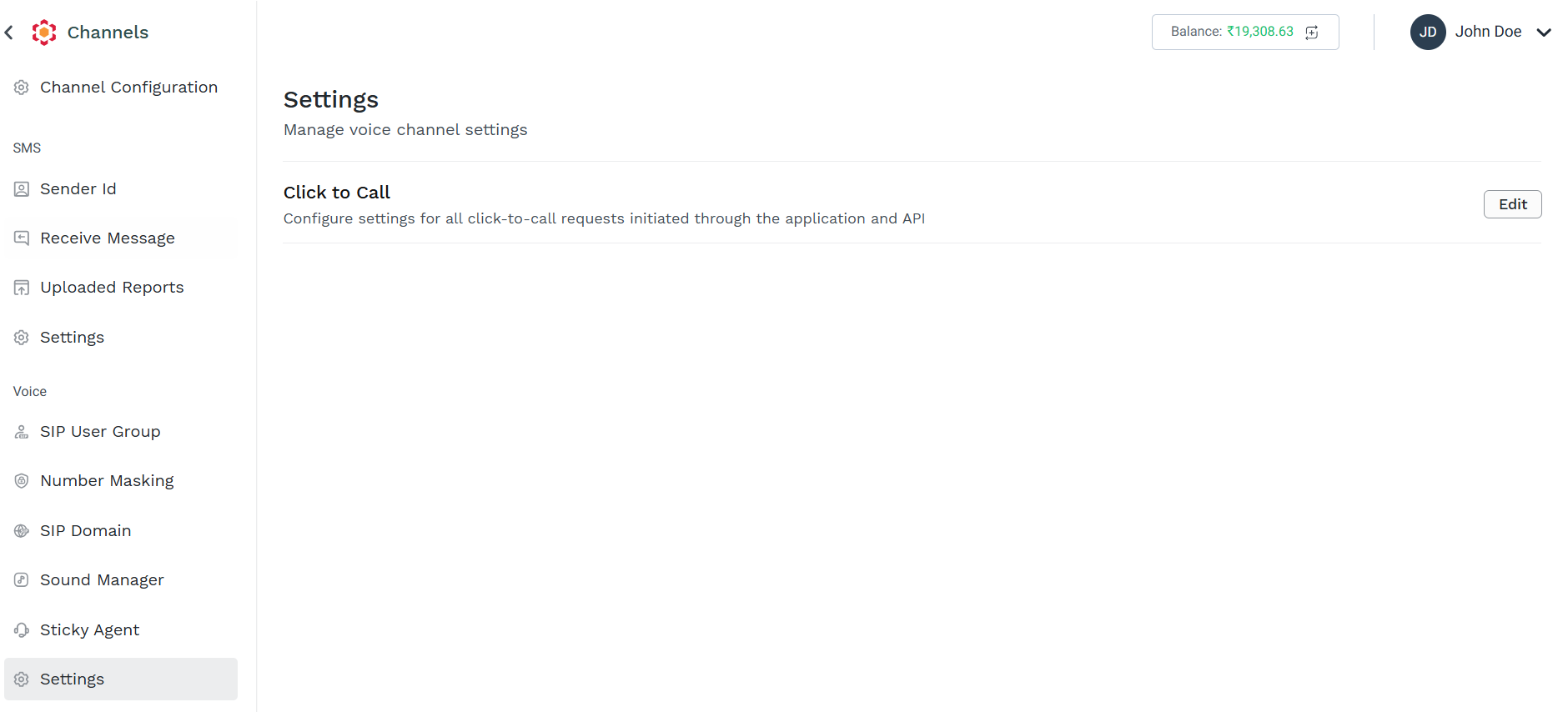
To Edit a specific Setting for Voice, locate it in the page and click Edit
The available setting for Voice channel are:
Updated 2 months ago
Did this page help you?