

Download SMS Template
The Download SMS Template feature lets you download single or multiple templates in CSV format.
To download a single template file, perform the following steps from the Template list page:
- Follow step 1 to step 3 of Send SMS Template for Approval.
The SMS page appears.
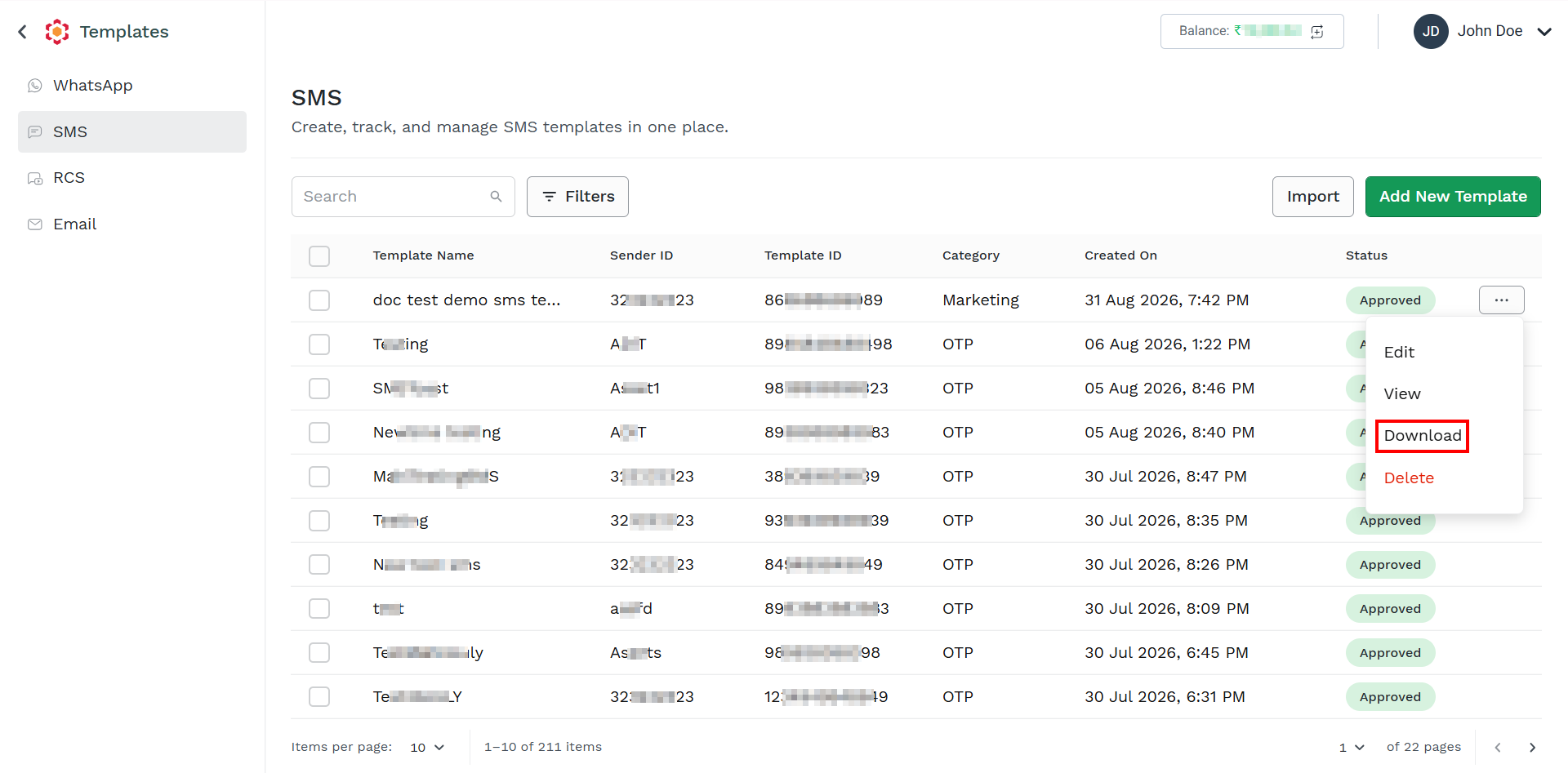
- Click the ellipsis icon the right side of the template you want to download and then click the Download option.
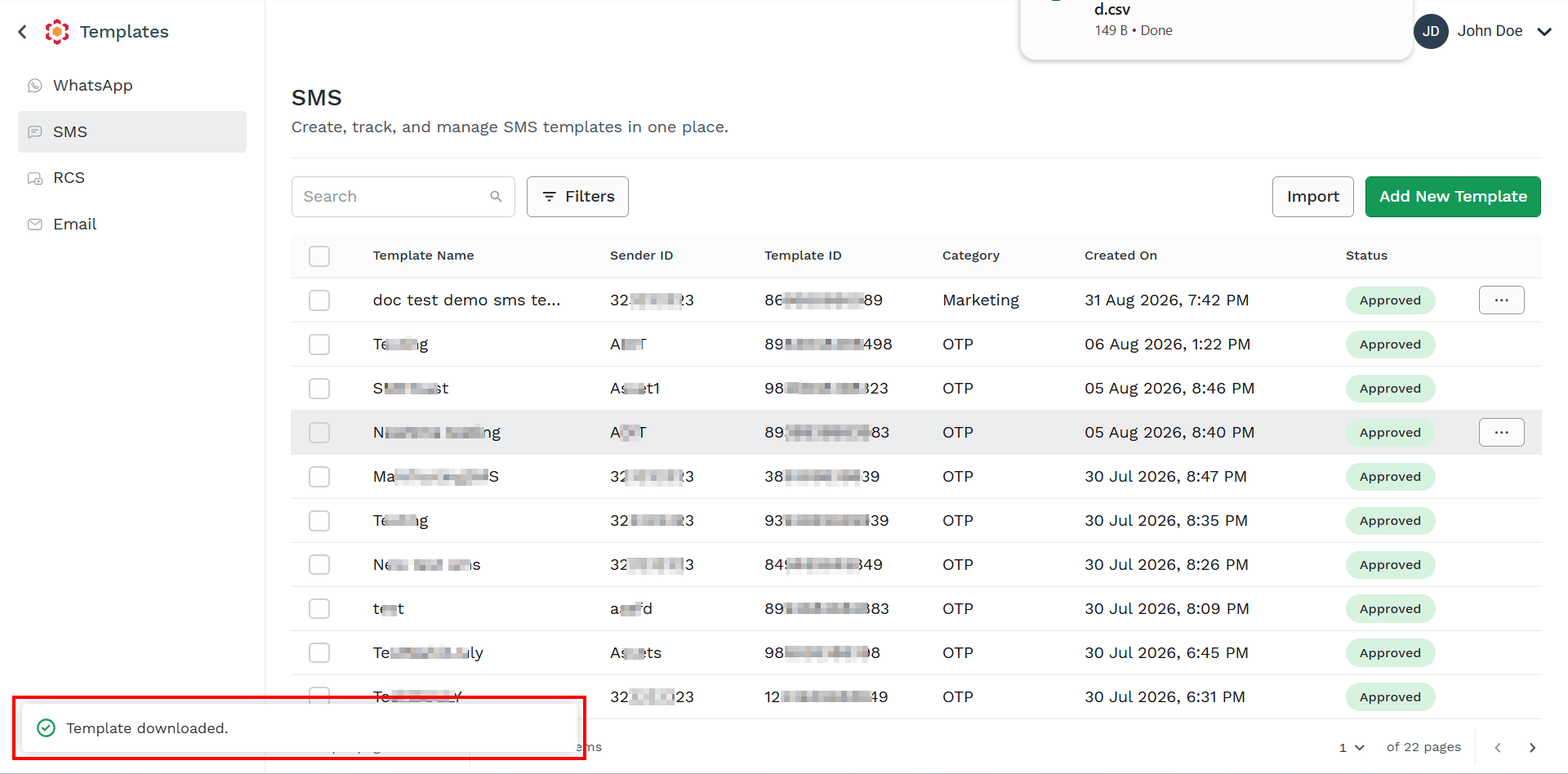
The confirmation message appears and template gets downloaded.
You can view the downloaded SMS template report with Title, Purpose, Content, Sender_ID, and Template_ID information in CSV format.

Updated 2 months ago
Did this page help you?