

Voice Callback Configuration
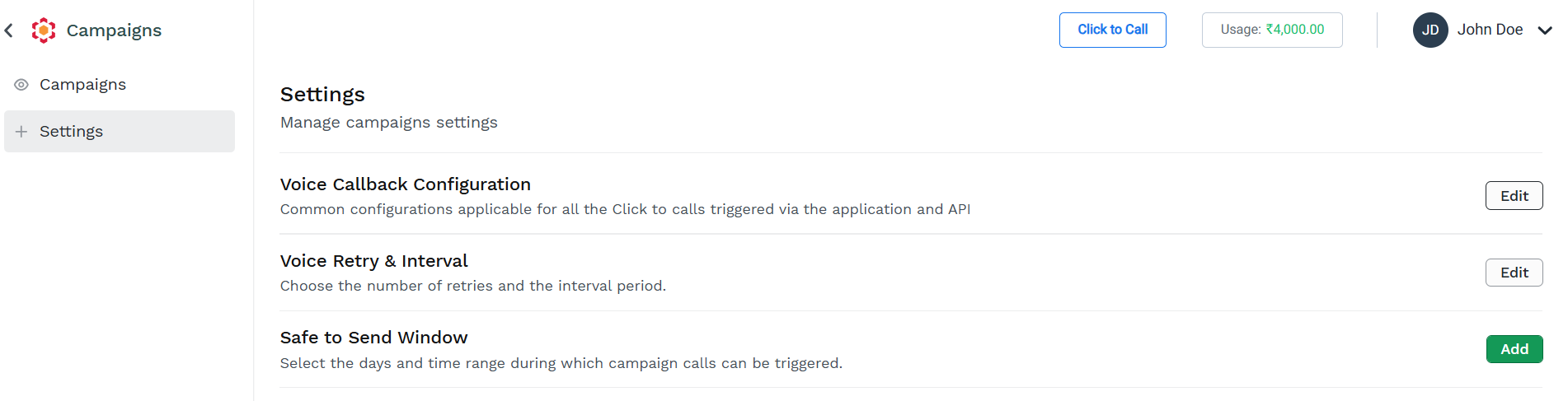
To access the Voice Callback Configuration, click on the Edit button in the Campaigns Setting page.
The Voice Callback Configuration pane appears.
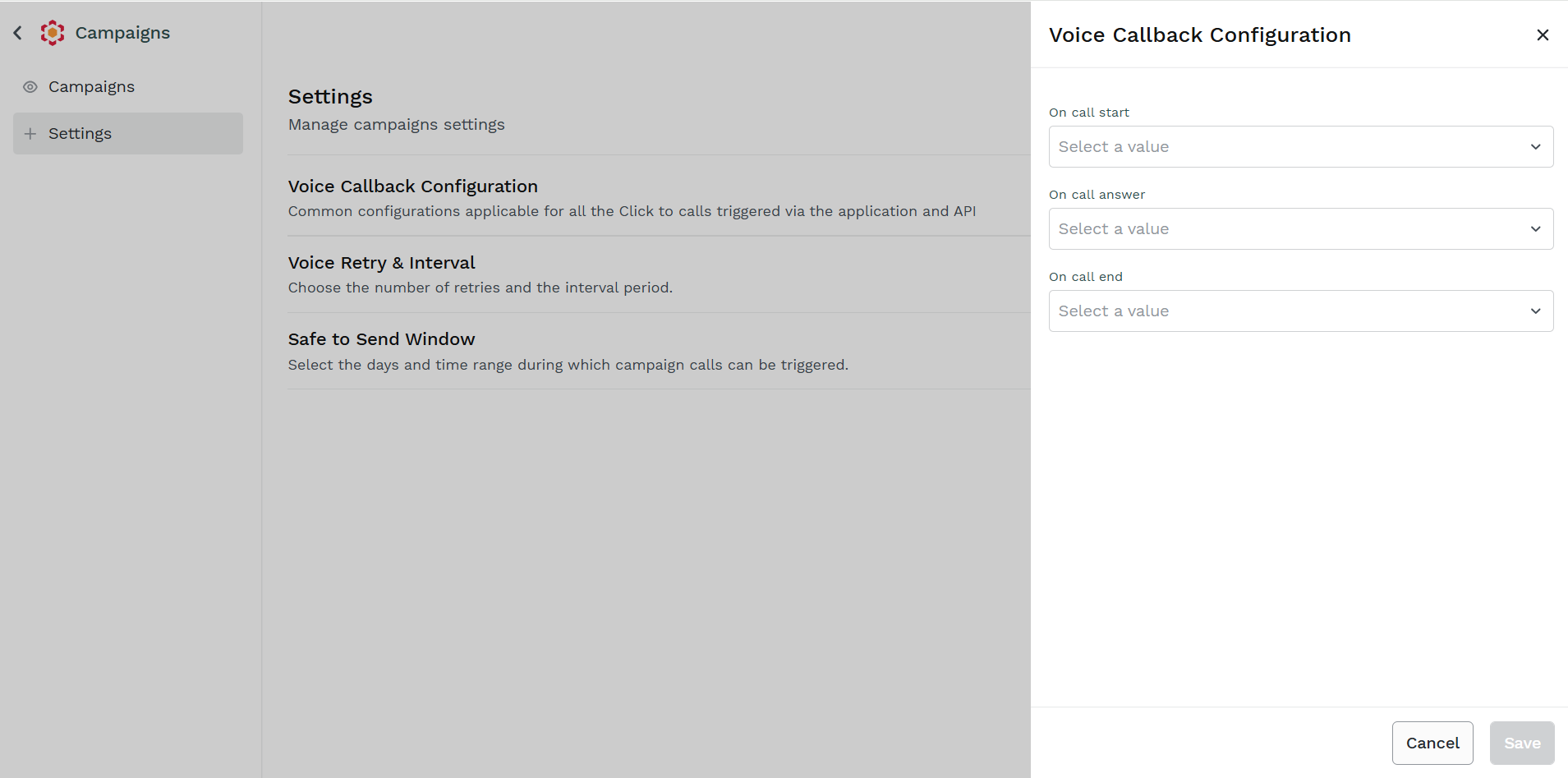
Voice Callback Configuration allows you to select wich Callback Profile to be used by Kaleyra Platform to send webhook notification for specific Vocie Campaigns Events.
You can select a specific Callback Profile for the following events:
- Call Starts
- Call Answered
- Call Ends
Once your configuration is completed, click Save to store it in the system.
Updated 11 days ago
Did this page help you?