

Delete Domain Allowlist
You can delete the domain from the Domain Allowlist.
To delete a domain, perform the following steps:
- Follow step 1 to step 3 of Add Domain Allowlist.
The Security page appears.
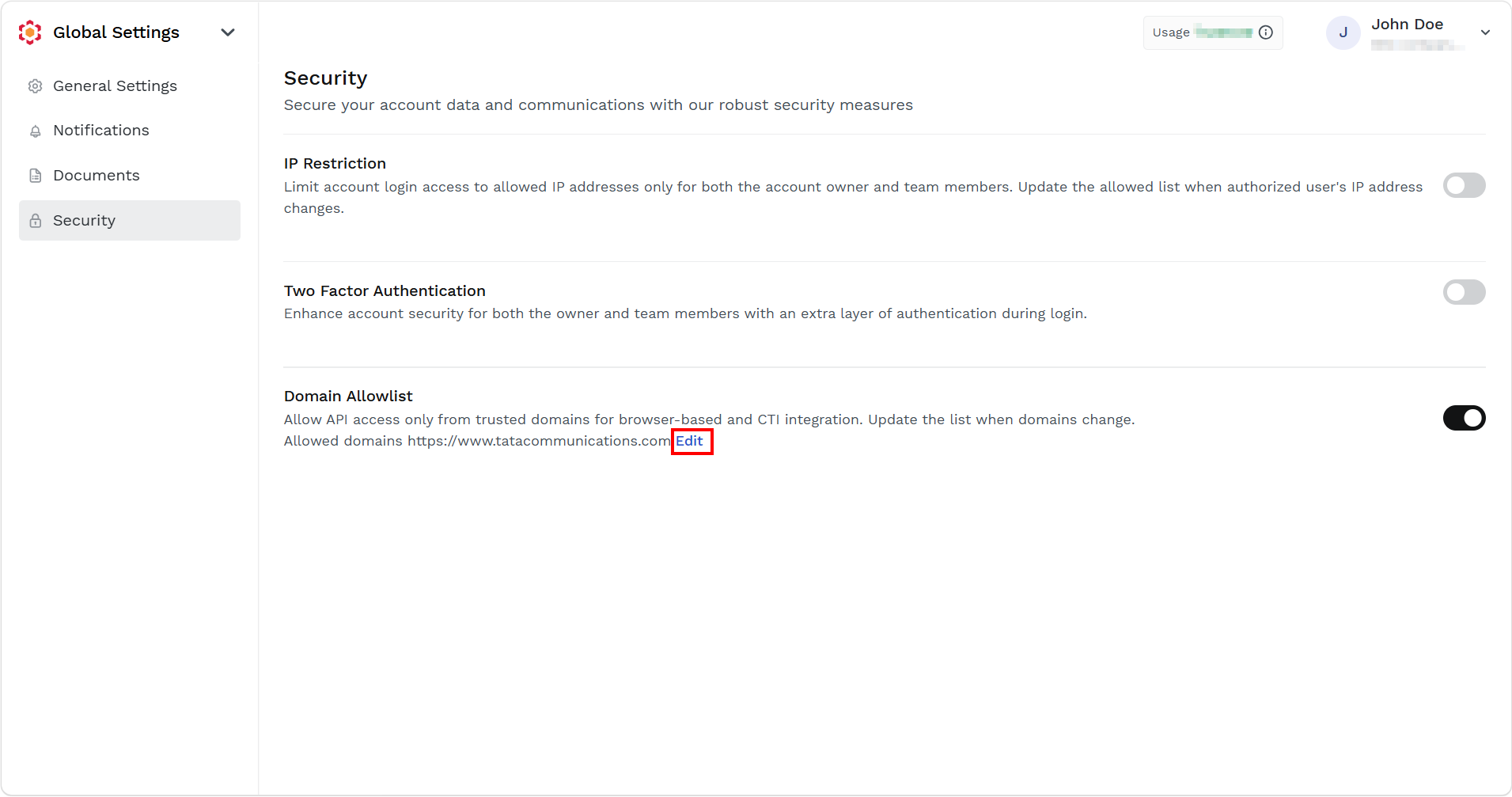
- In the Domain Allowlist section, click the Edit link.
The Domain Allowlist pane appears on the right side of the page.
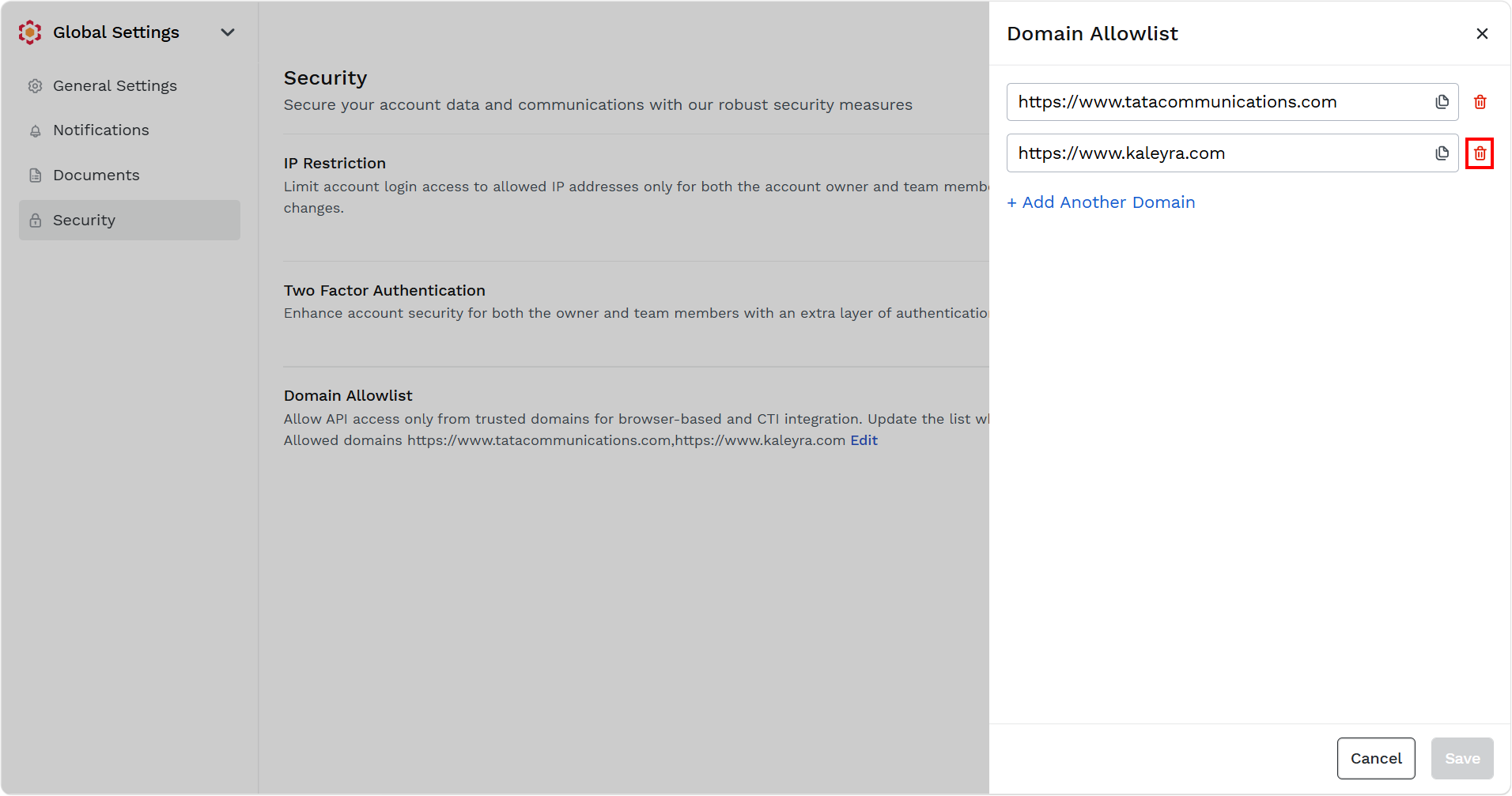
- Click the delete icon next to the domain you want to delete.
The domain gets deleted.
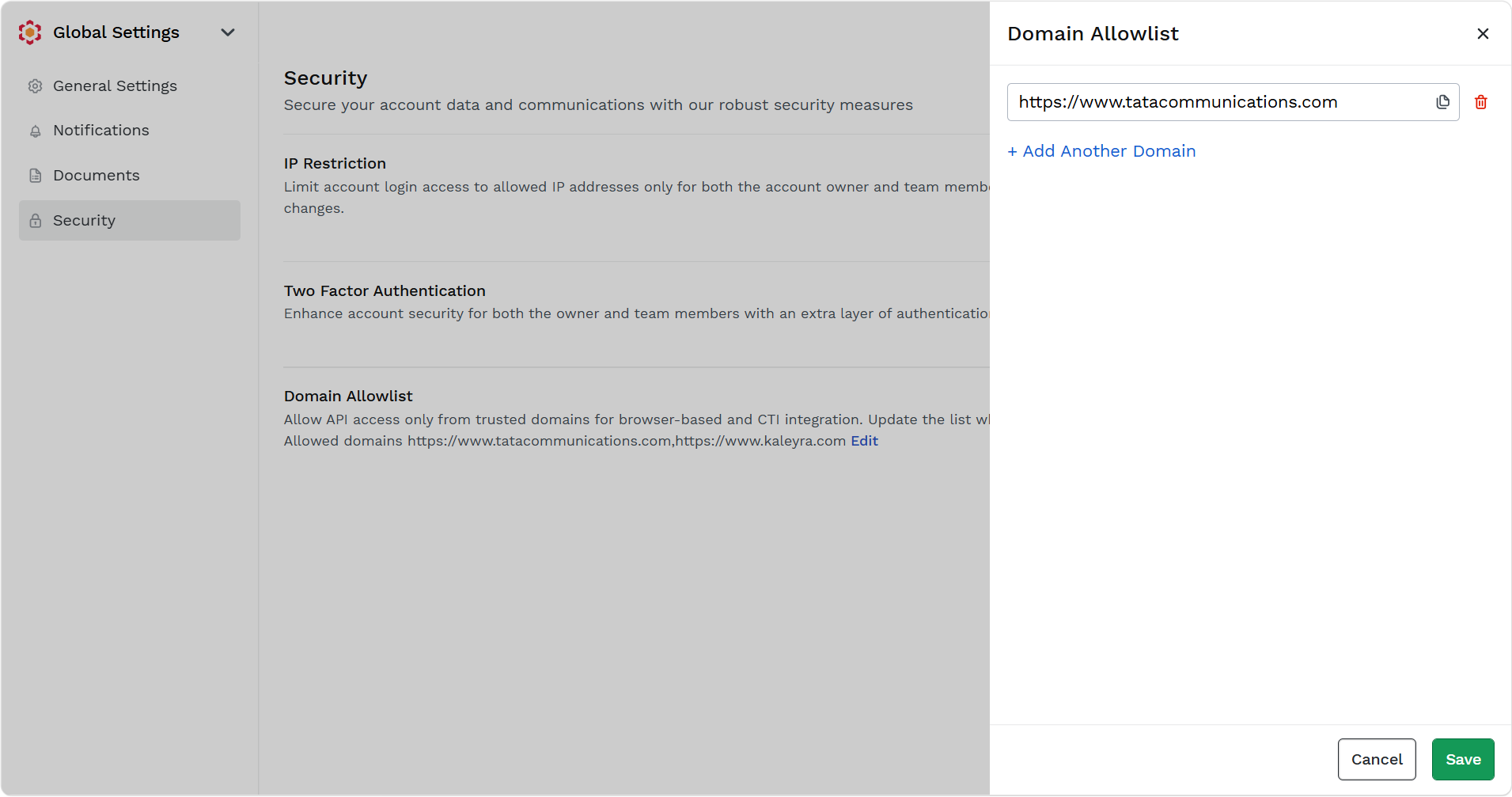
- Click Save.
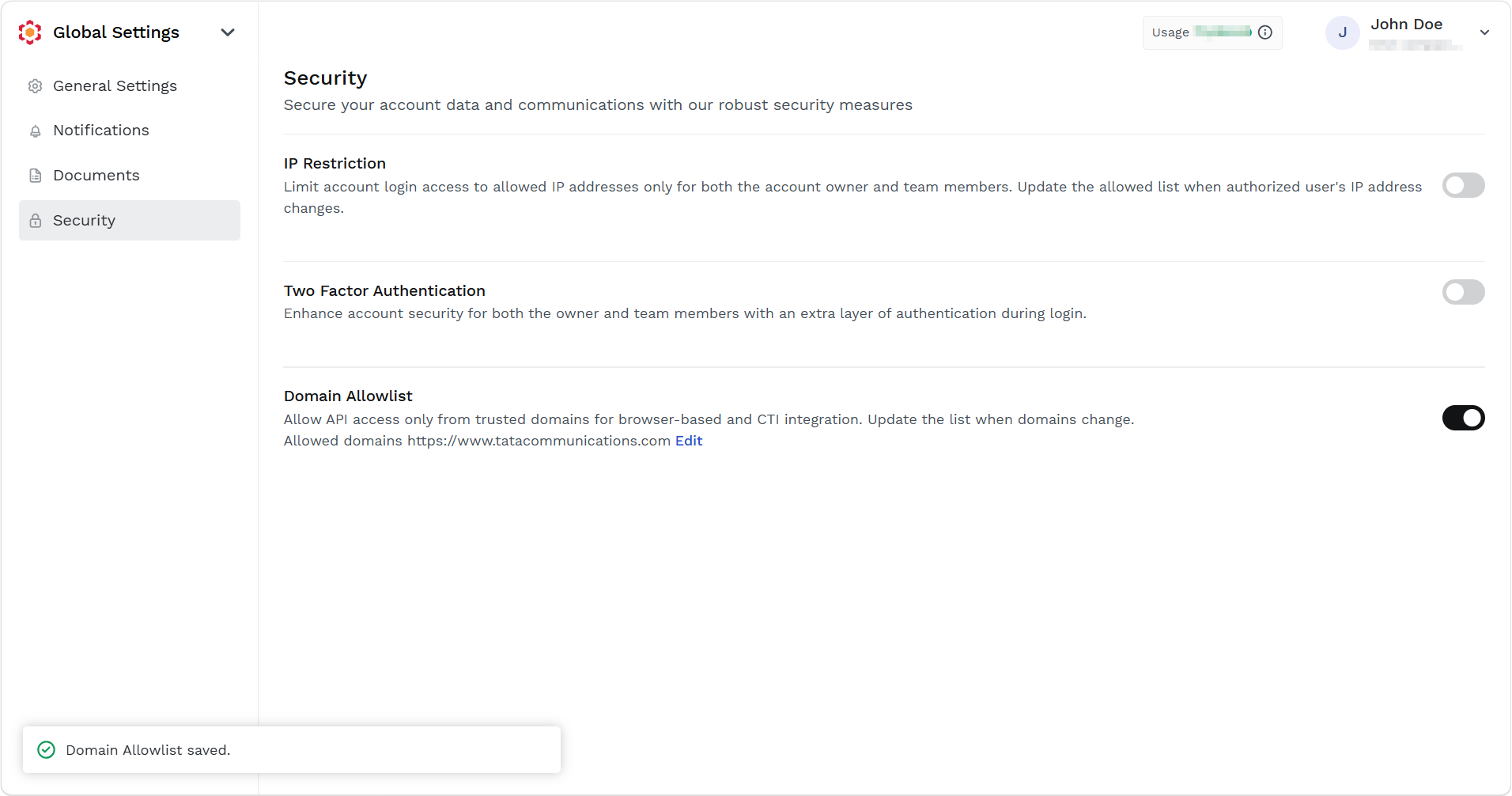
The confirmation message Domain Allowlist saved appears.
Updated about 14 hours ago
Did this page help you?