

Global Settings
Global Settings is the centralized area where users can manage their account-level preferences and configurations that apply across the platform.
To access the Global Settings page, perform the following steps:
- Sign in to your Kaleyra platform.
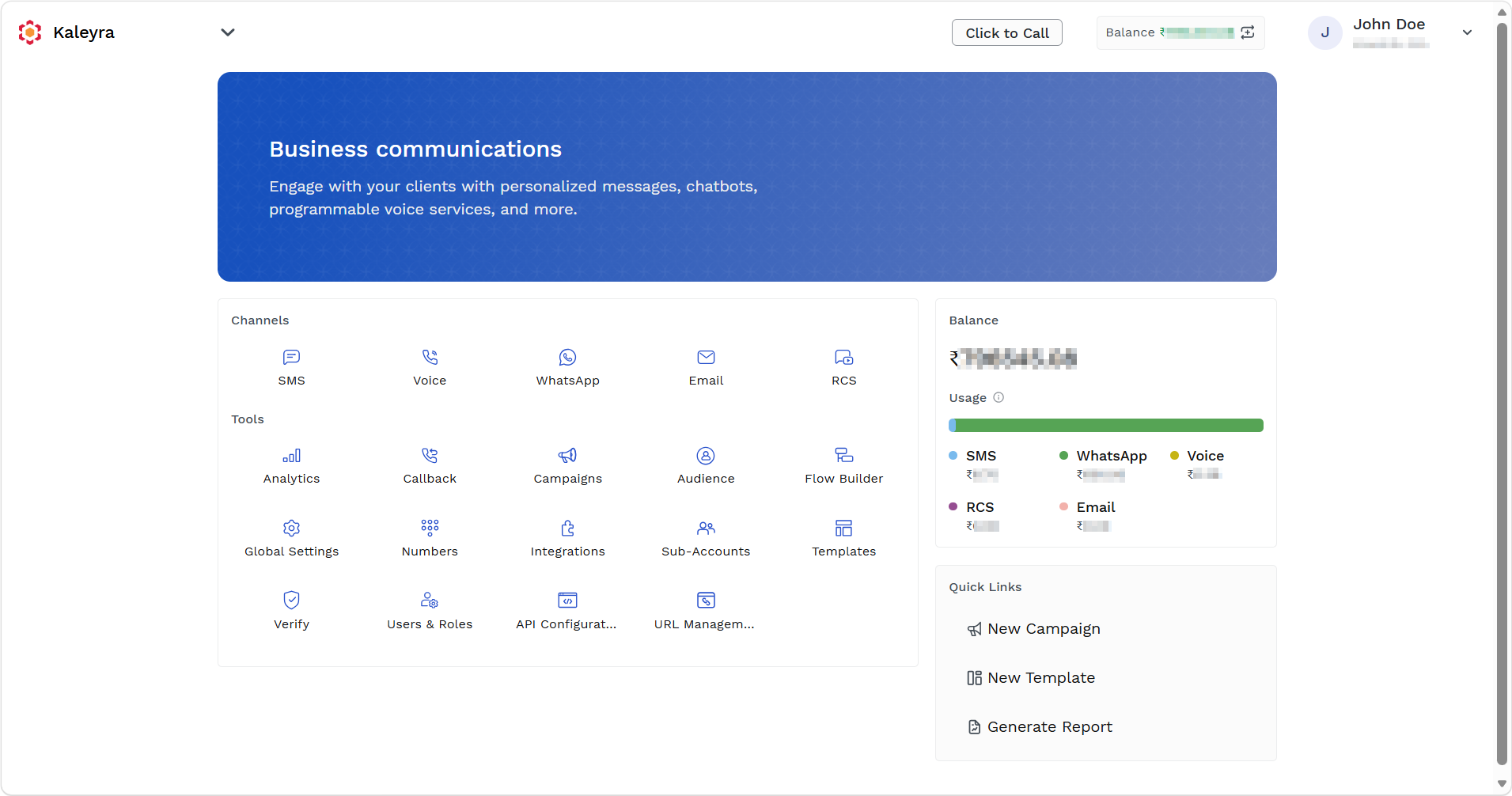
The Business communications page appears.
-
On the Tools section, click Global Settings.
The General Settings page appears.
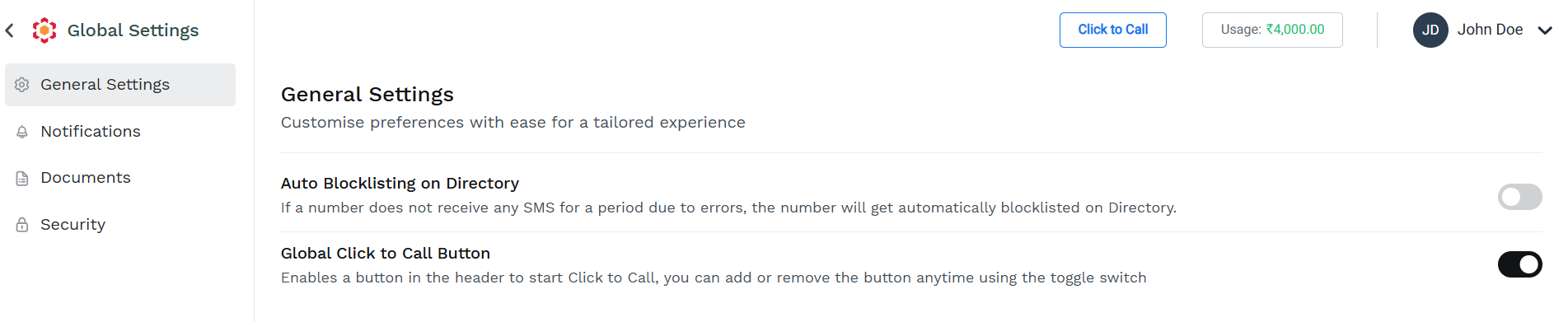
You can navigate to the different sections of the Global Settings page clicking on the required tab in the left navigation pane
To learn more about these options and how to make the settings, click the following links:
Updated about 15 hours ago
Did this page help you?