

Postpaid Billing Overview
Overview page allows you to view current usage for your postpaid account.
To view the current usage for your postpaid account, perform the following steps:
- Sign in to your Kaleyra platform.
- On the left menu bar, click the Billing option.
The Billing Overview page appears.
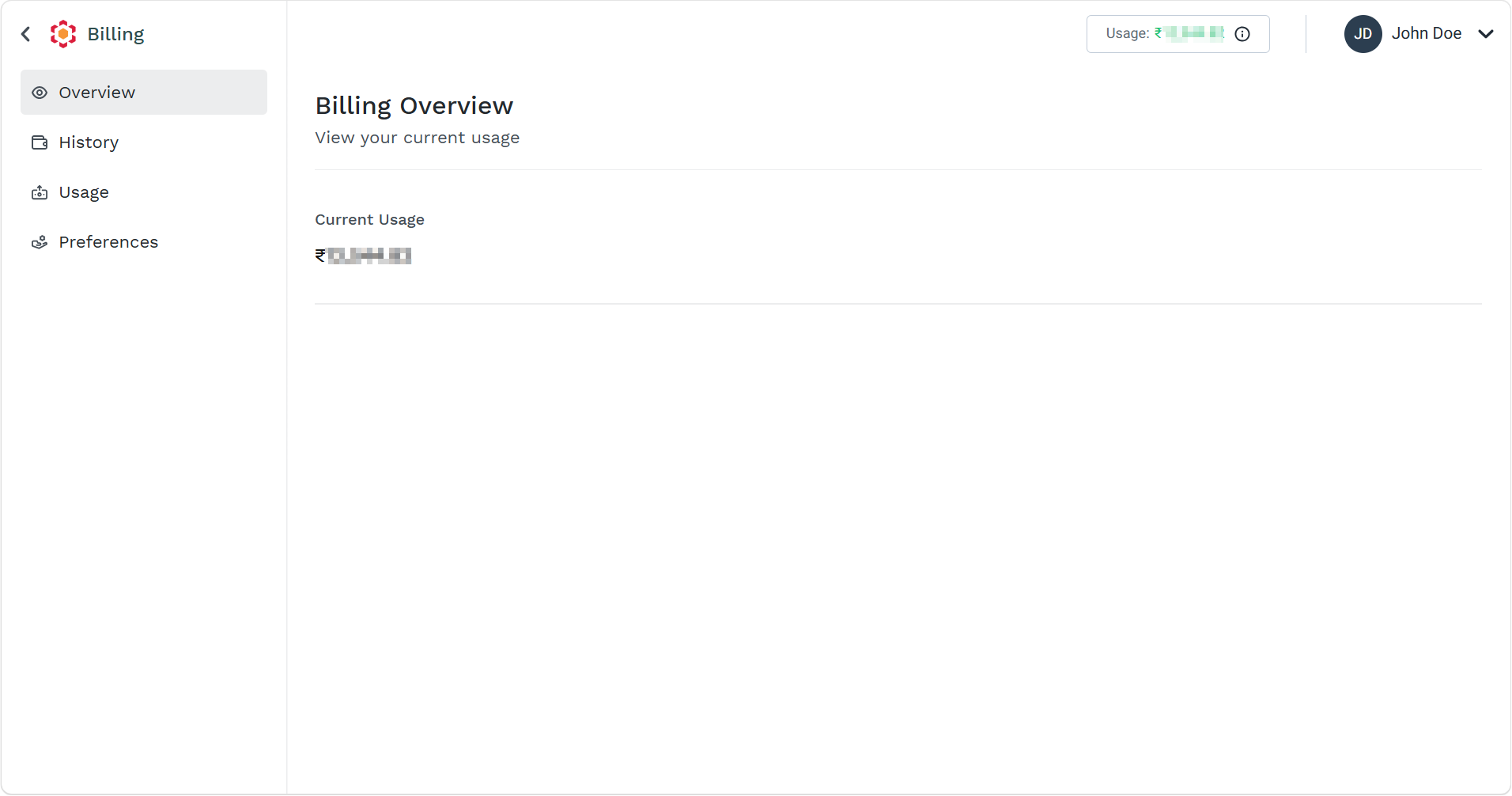
You can view the Current Usage for your postpaid account.
Updated about 2 months ago
Did this page help you?