

Safe to Send Window
The Safe to Send Window allows you to configure on daily basis specific window where Voice Campaign can run and what to do if any Campaign is running out of the configured Safe to Send Window.
To access the Safe to Send Window, click on the Add button in the Campaigns Setting page
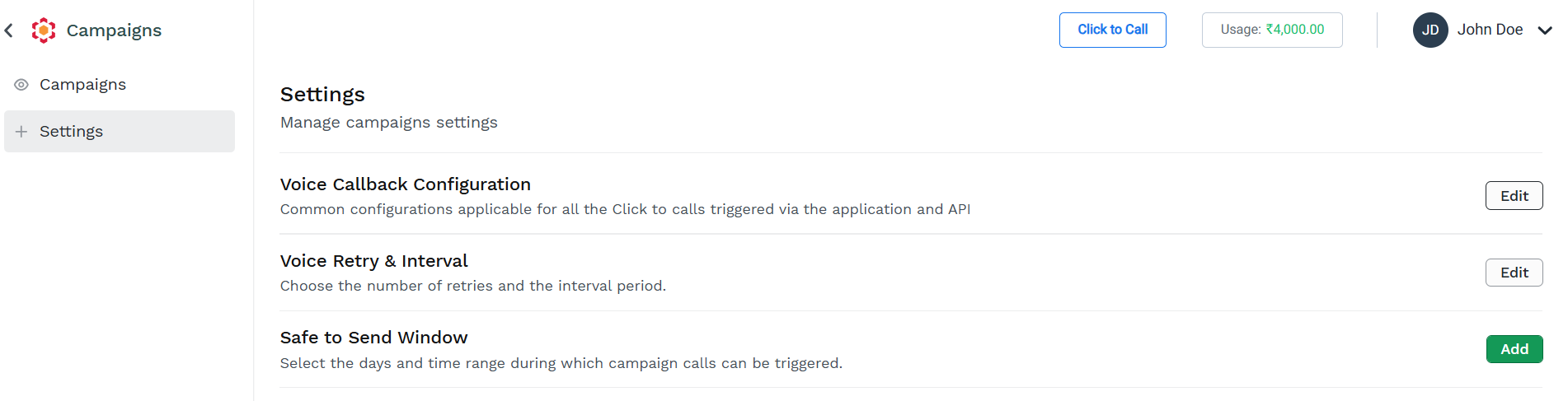
The Safe to Send Window configuration pane appears.
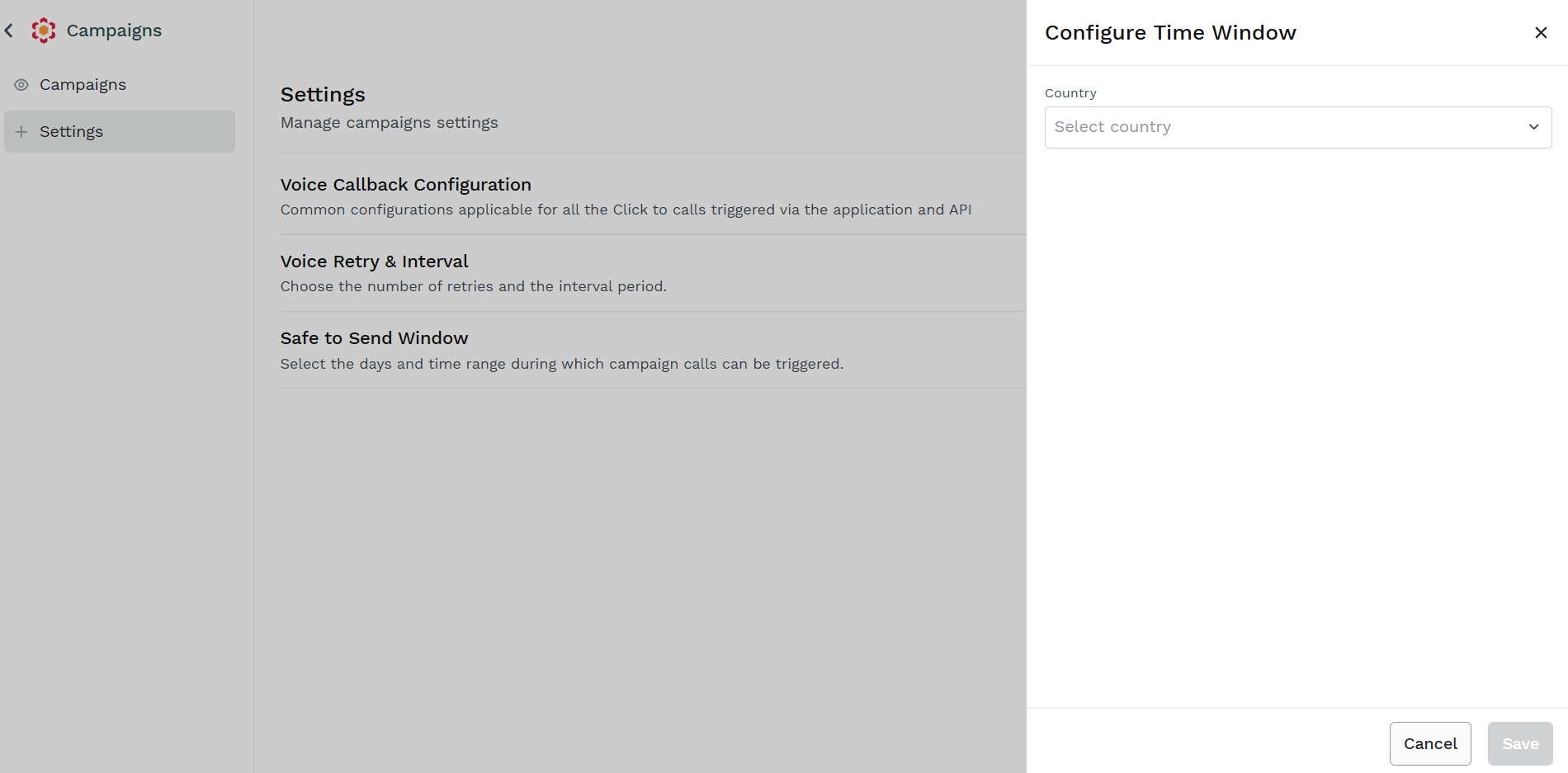
To configure a Safe to Send Window for Campaigns follow these steps:
-
Select from the dropdown the country to which you are going to sent Campaigns
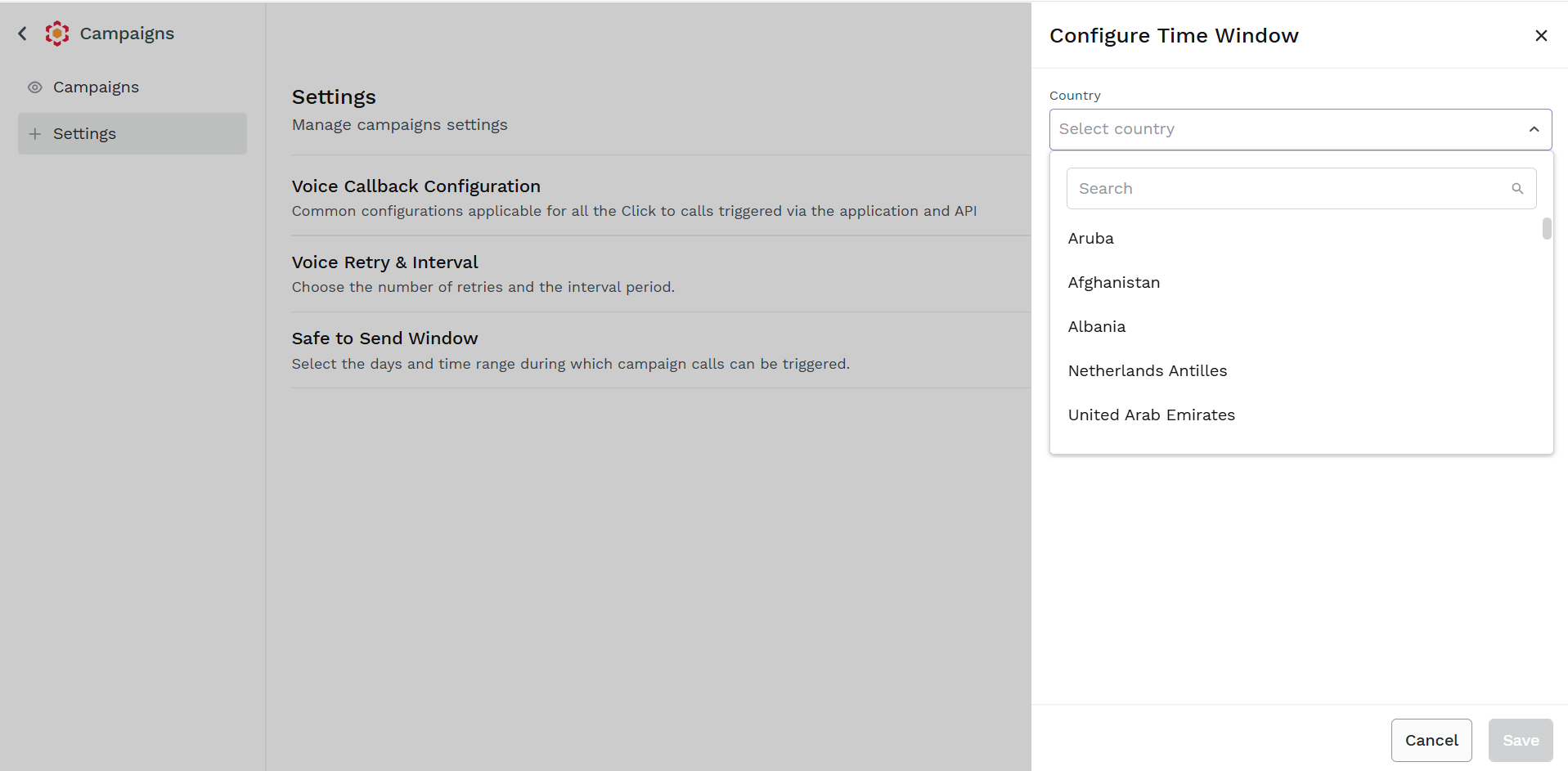
-
Select from the dropdown in which day the Safe to Send Window applies.
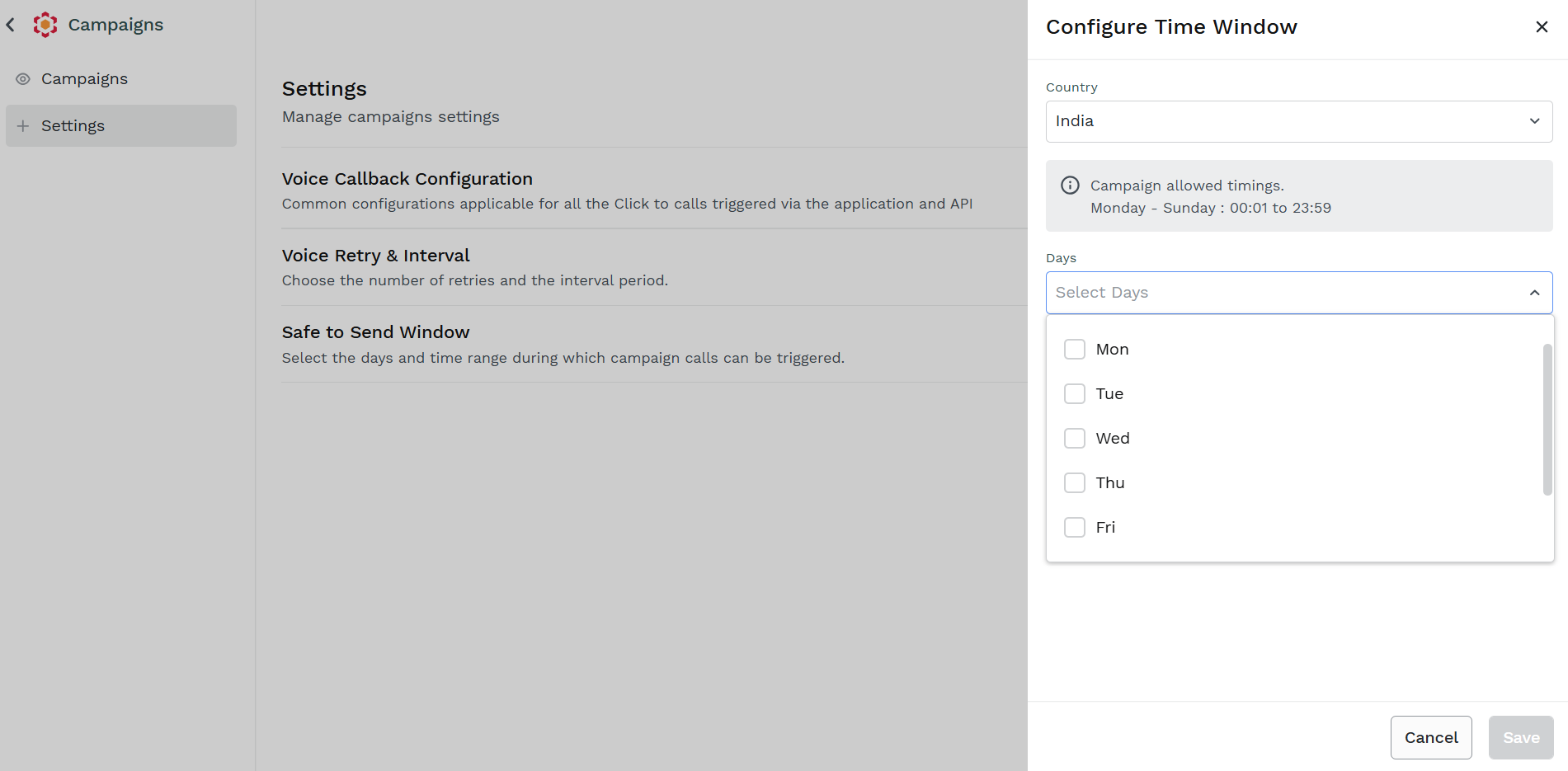
-
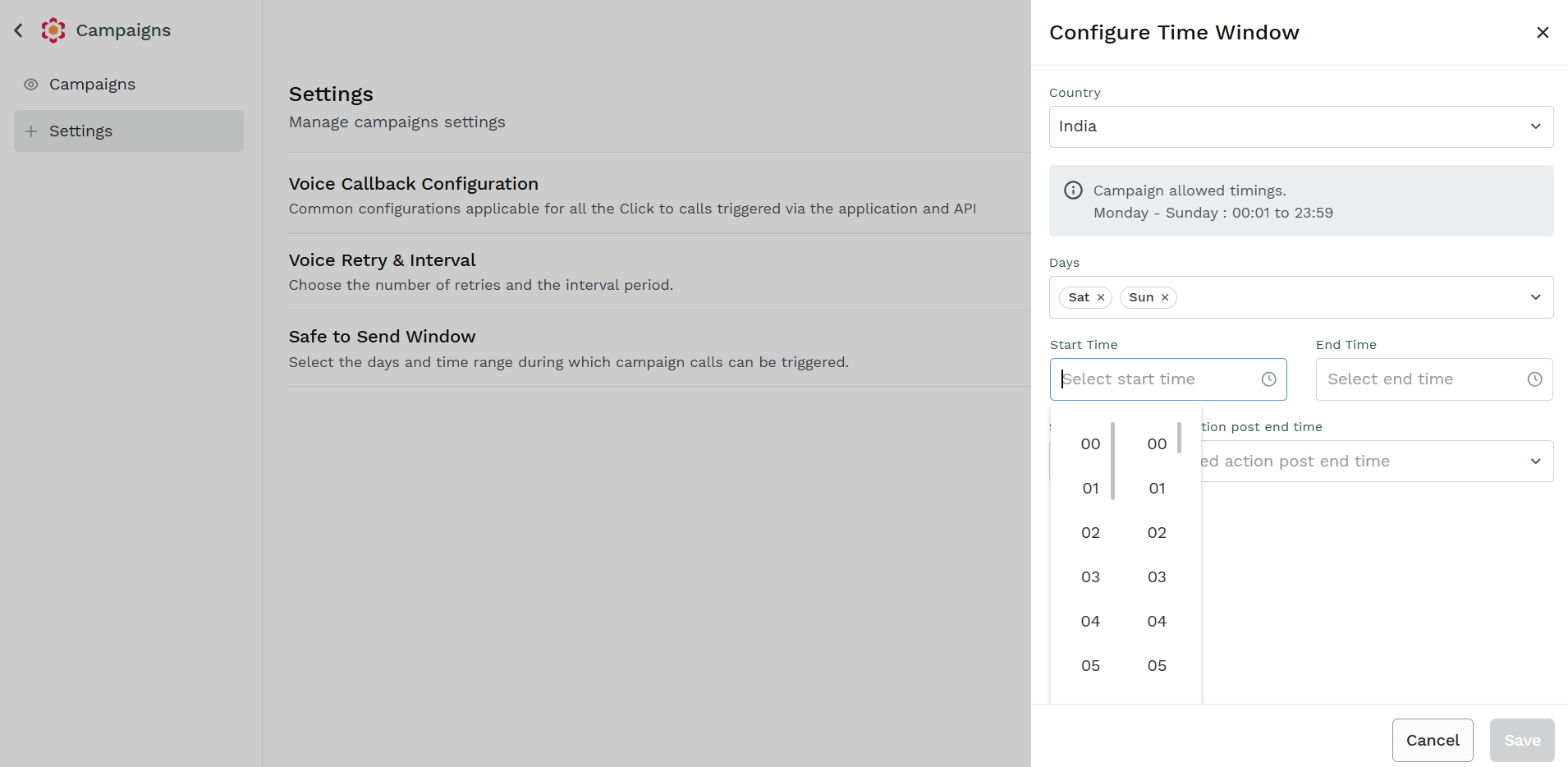
Select the Start Time and End Time of the Safe to Send Window that will be applied during the selected Days.
-
Select the preferred actions in case Campaigns is running out of the Safe to Send Window.
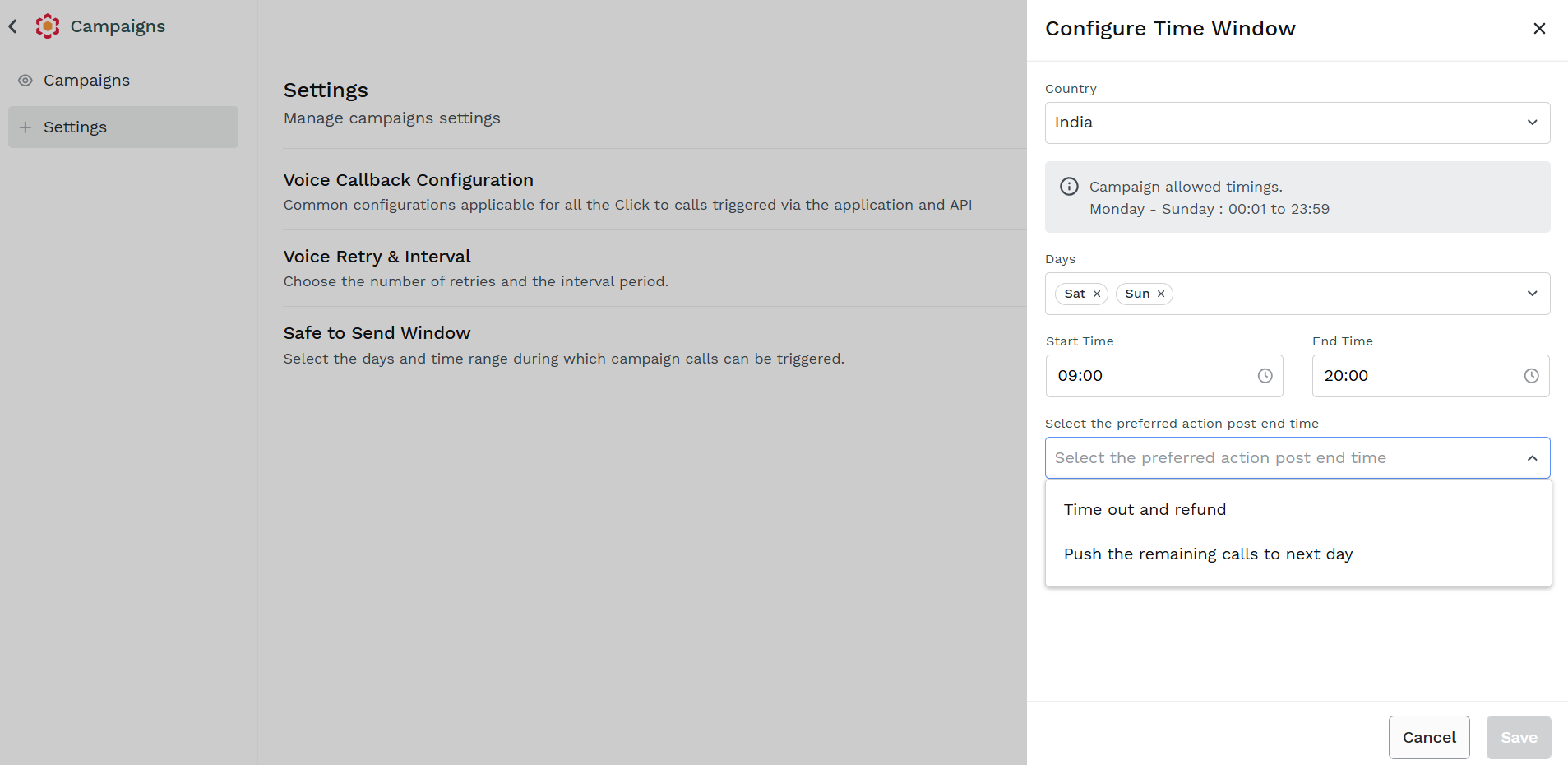
Available options are:
- Time Out and refund - Kaleyra Platform won't execute Campaigns out of the Safe to Send Window, remaining calls will be discarded and any deduct amount will be refunded
- Push the remaining calls to next day - the Campaigns will be put on hold and resumed during the next Safe to Send Window
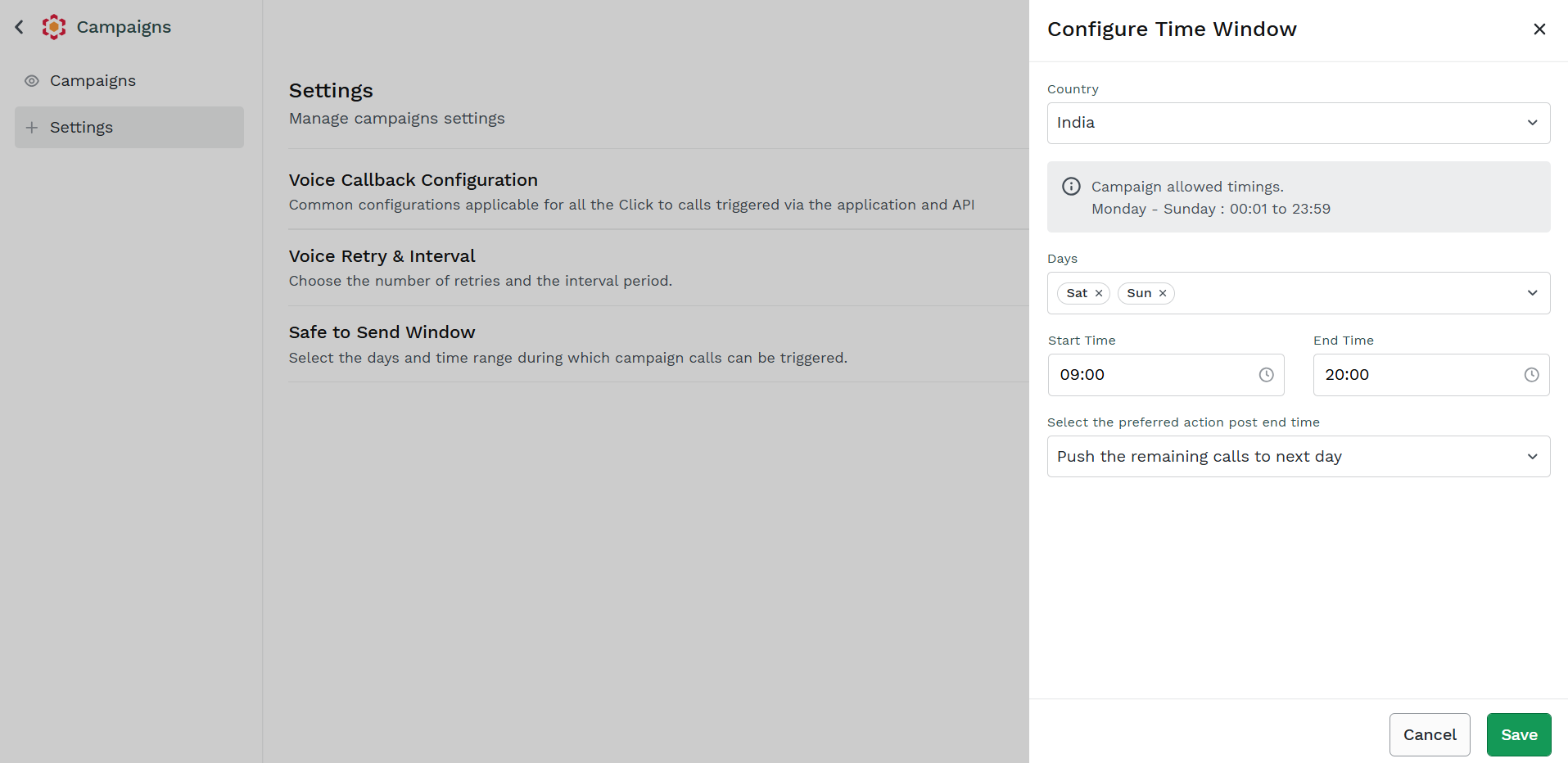
Once your configuration is completed, click Save to store it in the system.
Updated 11 days ago