

Logs
Logs are detailed records of all communication activities processed through the Kaleyra platform. Logs help administrators, support teams, and customers track message delivery, troubleshoot issues, audit usage, and analyze channel performance.
To access the Logs page, navigate to the Reports & Logs section from the main left navigation bar
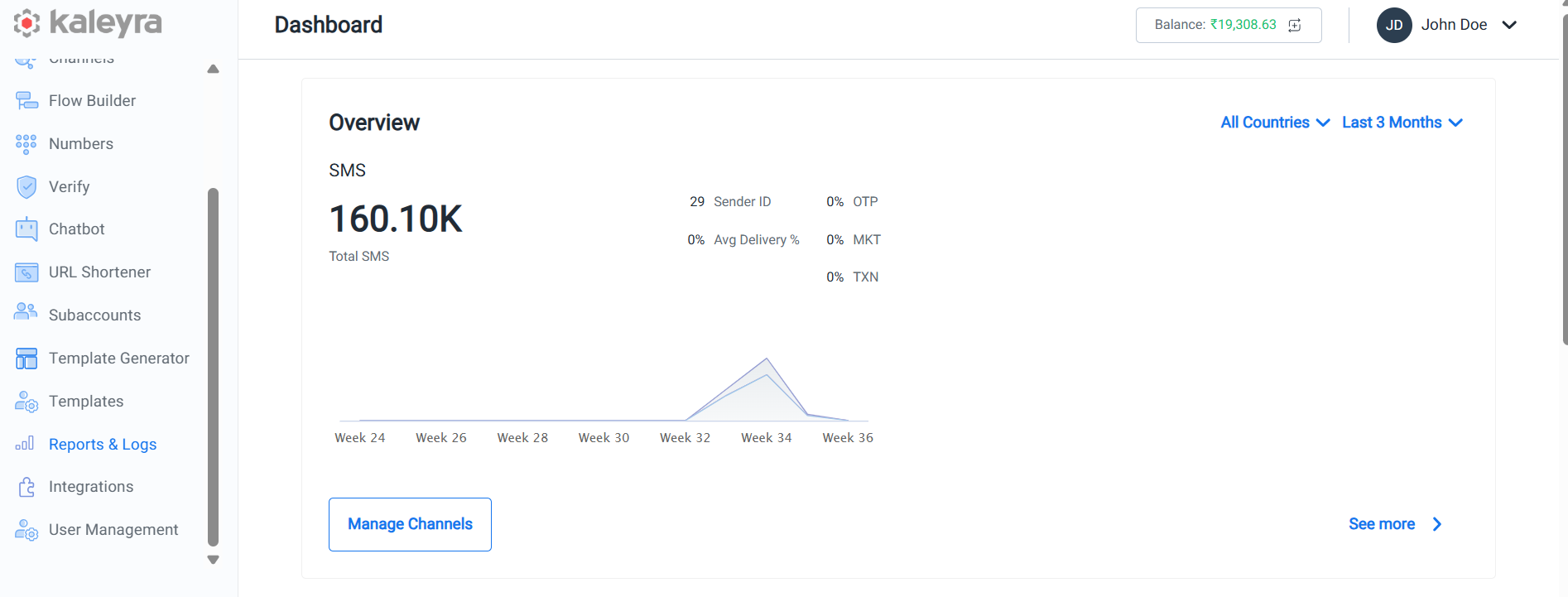
and click on it, the Reports & Logs page appears
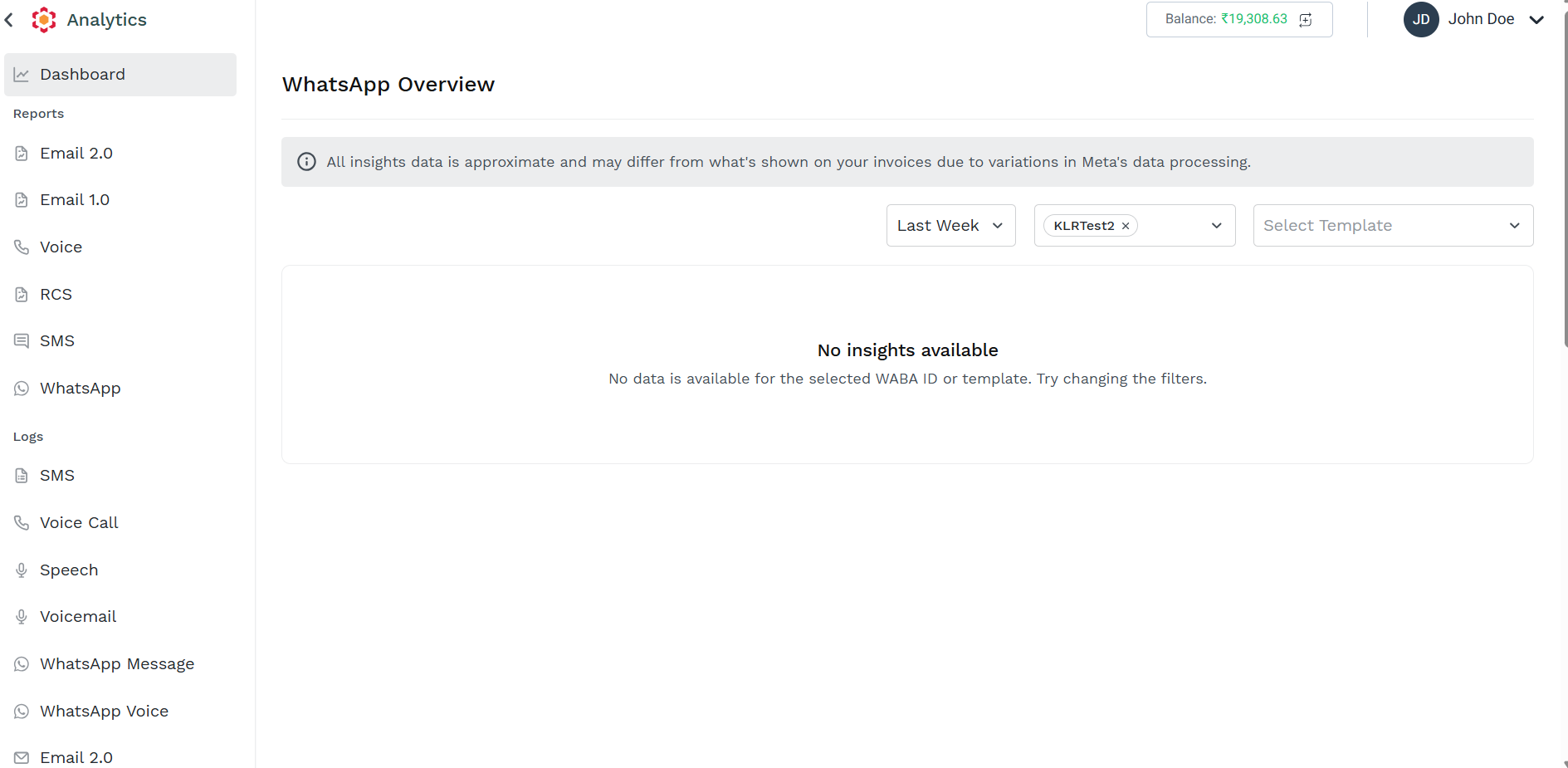
from the left navigation bar, navigate on the Logs section and click on the channel for which you want to access the Logs page.
Following Logs page are available:
- SMS
- Voice Call
- Speech
- Voicemail
- WhatsApp Message
- WhatsApp Voice
- Email 2.0
- Email 1.0
- Verify
Updated 2 months ago
Did this page help you?