

Edit Email Template
The Edit Email Template feature allows you to re-open and change any existing email template through online template editor.
-
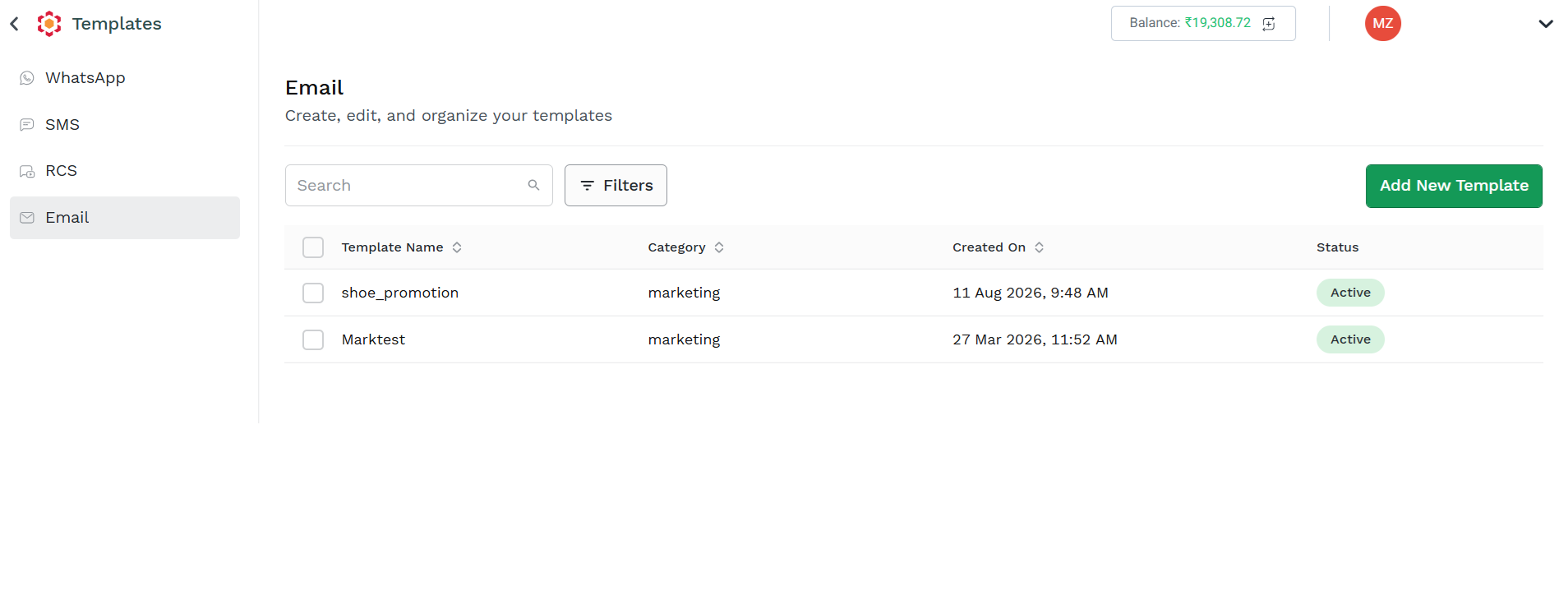
To edit a template, navigate to the Templates section from the left navigation bar, then select Email from the channel list on the left, the Email Template list page appears
-
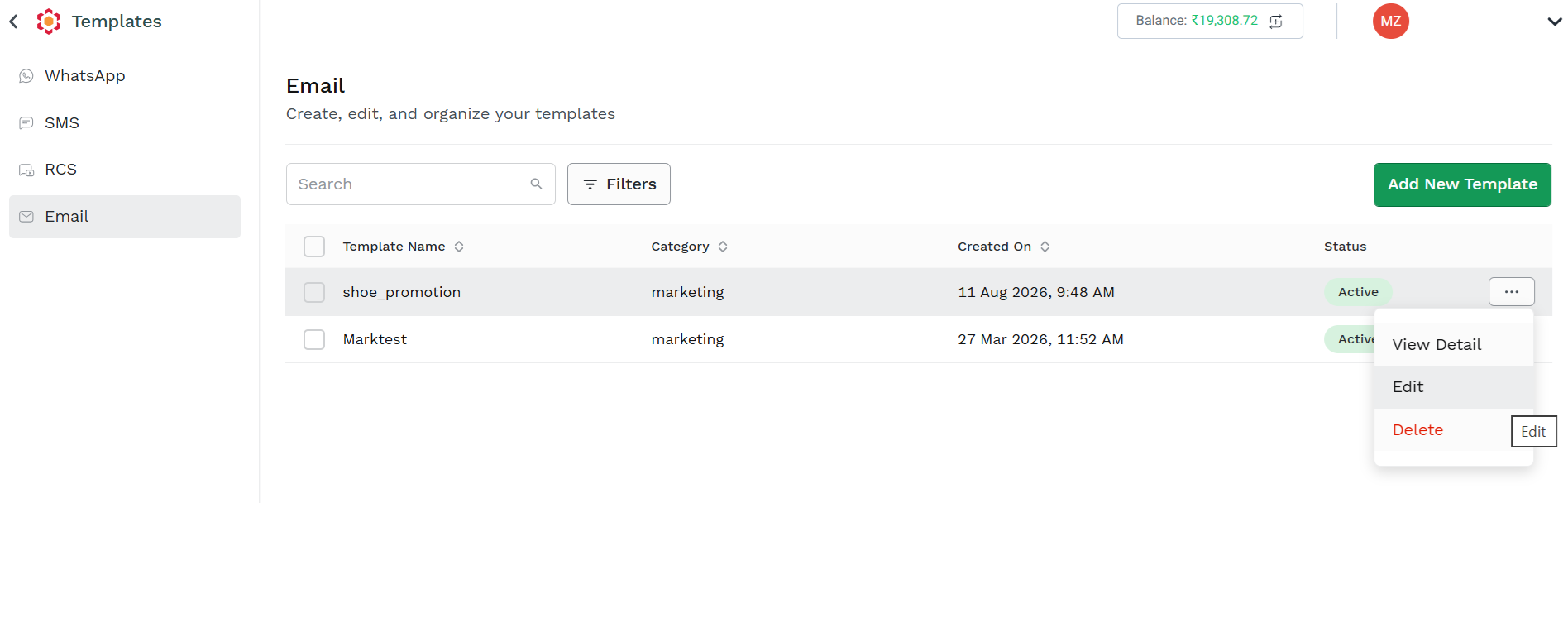
to Edit a template, click on the three dots icon near the Status icon and select Edit. The Email Template Edito page appears.
-
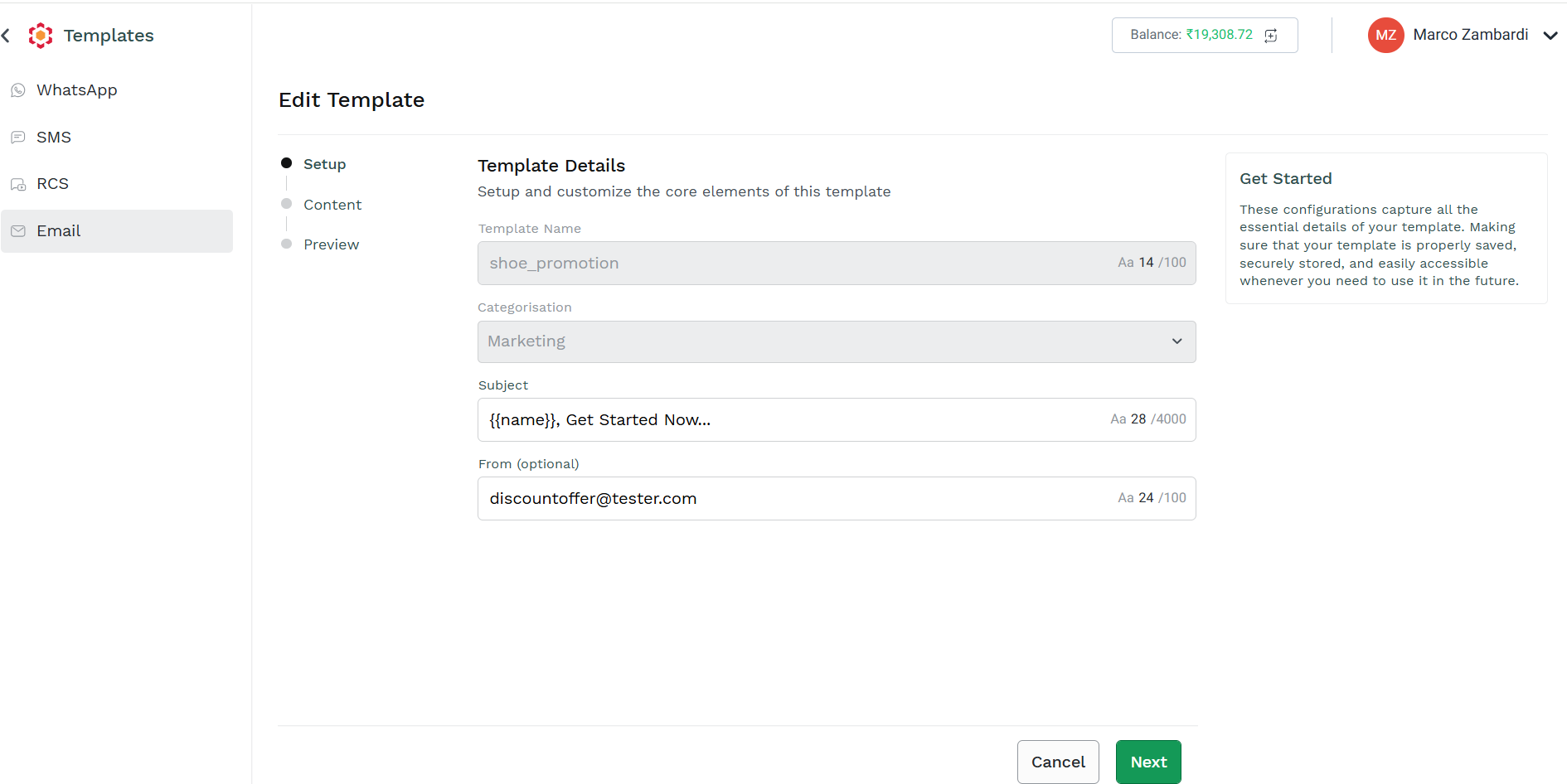
You can edit the existing template exploiting the same capabilities and functionalities described in the Create Email Template section. Please Refer to that section for details.
Note that Template Name and Template Categorisation cannot be edited; if you need to change name or category, you need to create a new template.
-
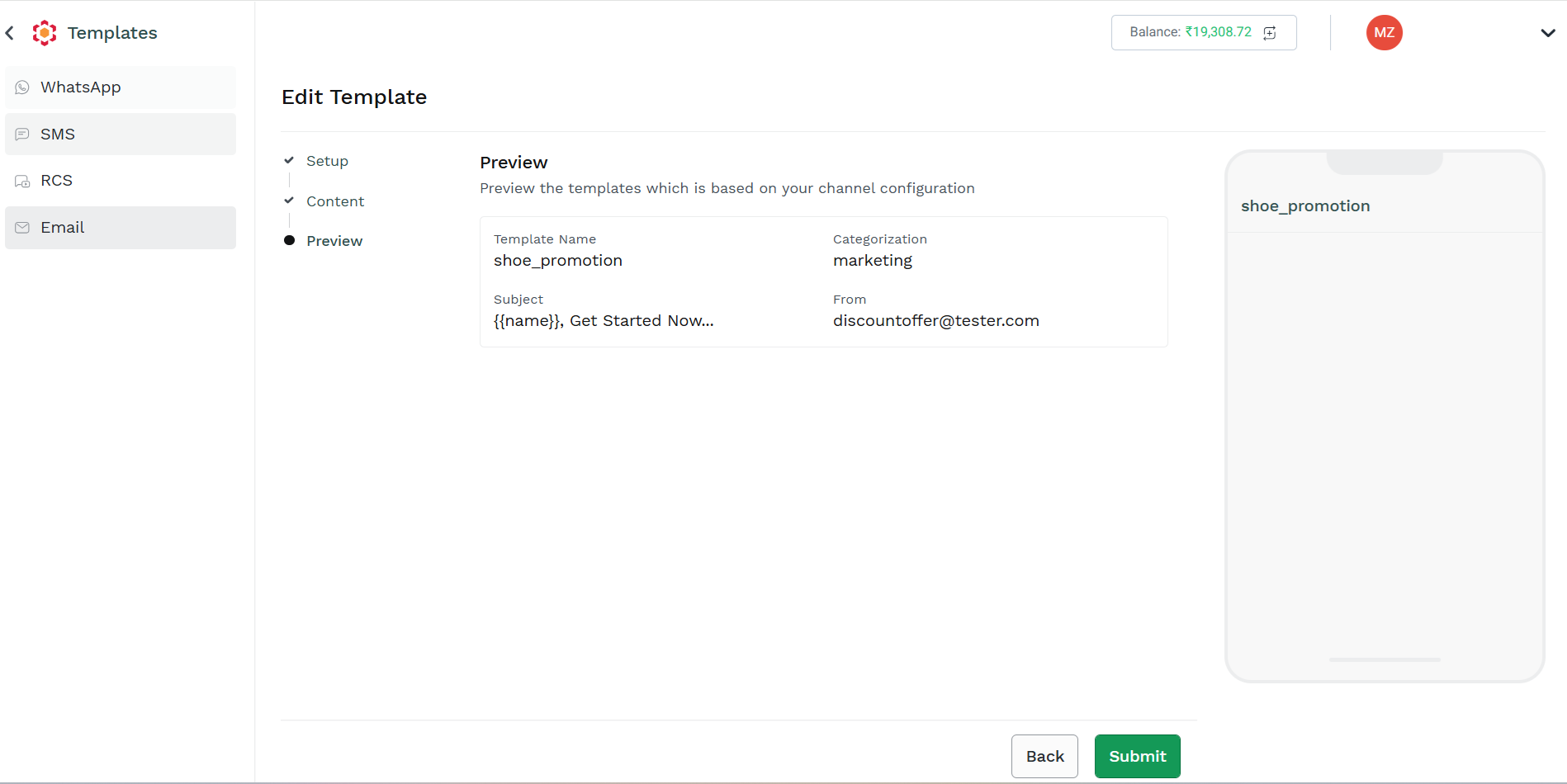
Once you completed your editing, to save the modified template, click Submit.
-
The template is now saved and available in the Template List Page.
Updated 2 months ago