

Notifications
The Notifications feature allows you to enable or disable the notification alerts for automated SMS reports that show the details of the SMS sent to the customers, automated SMS performance report that shows the performance of the SMS triggered, SMS count reports that show the total count of the sent SMS and unit utilized by them, and callback report that shows the failed and successful callback reports.
To access the Notifications page, perform the following steps:
- Sign in to your Kaleyra platform.
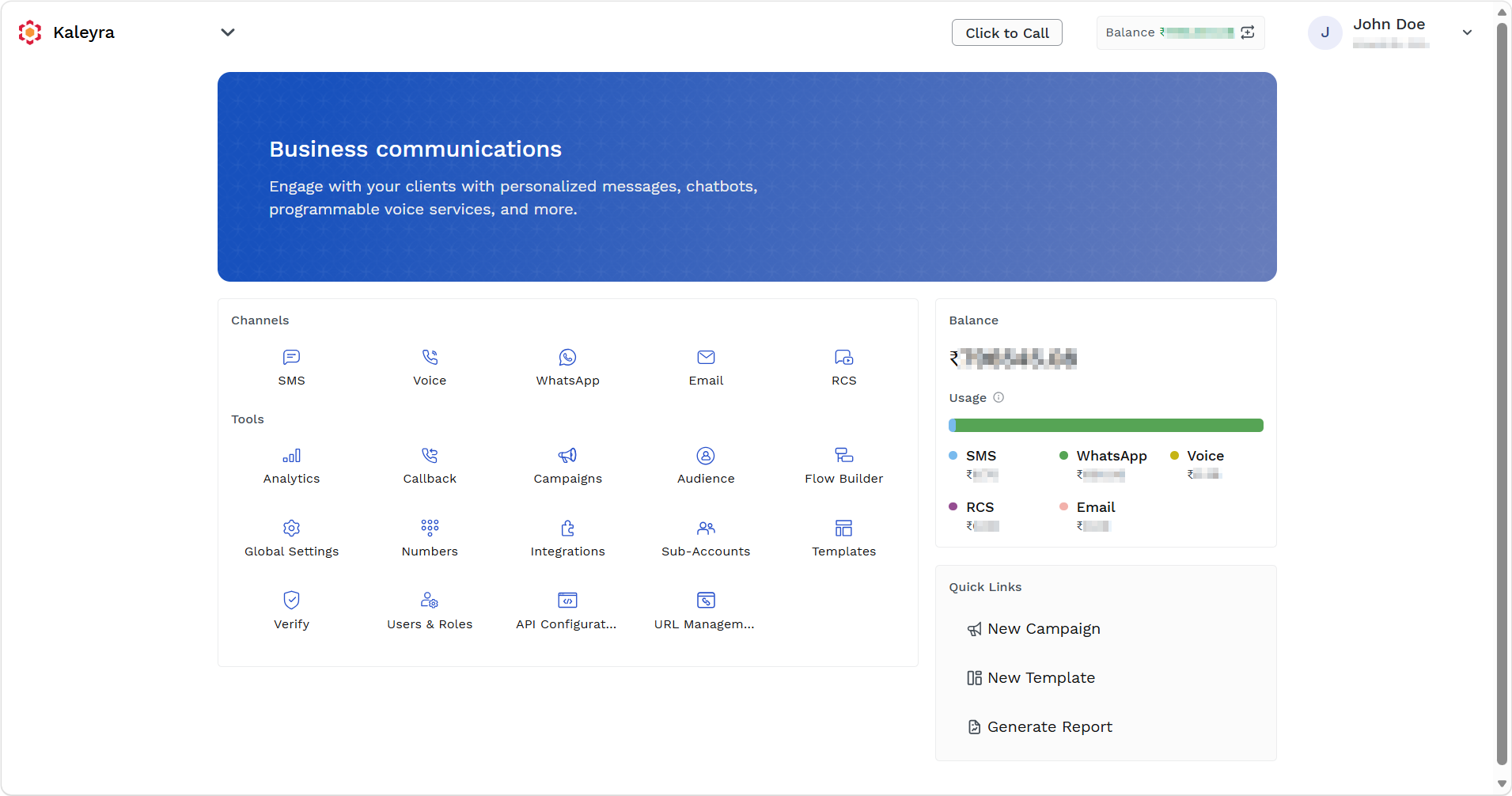
The Business communications page appears.
-
On the Tools section, click Global Settings.
The Global Settings page appears.
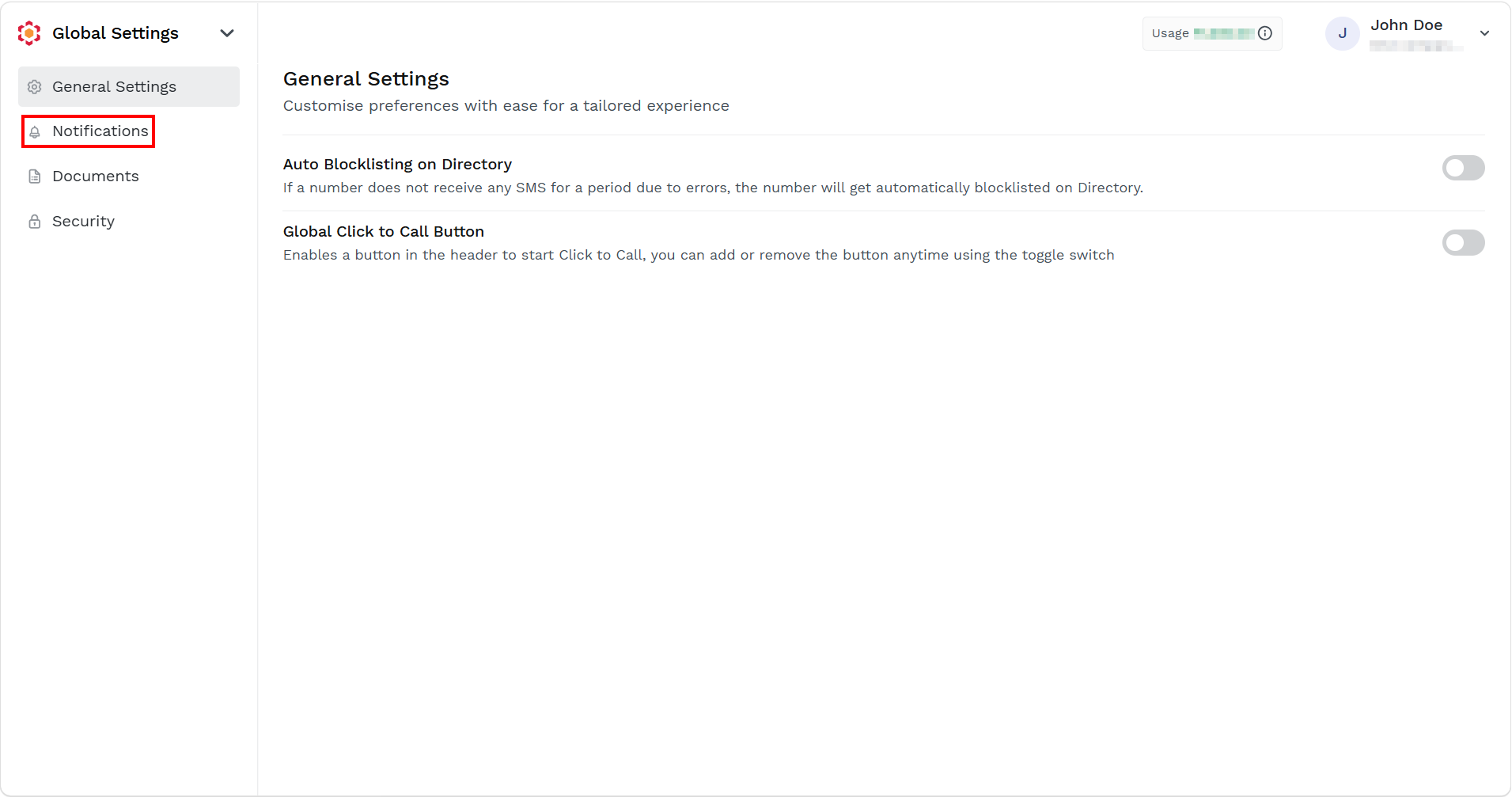
- On the left navigation pane, click Notifications.
The Notifications page appears.
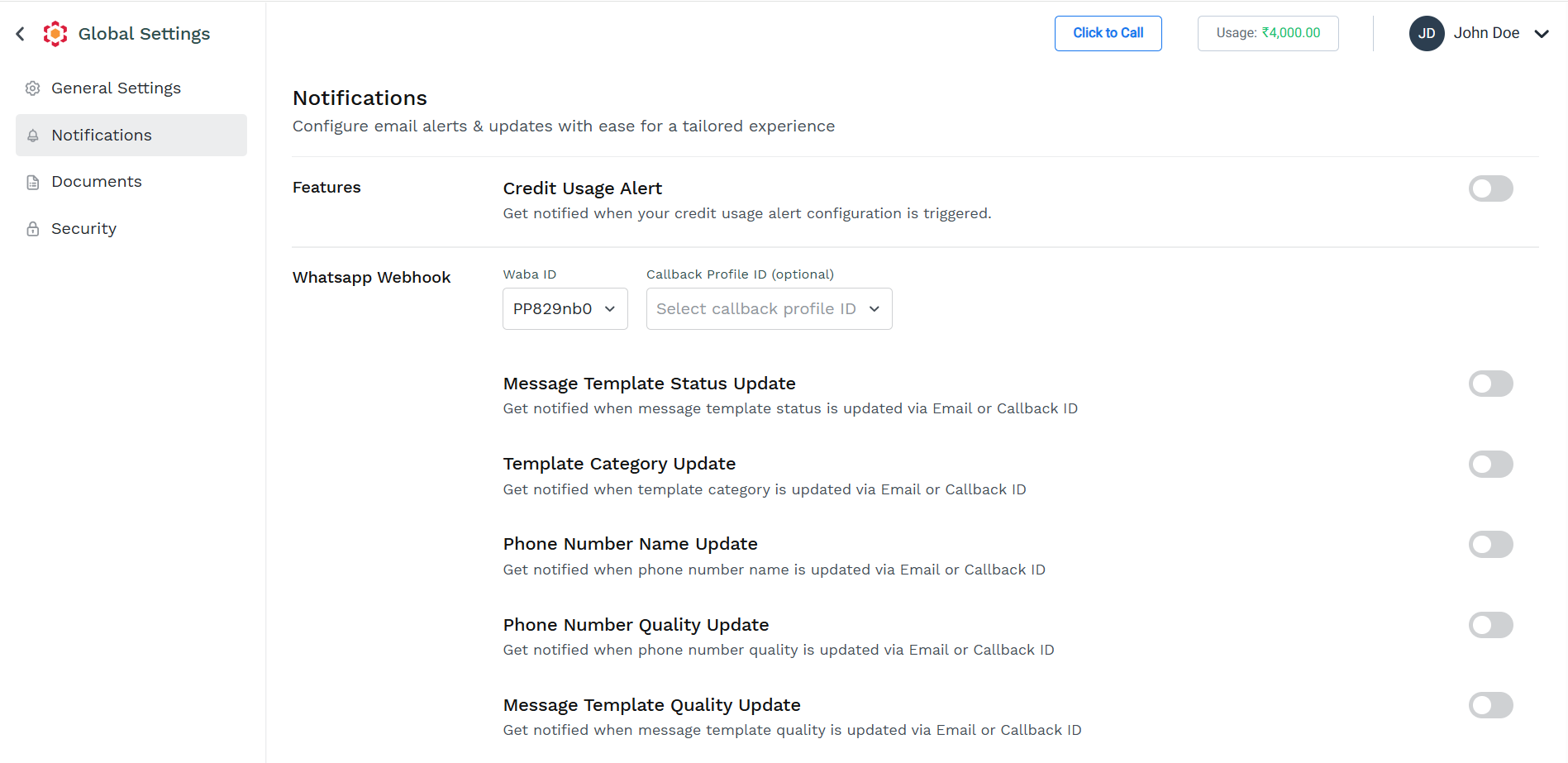
You can configure setting for following areas: Features, WhatsApp Webhook and Reports
For more information about how to enable and view the details of the Features, WhatsApp Webhook, and Reports, refer to the following links:
Updated 19 days ago