

Edit a Callback Profile
You can edit the callback profile after you have successfully created it.
To edit a callback profile, perform the following steps:
-
Sign in to your Kaleyra platform.
-
On the User Profile settings drop-down list, select the Callback Profiles option.
The Callback Profiles page appears.
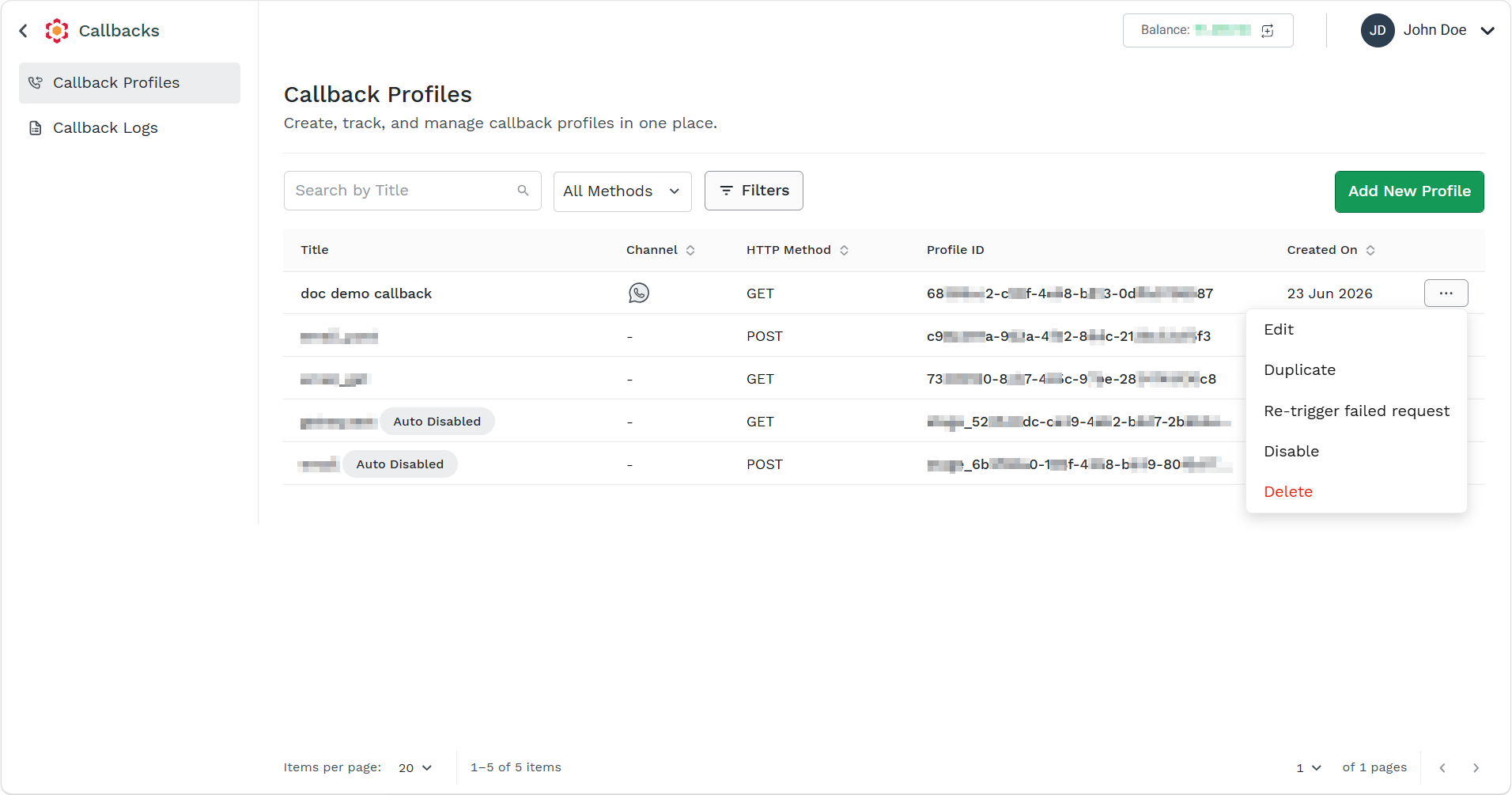
- Click the ellipsis icon corresponding to the callback profile and select the Edit option.
The Edit Callback Profile page appears.
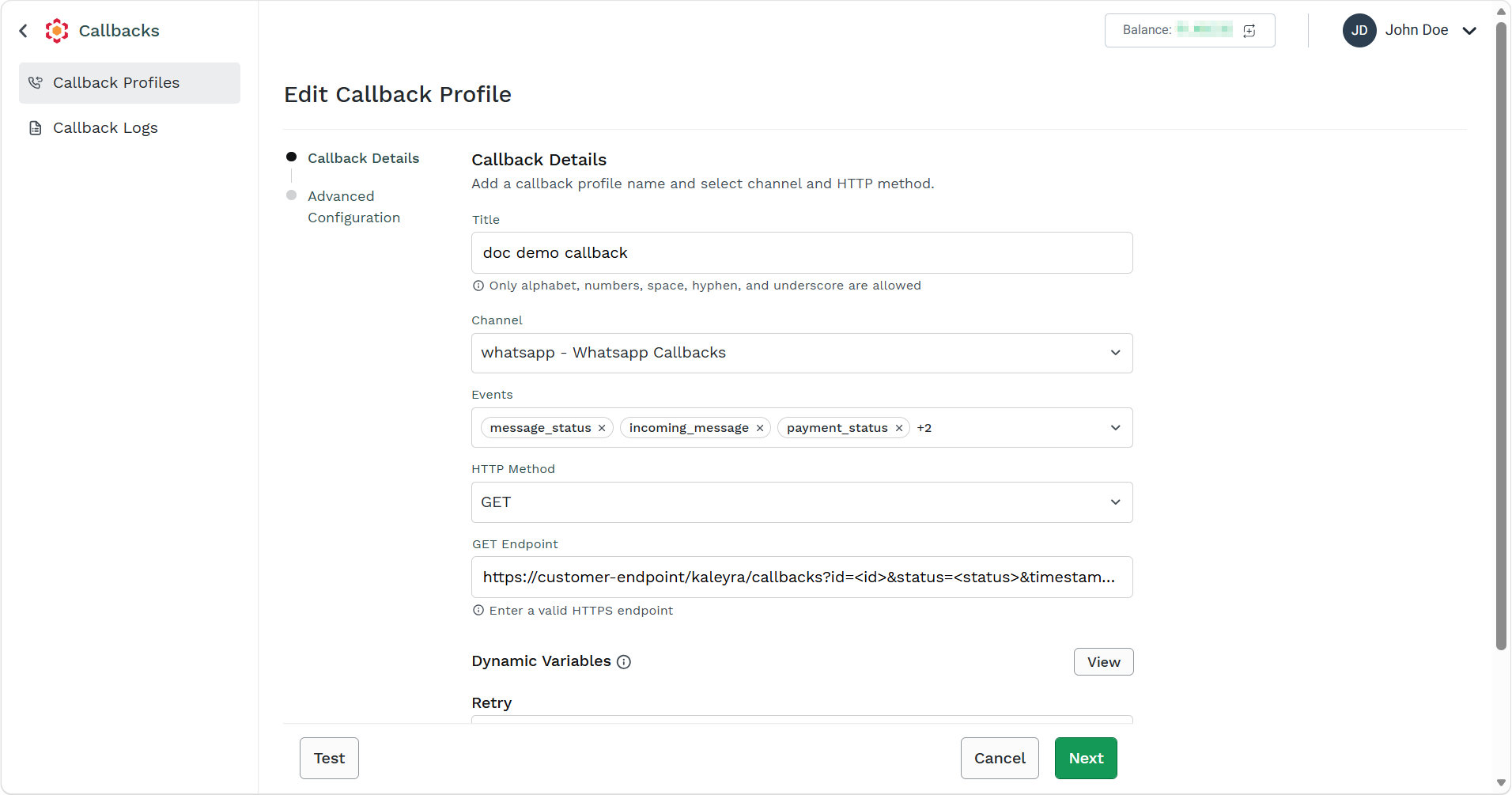
- In the Callback Details step, edit the details as required and then click Next. For more information on fields, see step 4 from the Create a Callback Profile page.
The Advanced Configuration step appears.
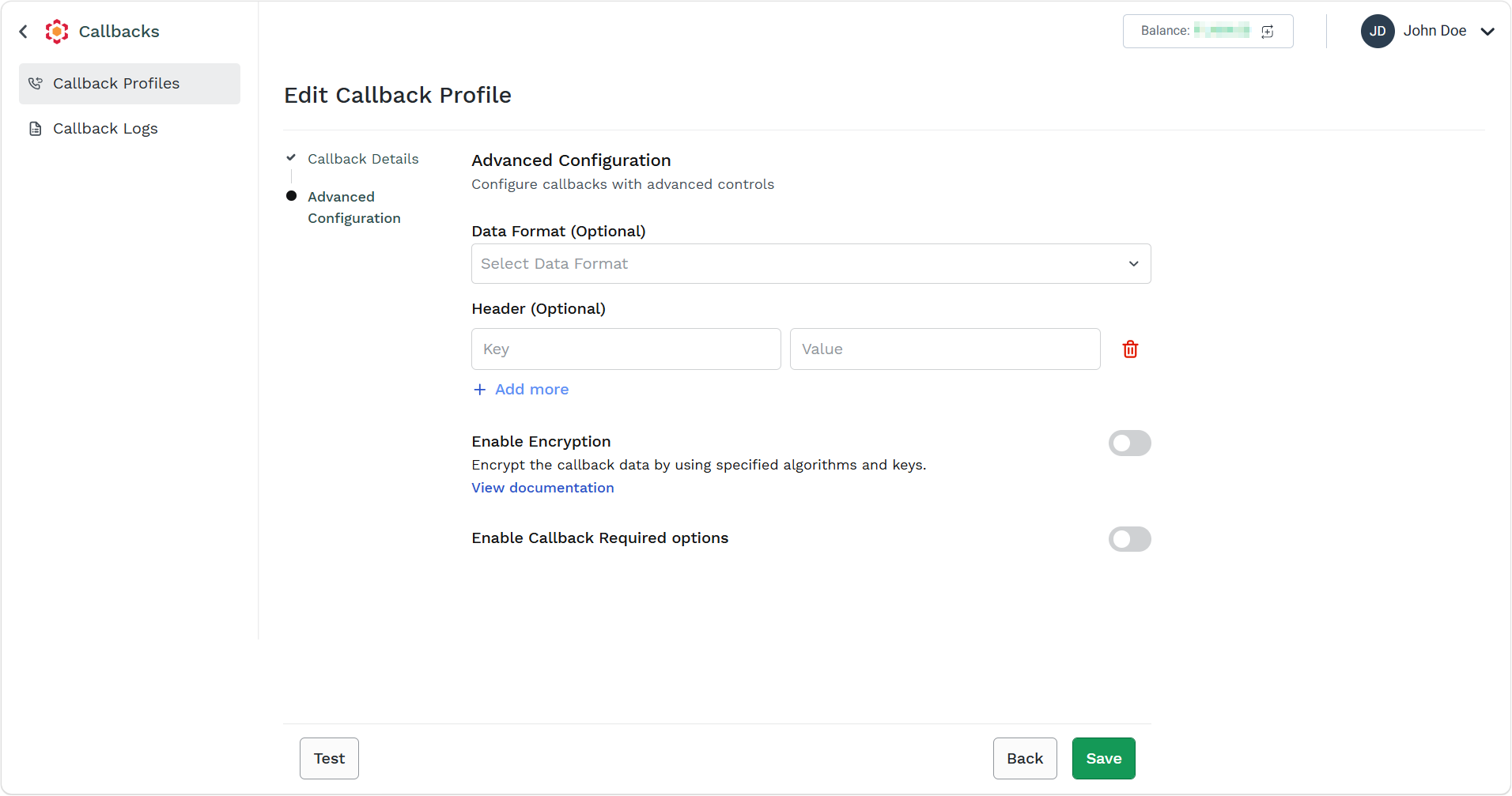
- In Advanced Configuration step, edit the details as required and click Save. For more information on fields, see step 6 from the Create a Callback Profile page.
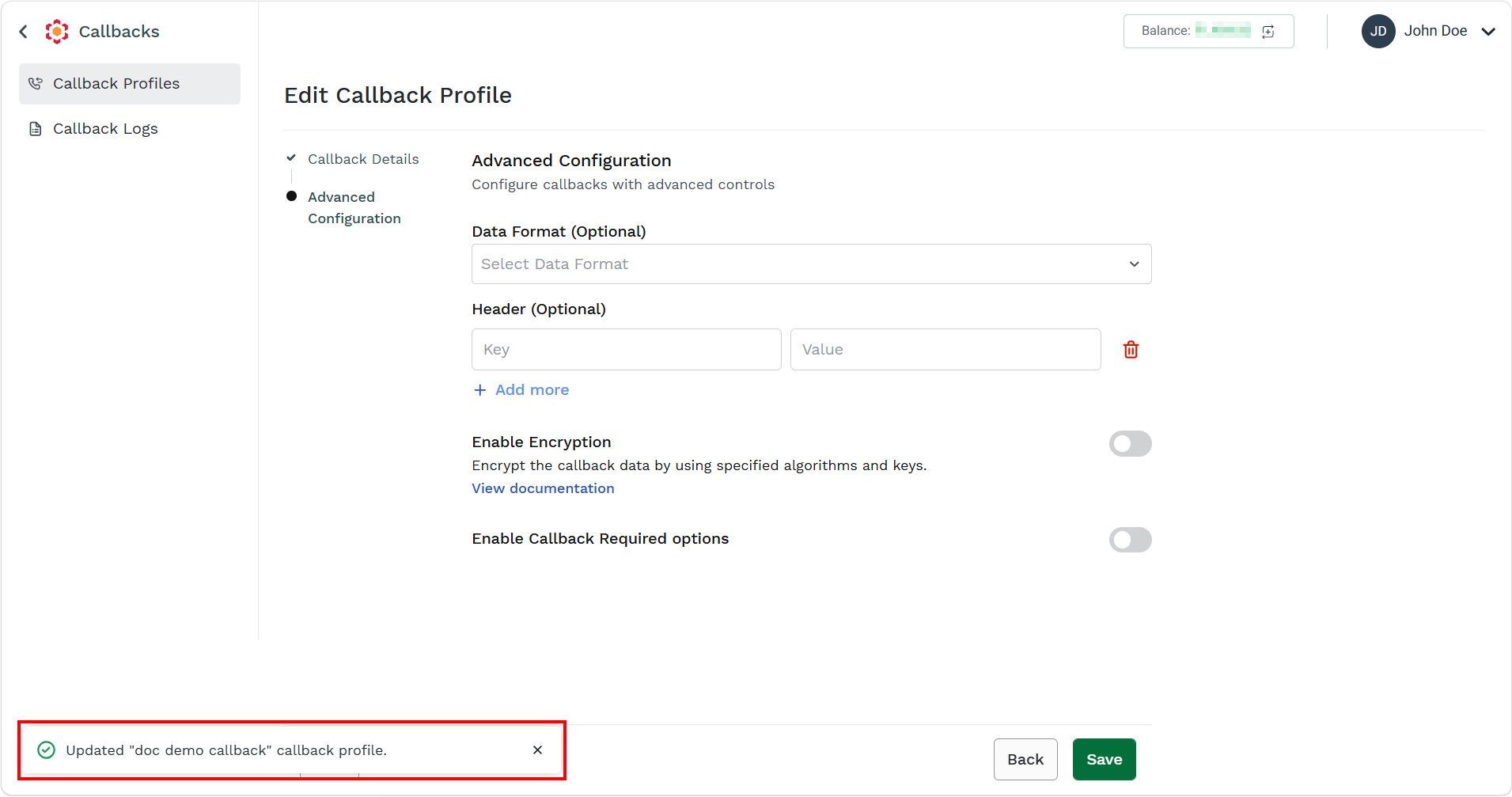
The confirmation message Callback Profile has been updated successfully appears.
Updated 3 months ago
Did this page help you?