

Insert Link or Upload a File
The Insert Link feature allows you to shorten a URL or to create a URL to share a file through SMS.
To insert link or upload file, perform the following steps:
- Follow step 1 to step 8 of Launch an SMS Campaign.
The New SMS Campaign page appears.
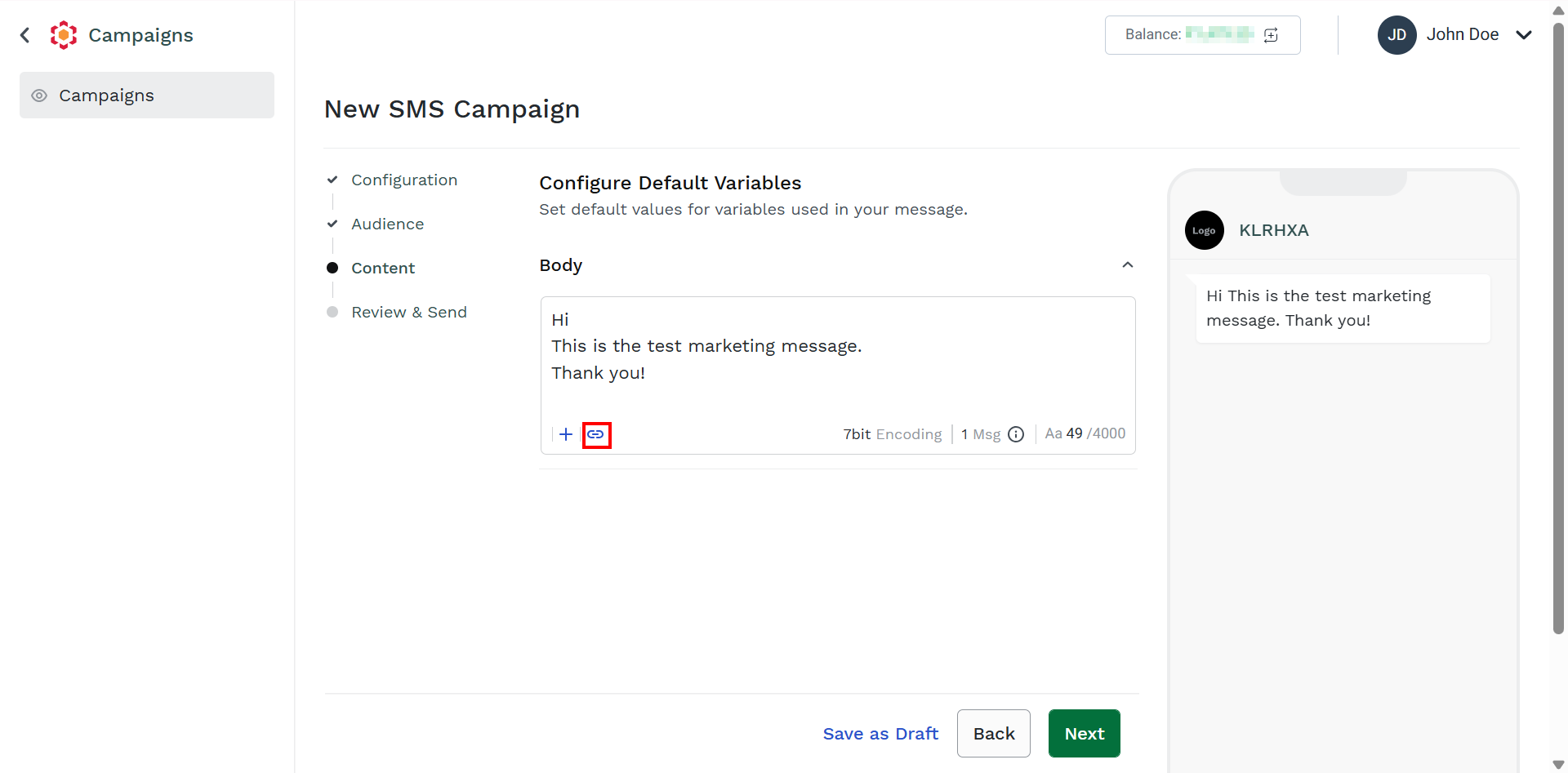
- On the Body field, click the Link icon.
The Add URL pane appears on the right side of the page.
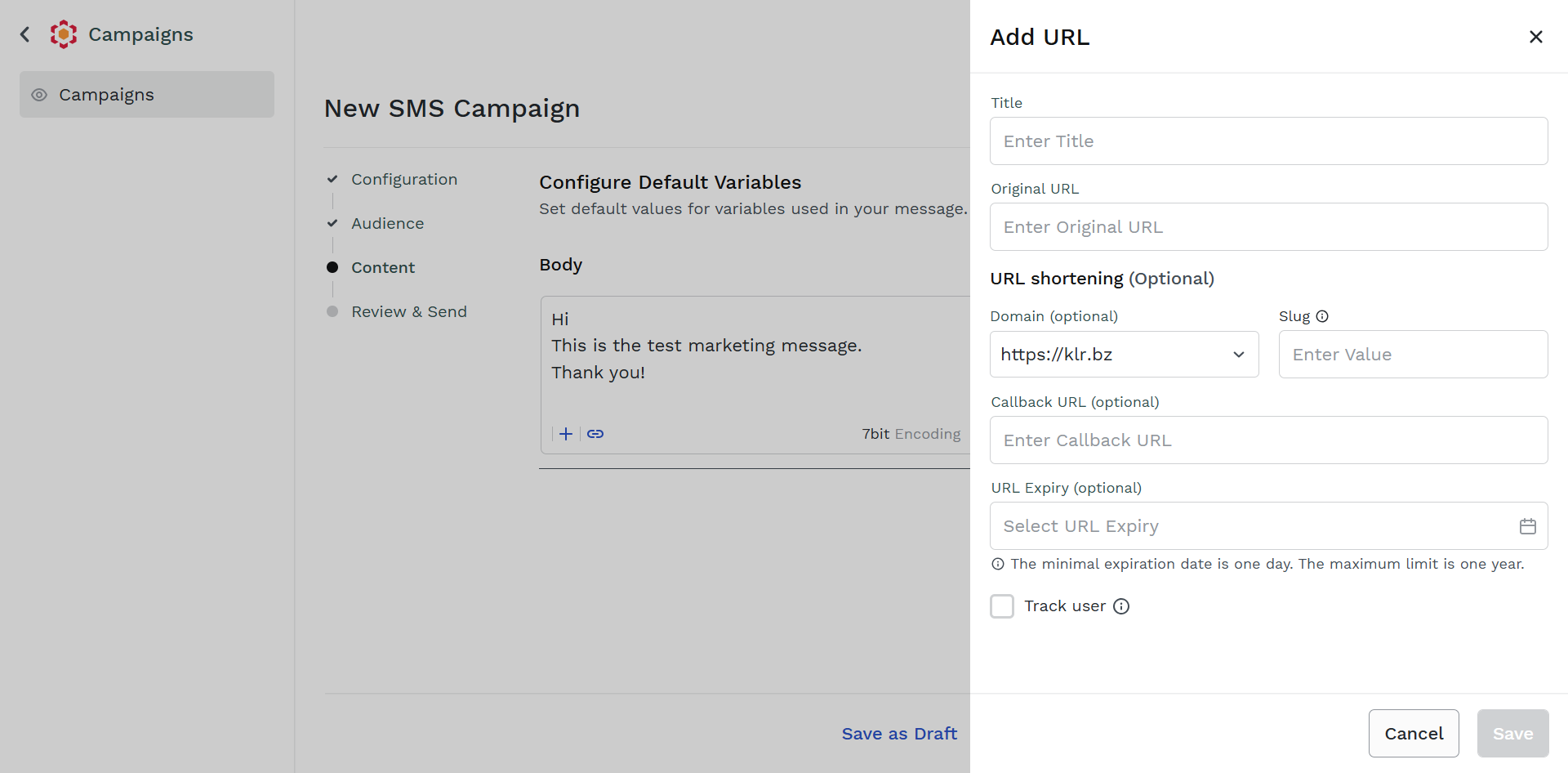
- In the TITLE field, enter the URL title. The maximum character limit for URL title is 100 characters.
- In the Enter Original URL field, enter the original URL you want to shorten. It is recommended to re-check the URL before entering this field.
- (Optional) In the Slug field, enter the slug of your choice if any specific, custom URL slug, or an alias. Slug can contain letters, numbers, and dashes. For example, in
https://klr.bz/about-us, the/about-usis a URL slug. The slug must have a unique value and it cannot exceed 10 characters. - (Optional) In the Callback URL field, enter the callback URL. For more information about callback URLs, see Callback Profiles.
- (Optional) Click the URL Expiry field and a calendar pop-up appears. Select the expiry date for the shortened URL.
- (Optional) Select the Track user to get the details of the URL shortener users who have clicked the shortened URL link. You can view these details in URL shortener reports.
- Click Save.
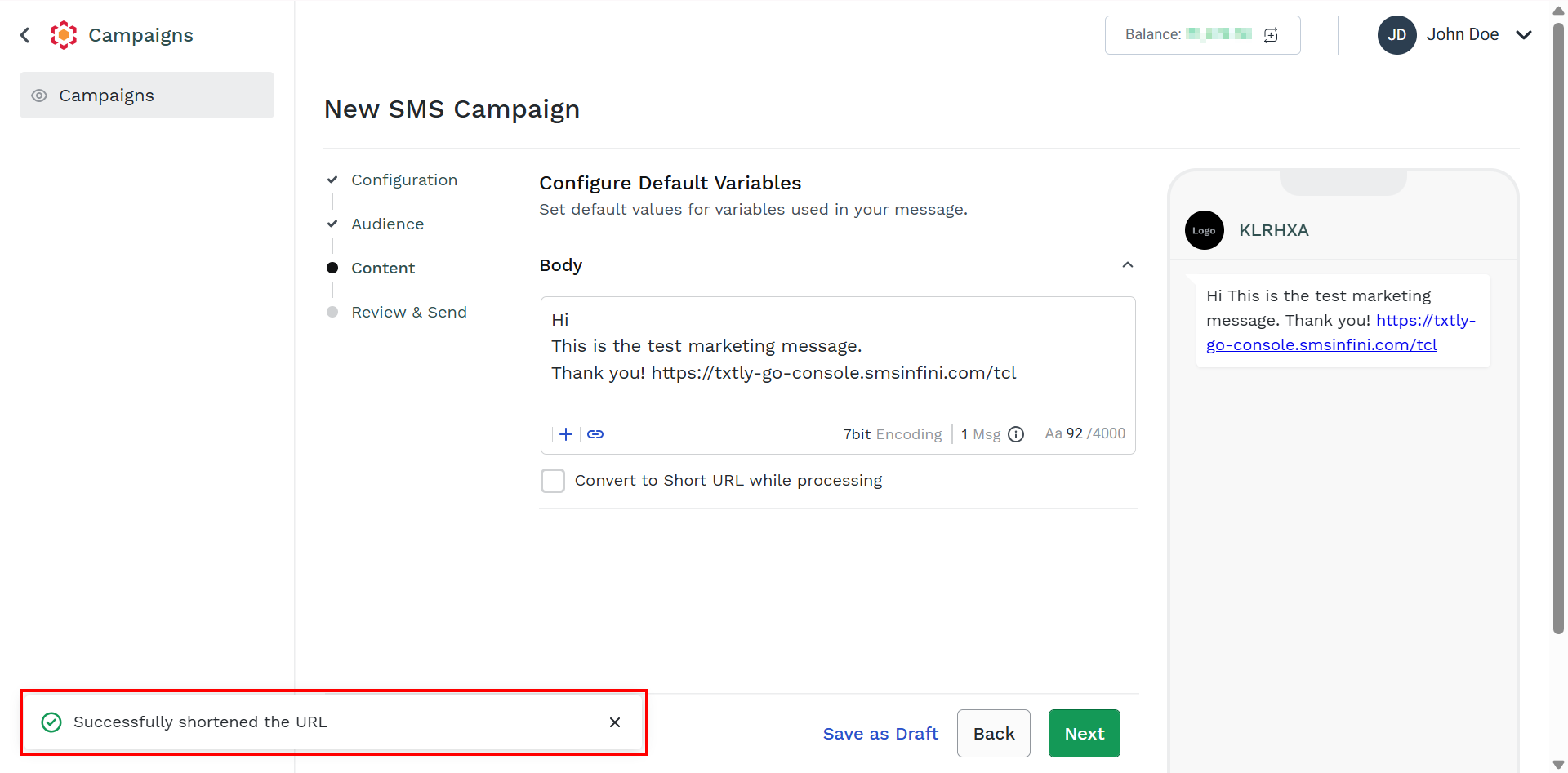
The Successfully shortened the URL message appears.
Updated 3 months ago
Did this page help you?