

View Batch Details
You can view the batch details for the campaigns created using the Scheduled for Later option.
To view the batch details, perform the following steps:
- Sign in to your Kaleyra platform.
The Business communications page appears.
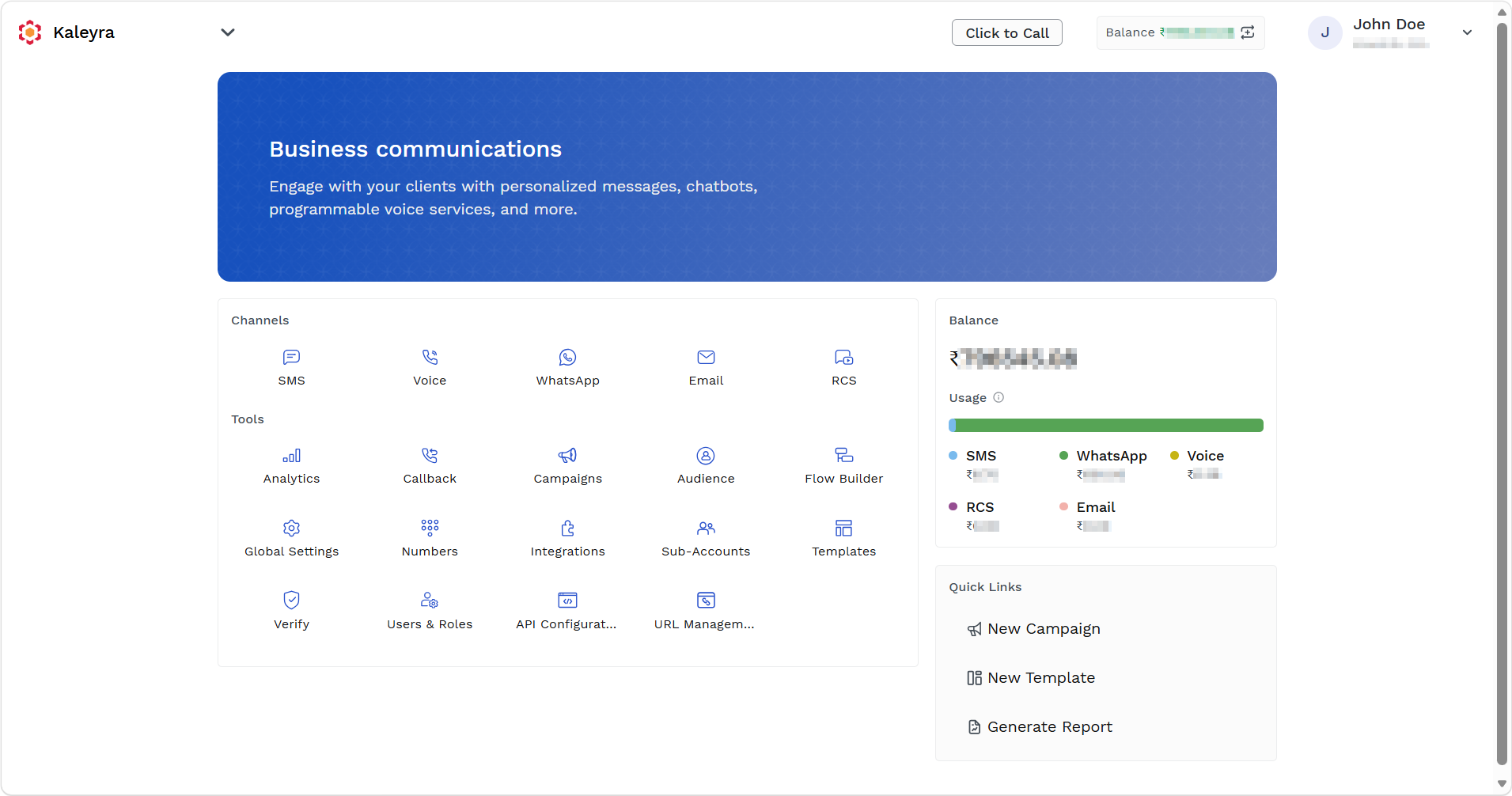
- On the Tools section, click Campaigns.
The Campaigns listing page appears.
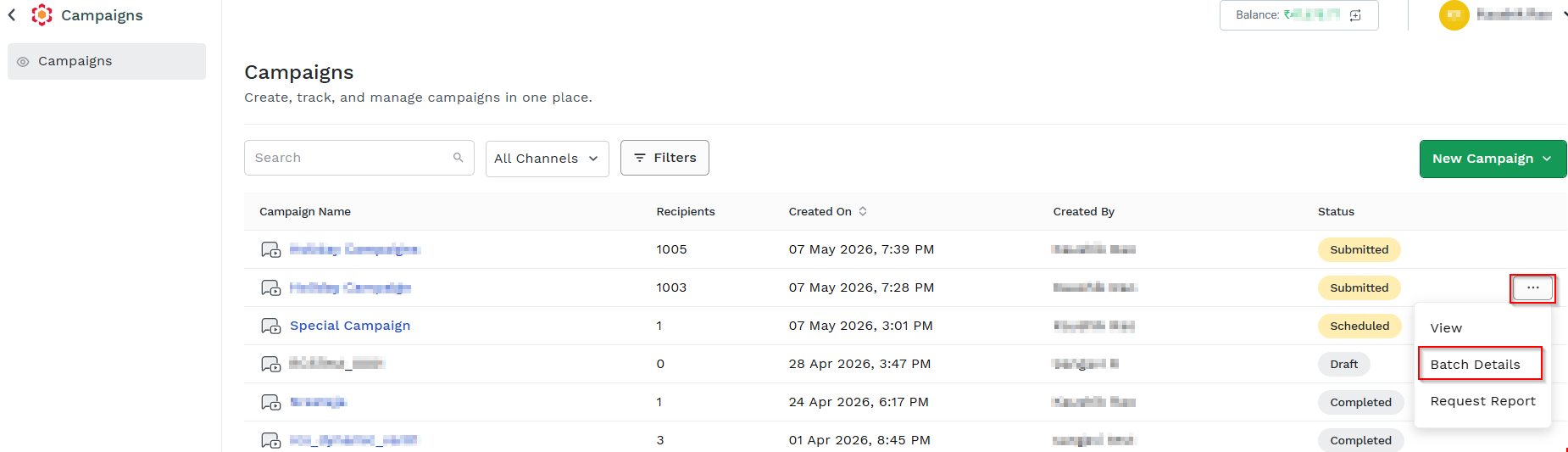
- Hover over the campaign you want to reschedule, ellipsis icon appears. Click the ellipsis icon and then select the Batch Details option.
The Batch Details page appears.

You can view the following fields in the Batch Details page:
- Batch - Displays the batch name or identifier.
- No of Contacts - Displays the number of contacts included in the batch.
- Scheduled On - Displays the scheduled date and time for the batch.
- Status - Displays the current status of the batch.
Updated 5 months ago
Did this page help you?