

Delete a Callback Profile
You can delete the callback profile that has been successfully created. A deleted callback profile cannot be restored.
Note:If you delete a callback, then the callback response may get impacted for the channels that are using the deleted callback profile.
To delete a callback profile, perform the following steps:
- Sign in to your Kaleyra platform.
-
On the User Profile settings drop-down list, select the Callback Profiles option.
The Callback Profiles page appears.
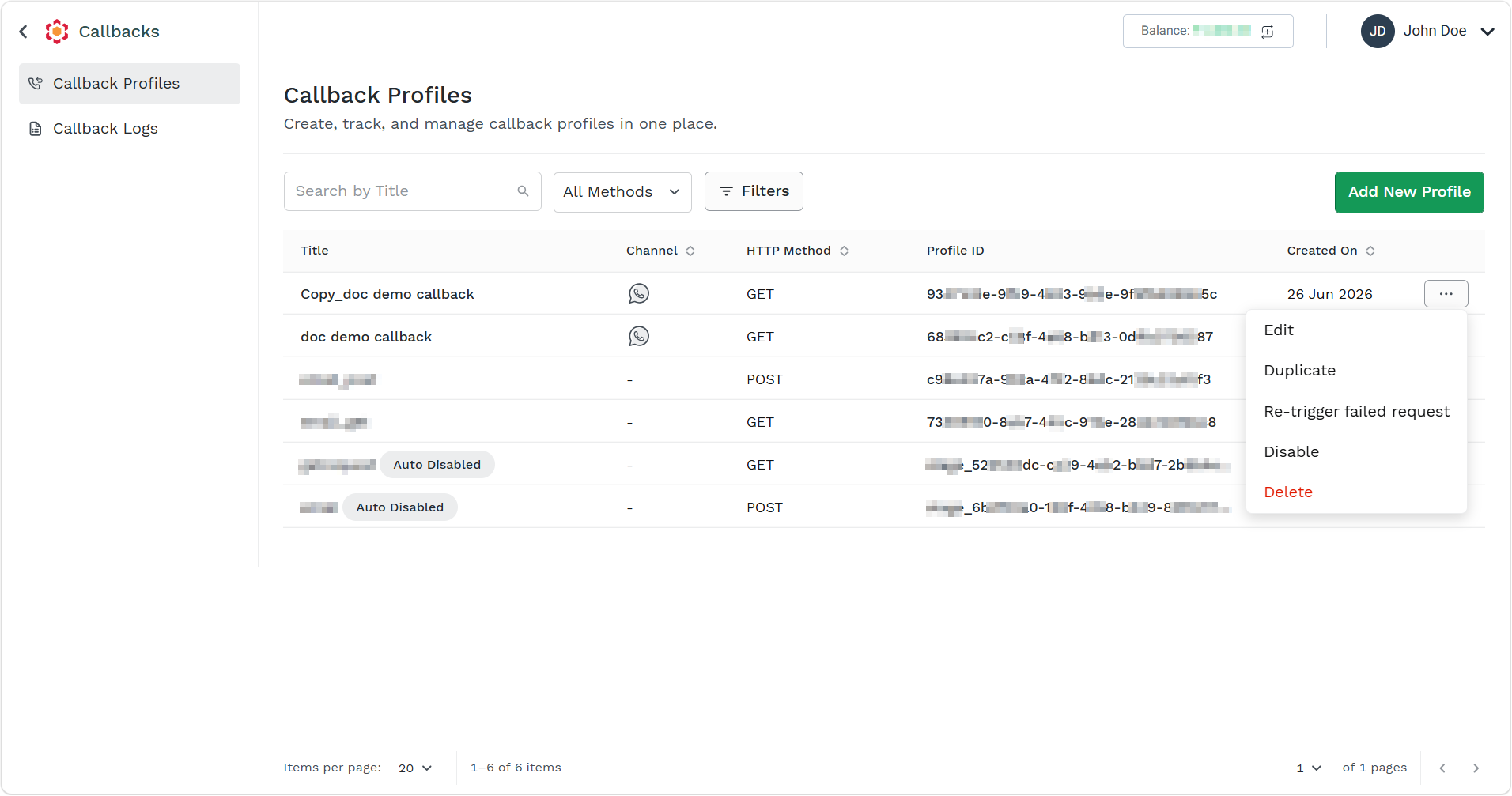
- Click the ellipsis icon corresponding to the callback profile and select the Delete option.
The Delete Callback pop-up appears.
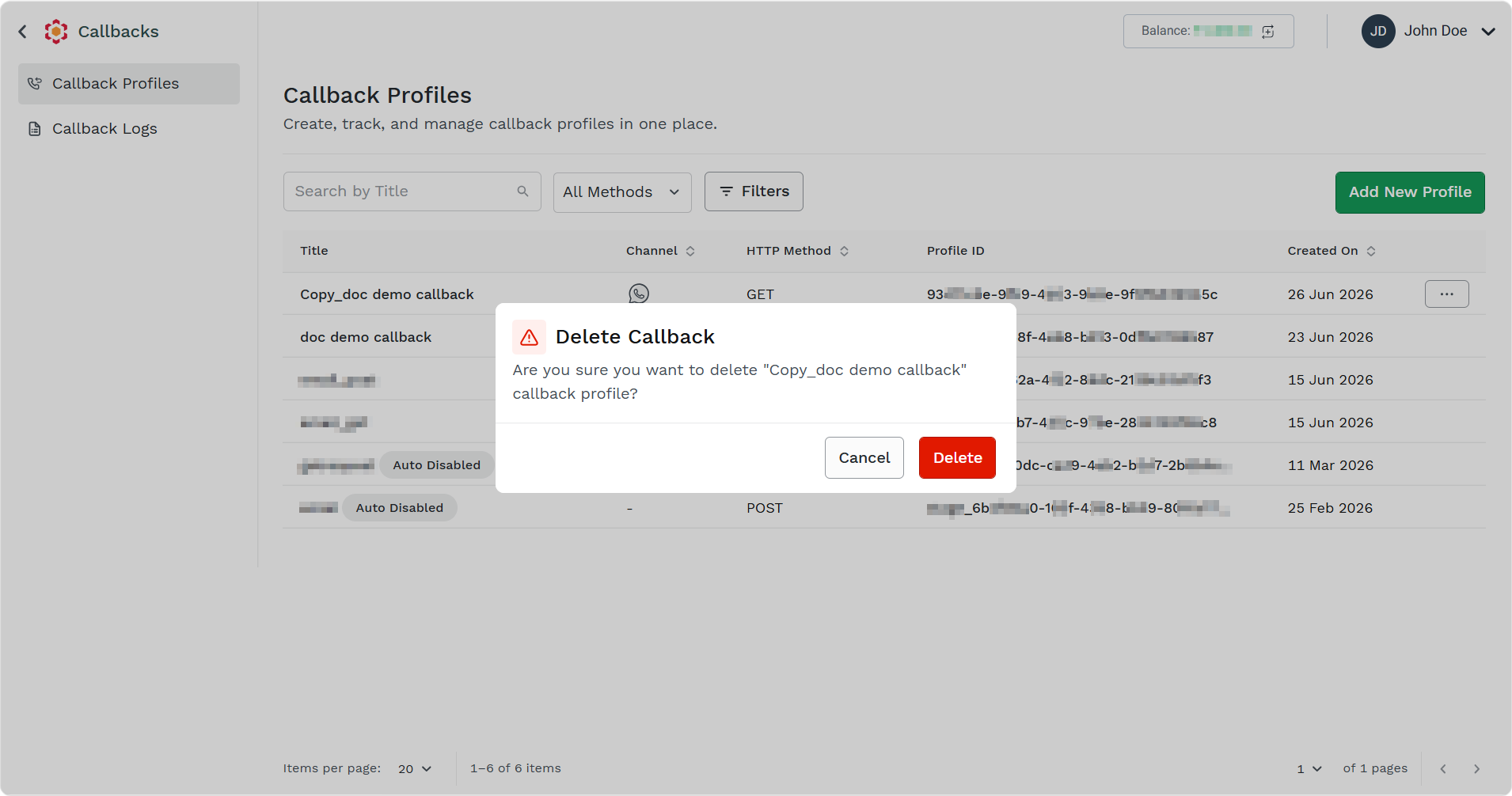
- Click the Delete button.
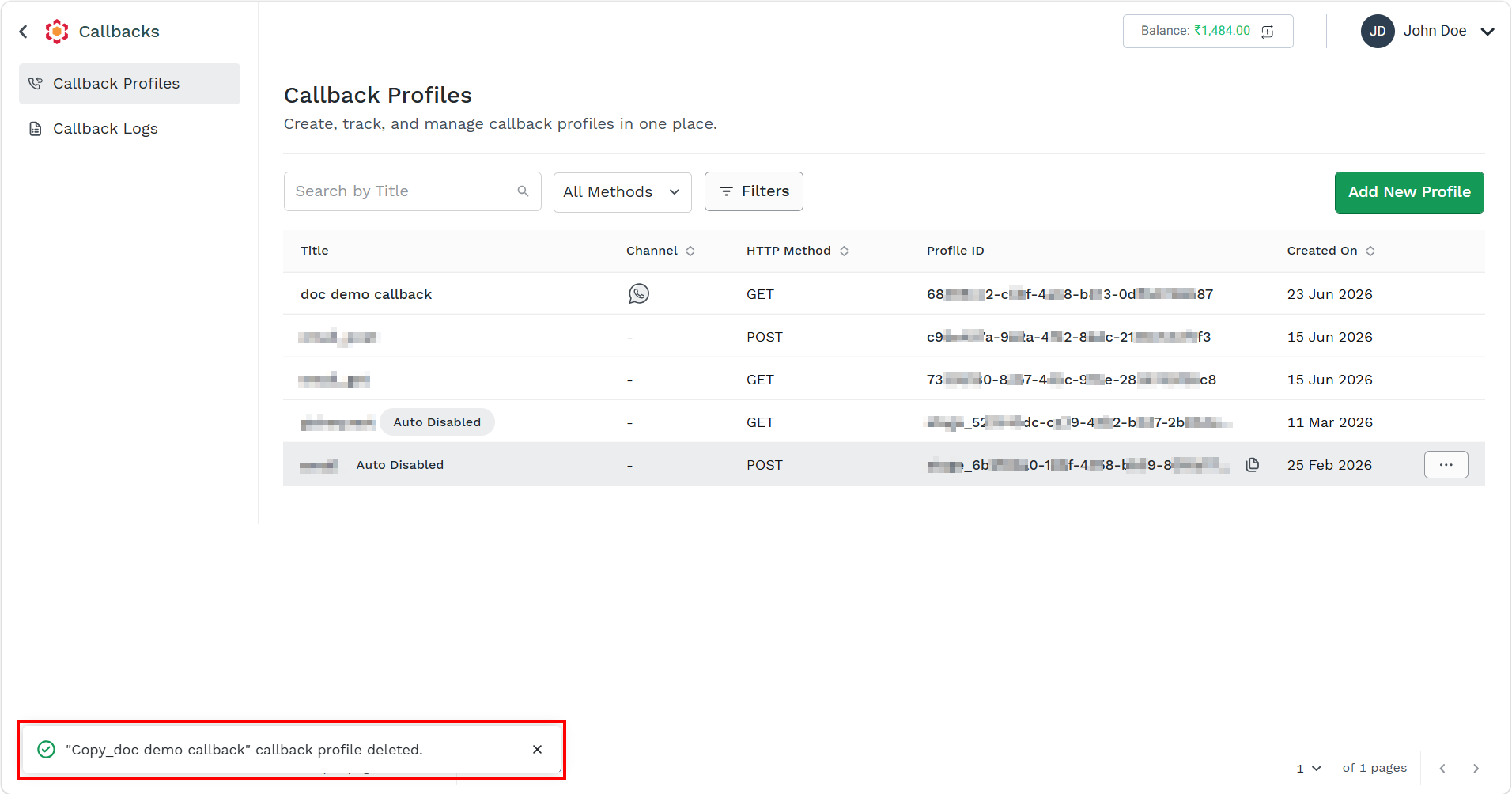
The confirmation message callback profile deleted appears.
Updated about 2 months ago
Did this page help you?