

Add Domain Allowlist
You can add a domain to the Domain Allowlist
To add the domain, perform the following steps:
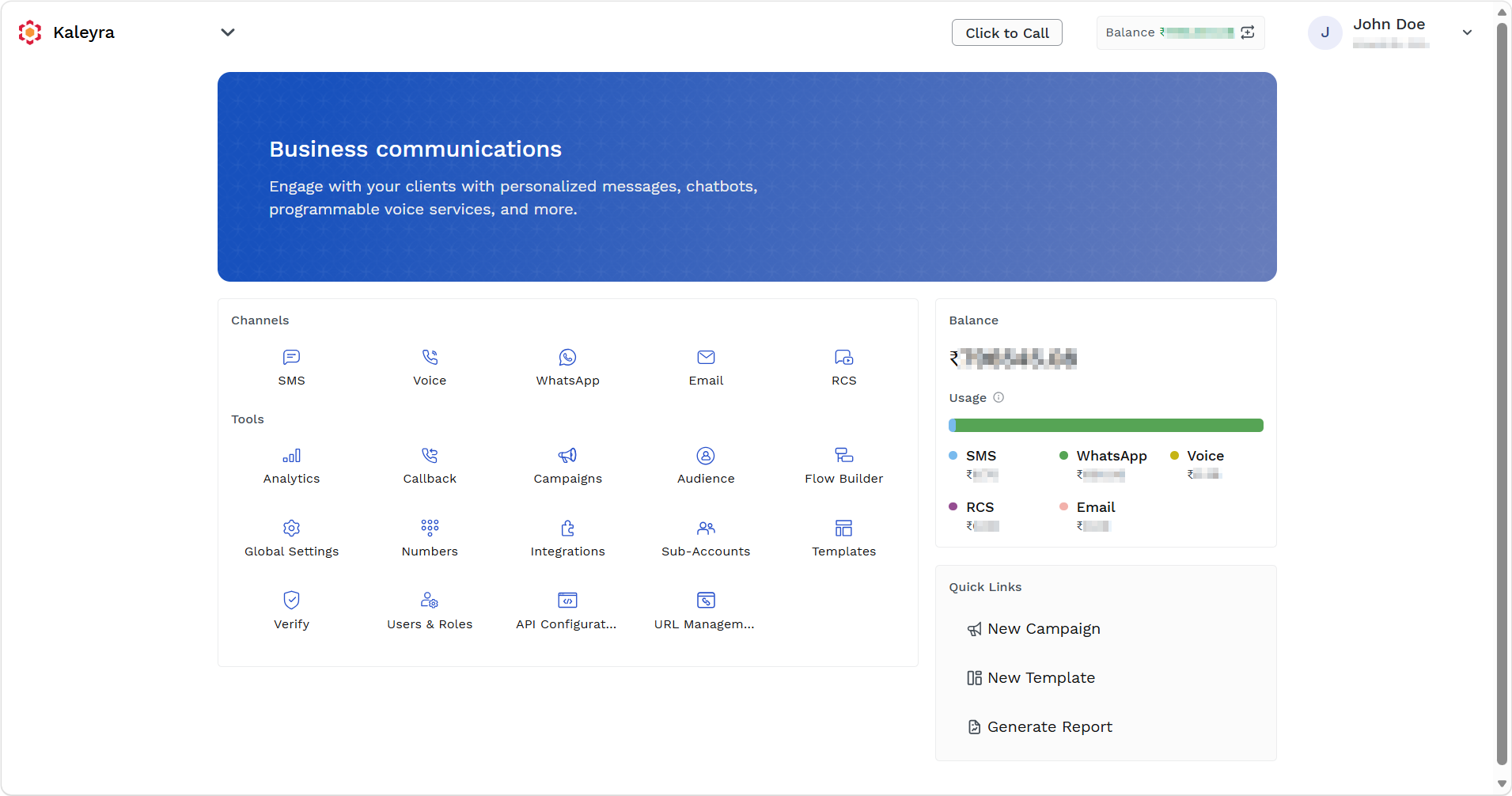
- Sign in to your Kaleyra platform.
The Business communications page appears.
-
On the Tools section, click Global Settings.
The General Settings page appears.
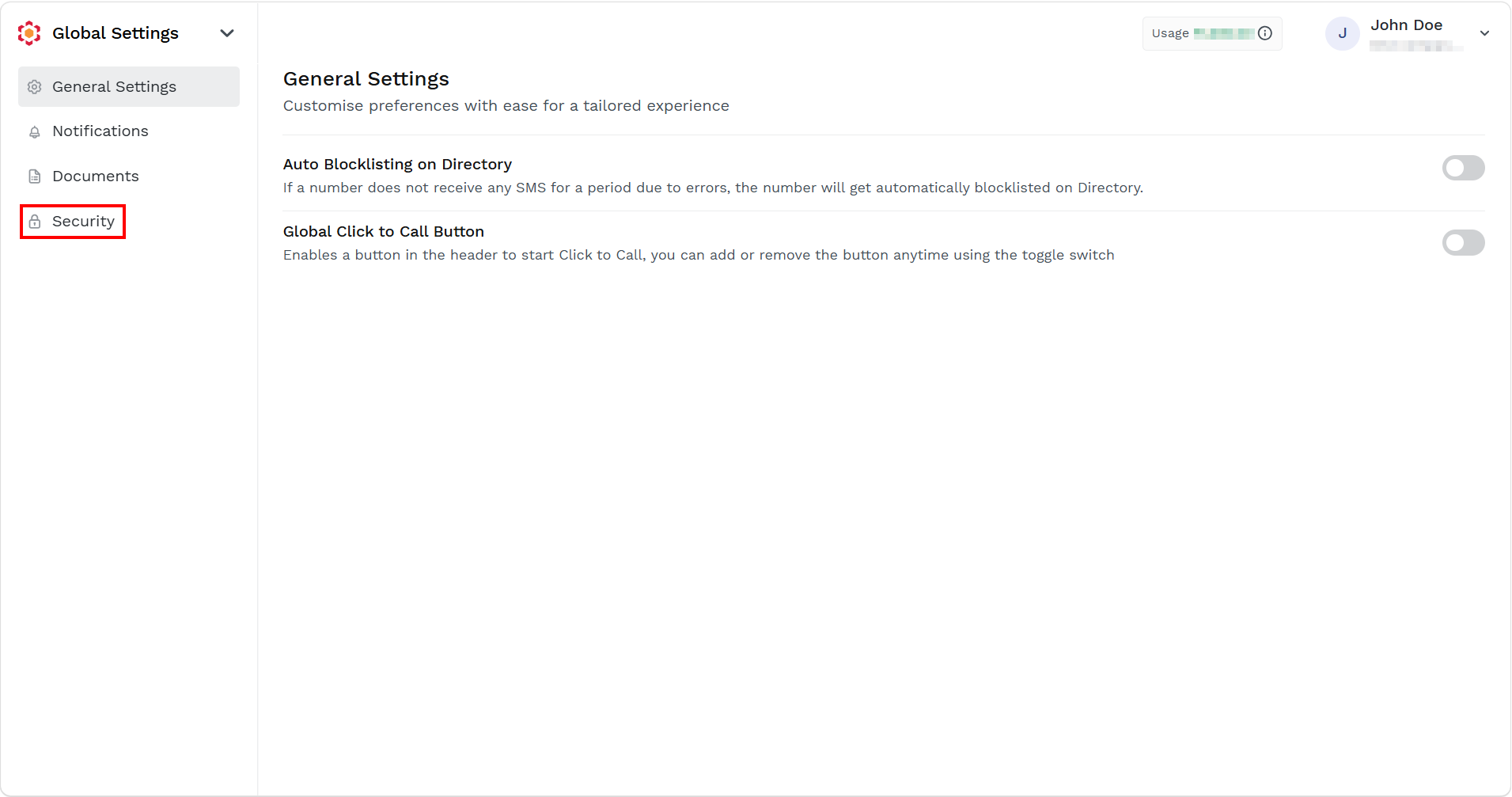
- On the left menu bar, click Security.
The Security page appears.
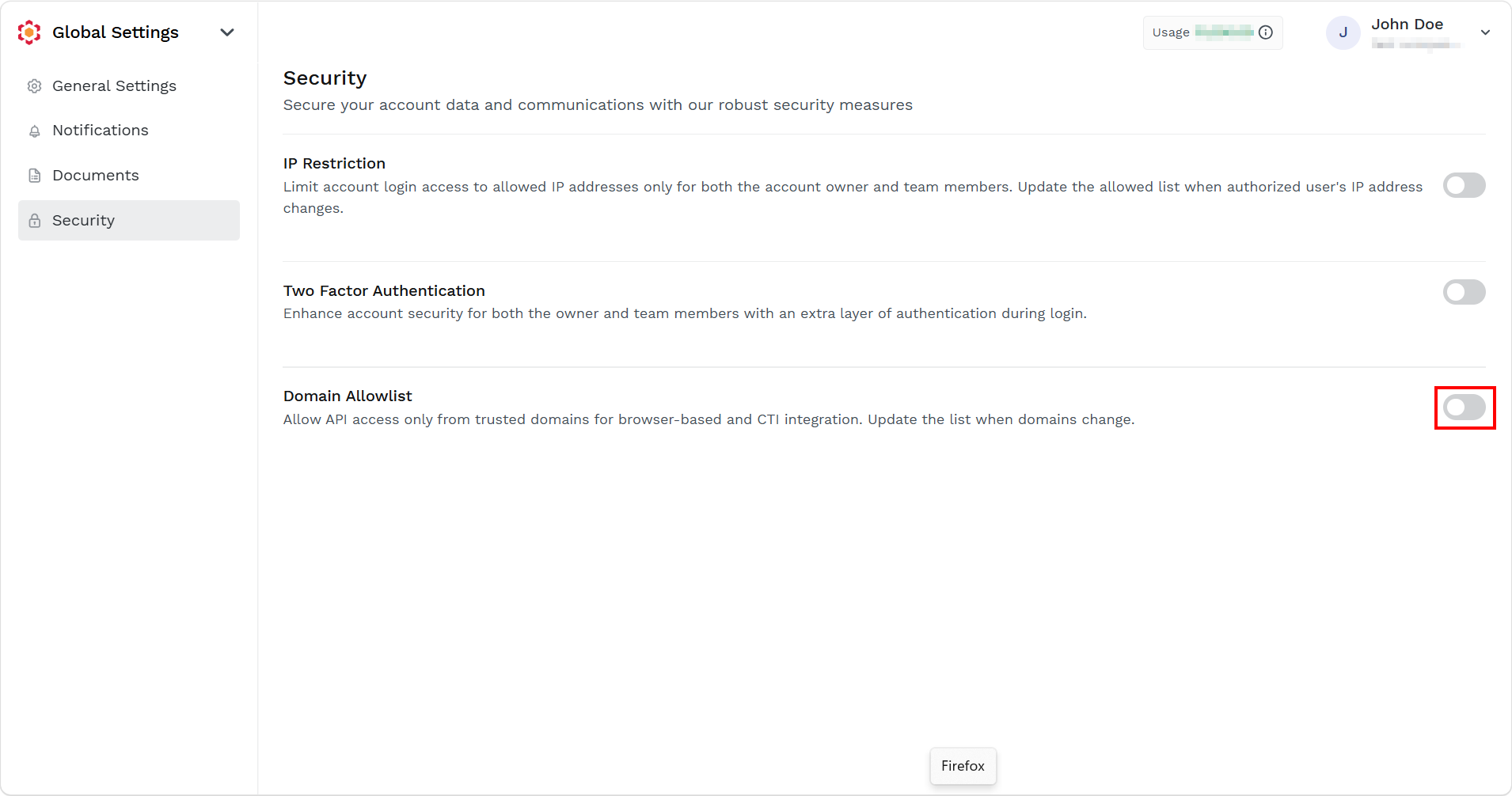
- Toggle Domain Allowlist to enable the domain allowlist.
The Domain Allowlist pane appears on the right side of the page.
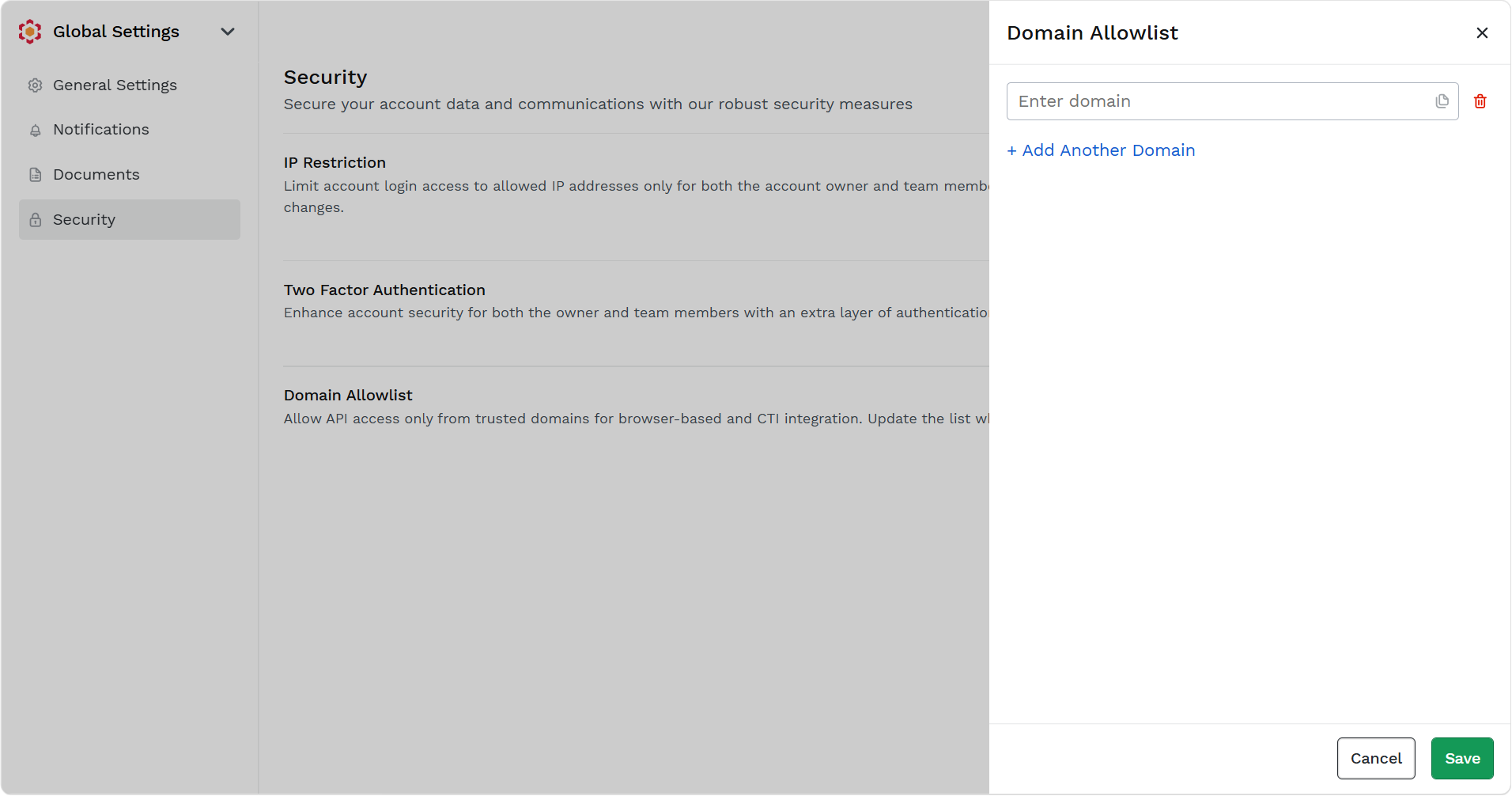
- In the Enter Domain field, enter the domain that you want to add to the allowed list. For example,
https://www.tatacommunications.com.
Note:You can add up to five domains. To add another domain, click + Add Another Domain and then enter another domain.
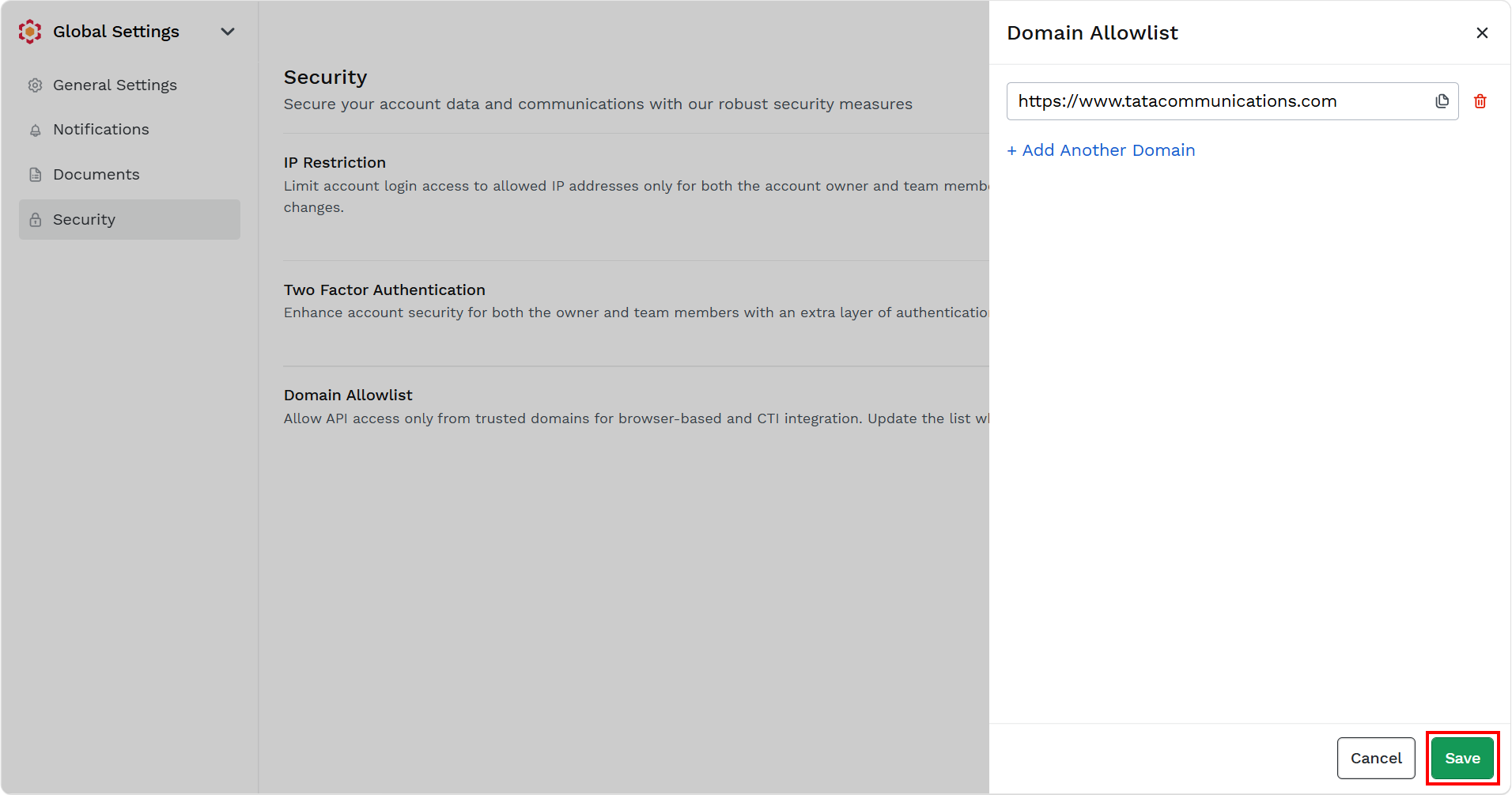
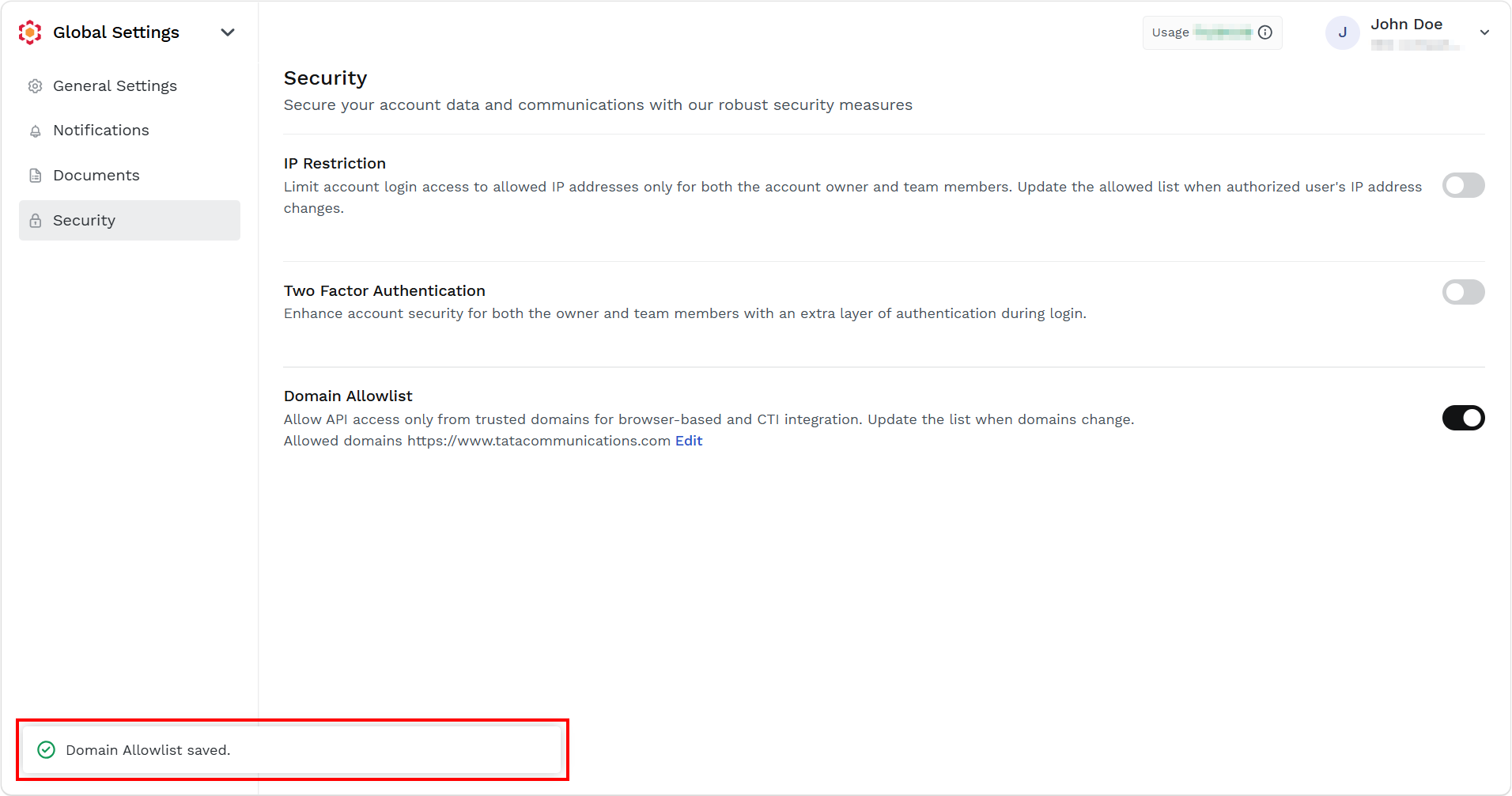
- Click Save.
The confirmation message Domian Allowlist saved appears.
Updated about 14 hours ago
Did this page help you?