

Duplicate a Callback Profile
You can duplicate the existing callback profiles, instead of creating a callback profile from scratch. When you duplicate a callback profile, a new Callback ID will be auto-assigned to the copied callback profile and the name of the callback profile will be prefixed with Copy-. You can edit the existing details while copying the callback profile.
To create a copy of a callback profile, perform the following steps:
-
Sign in to your Kaleyra platform.
-
On the User Profile settings drop-down list, select the Callback Profiles option.
The Callback Profiles page appears.
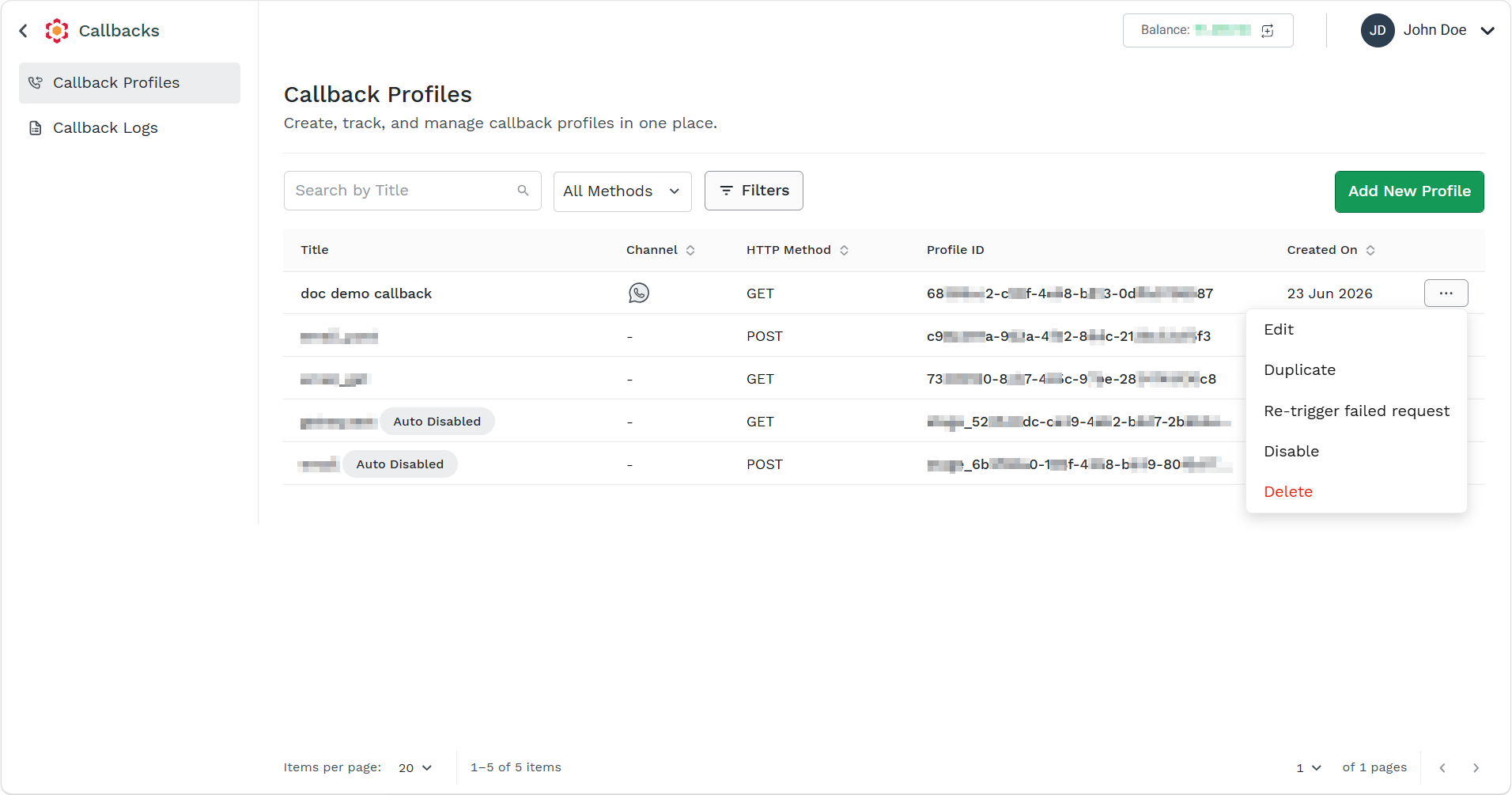
- Click the ellipsis icon corresponding to the callback profile and select the Duplicate option.
The Duplicate Callback Profile page appears.
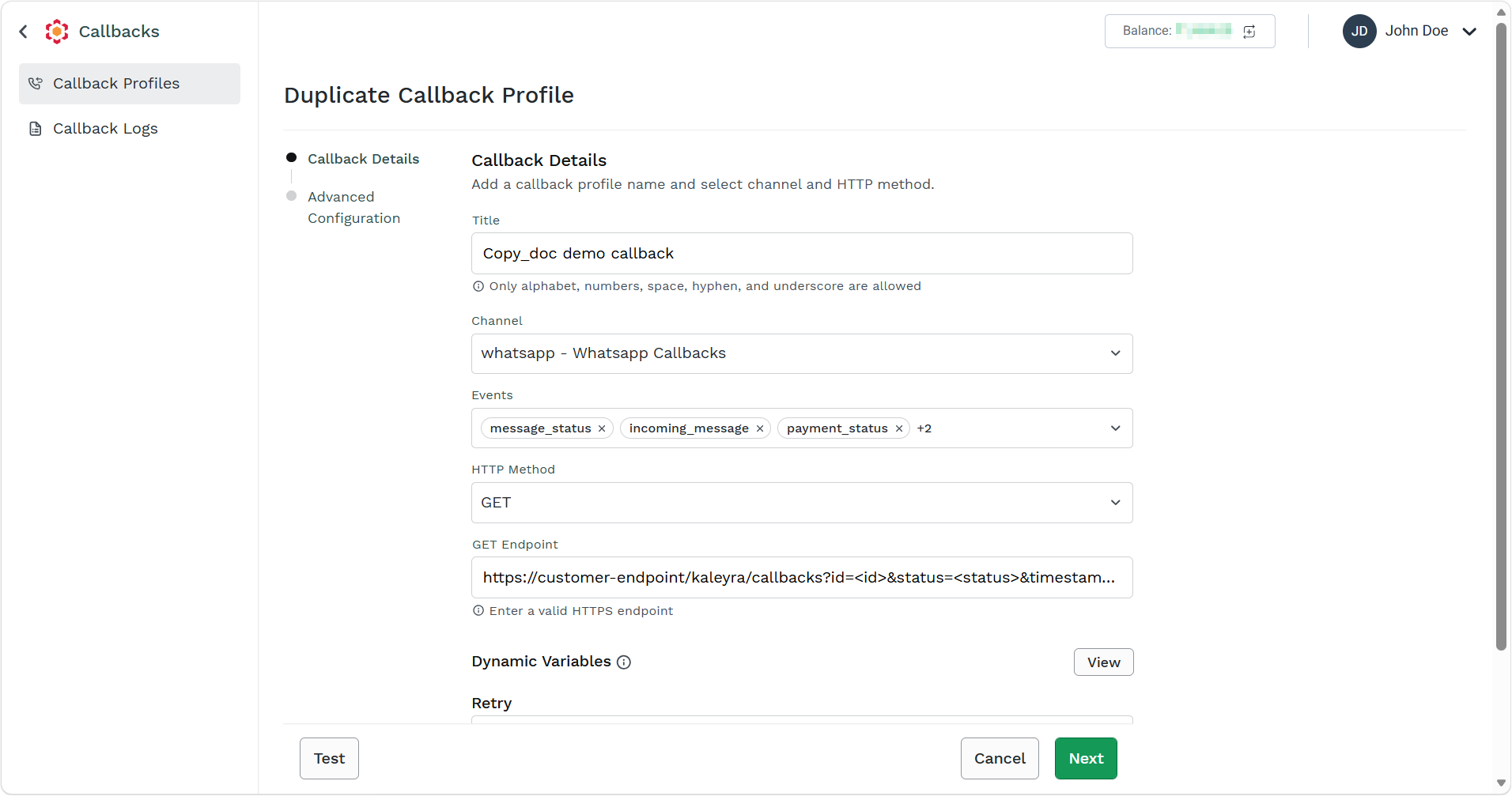
- In the Callback Details step, edit the details as required and then click Next. For more information on fields, see step 4 from the Create a Callback Profile page.
The Advanced Configuration step appears.
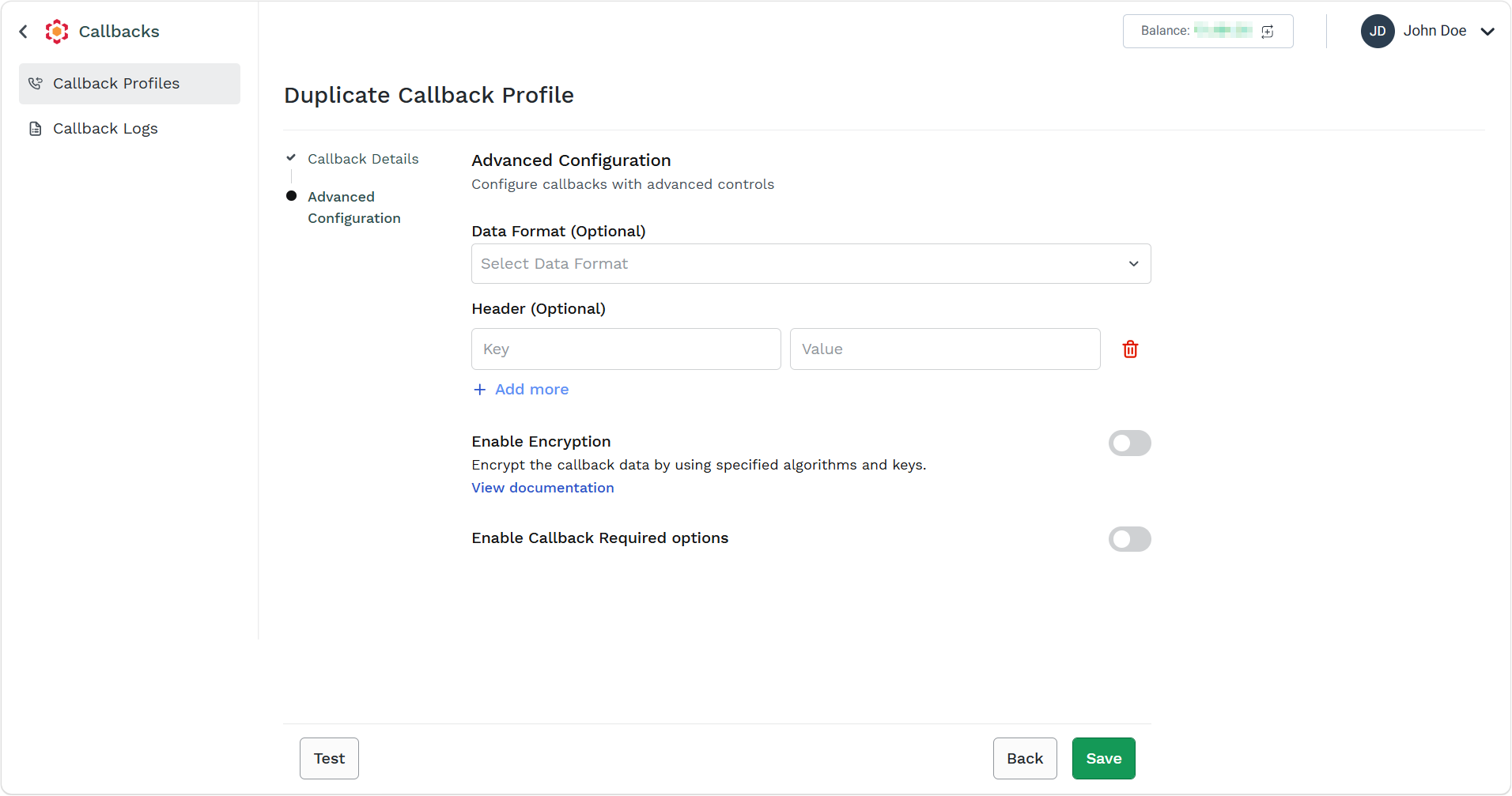
- In Advanced Configuration step, edit the details as required and click Save. For more information on fields, see step 6 from the Create a Callback Profile page.
The confirmation message Callback Profile has been updated successfully appears.
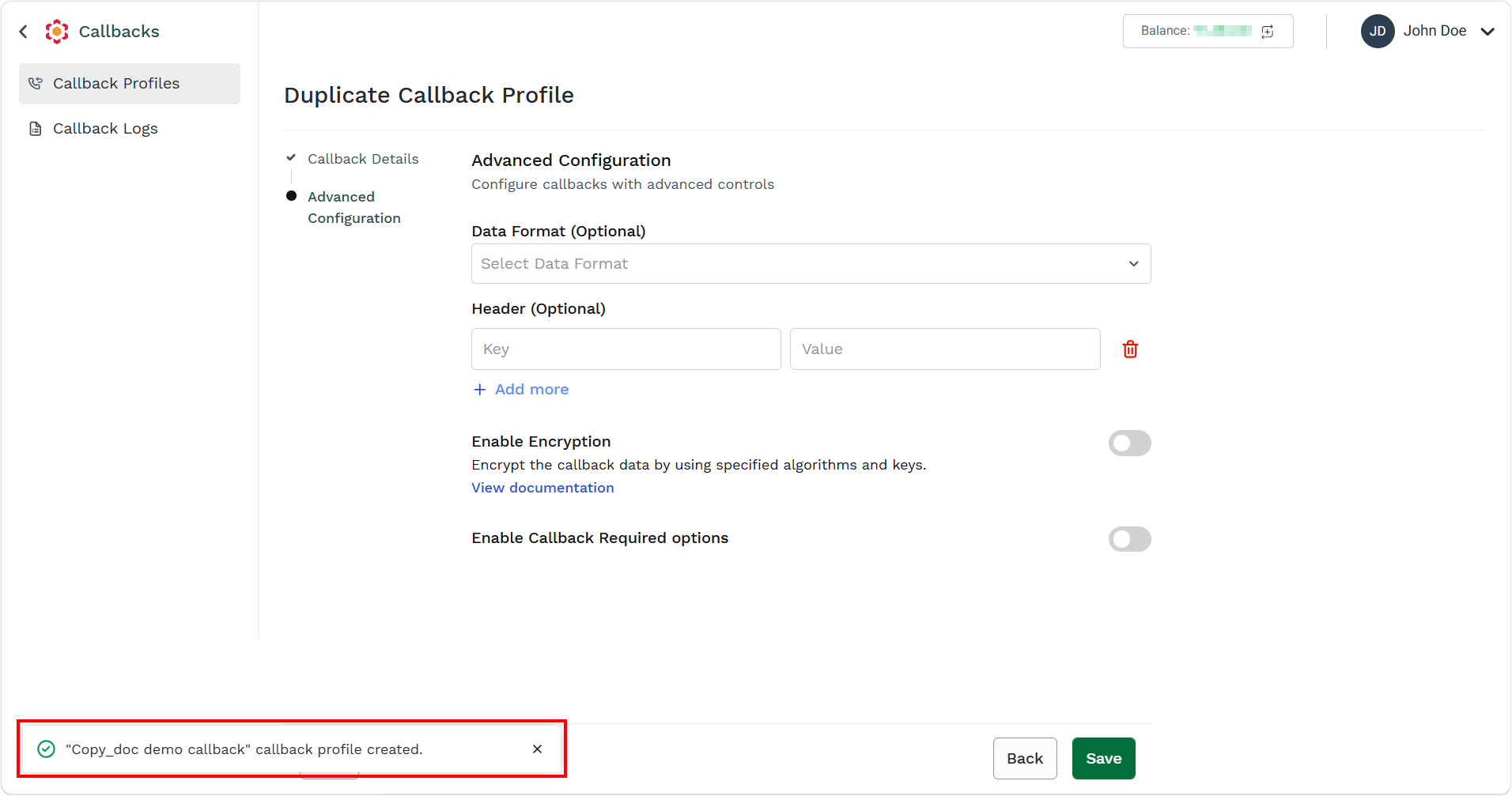
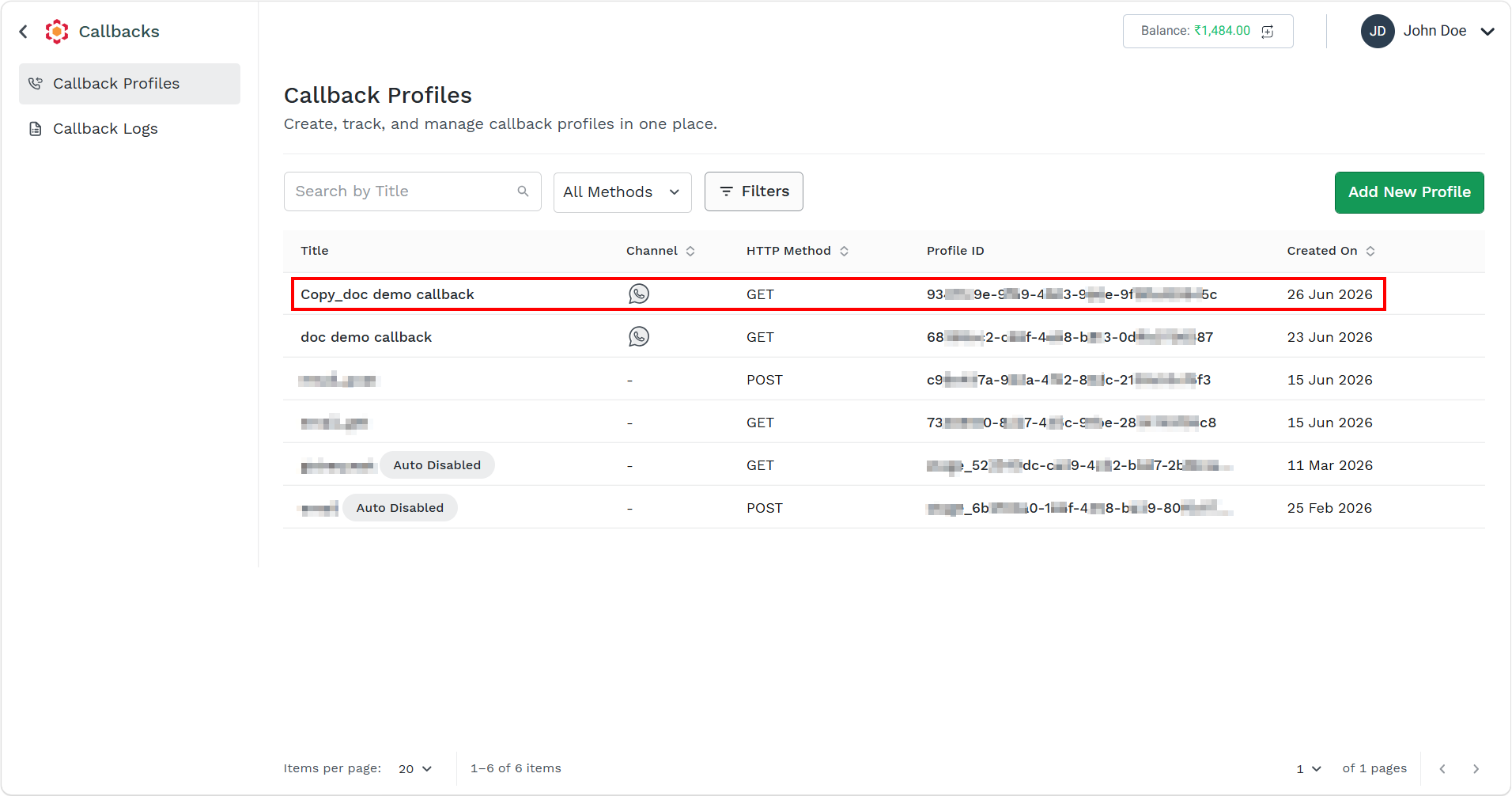
The duplicate callback profile gets listed in the Callback Profiles page.
Updated 3 months ago
Did this page help you?