

Tasks for Test Device
After successfully adding a test device, you can view the following statues:
- Unverified - immediately after adding a test number. For more information on tasks that you can perform with an Unverified status test device, see Tasks for an Unverified and Pending Number.
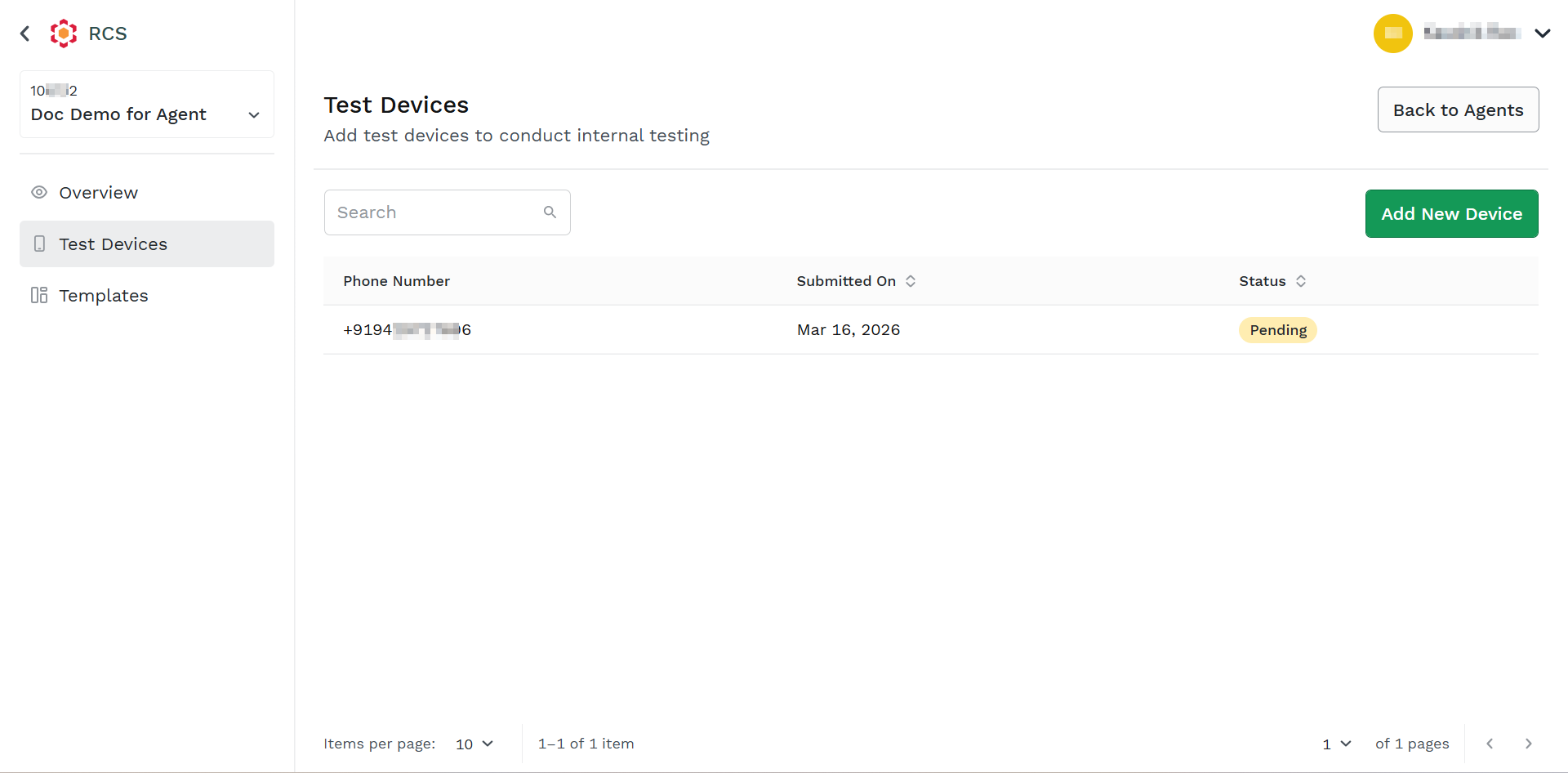
- Pending - after two minutes, when you refresh the added test device number. For more information on tasks that you can perform with a Pending status test device, see Tasks for an Unverified and Pending Number.
- Approved - after the number is approved to receive the test message. For more information on tasks that you can perform with an approved status test device, see Tasks for an Approved Number.
Tasks for an Unverified and Pending Number
You can perform the following tasks for an unverified and a pending number:
Refresh Status
You can refresh the status to view the status of your test device number.
To refresh the status, perform the following steps:
- Follow the step 1 to step 6 of the Add a New Test Device topic.
The Test Device page appears.
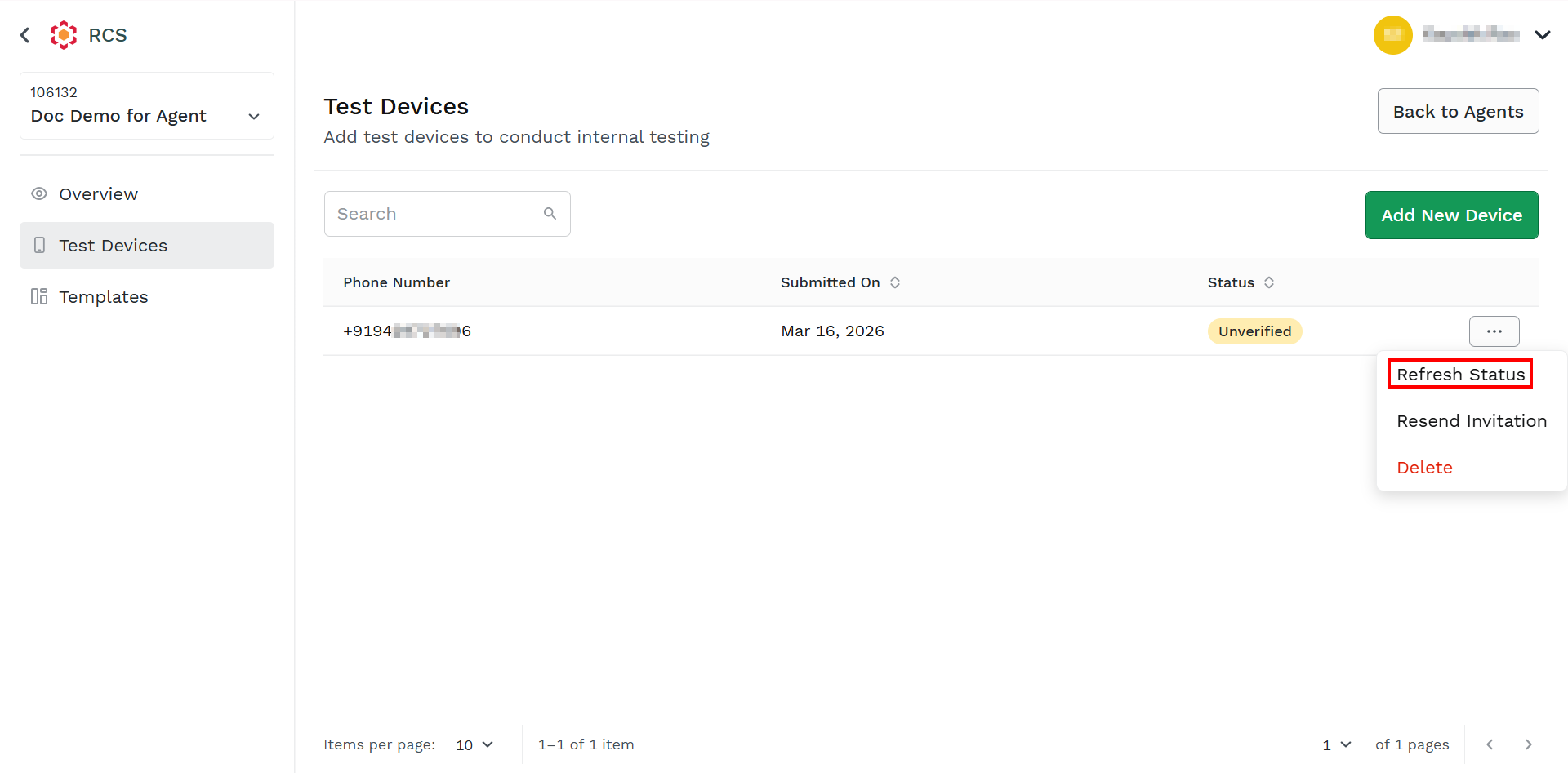
- Hover over the added device and then click the ellipsis icon. Select the Refresh Status option. The status gets refreshed and you can view the status of the test device.
Resend Invitation
You can resend the invitation to the test device number, in case if you have not received the invitation on your test device.
To resend the invitation, perform the following steps:
- Follow the step 1 to step 6 of the Add a New Test Device topic.
The Test Device page appears.
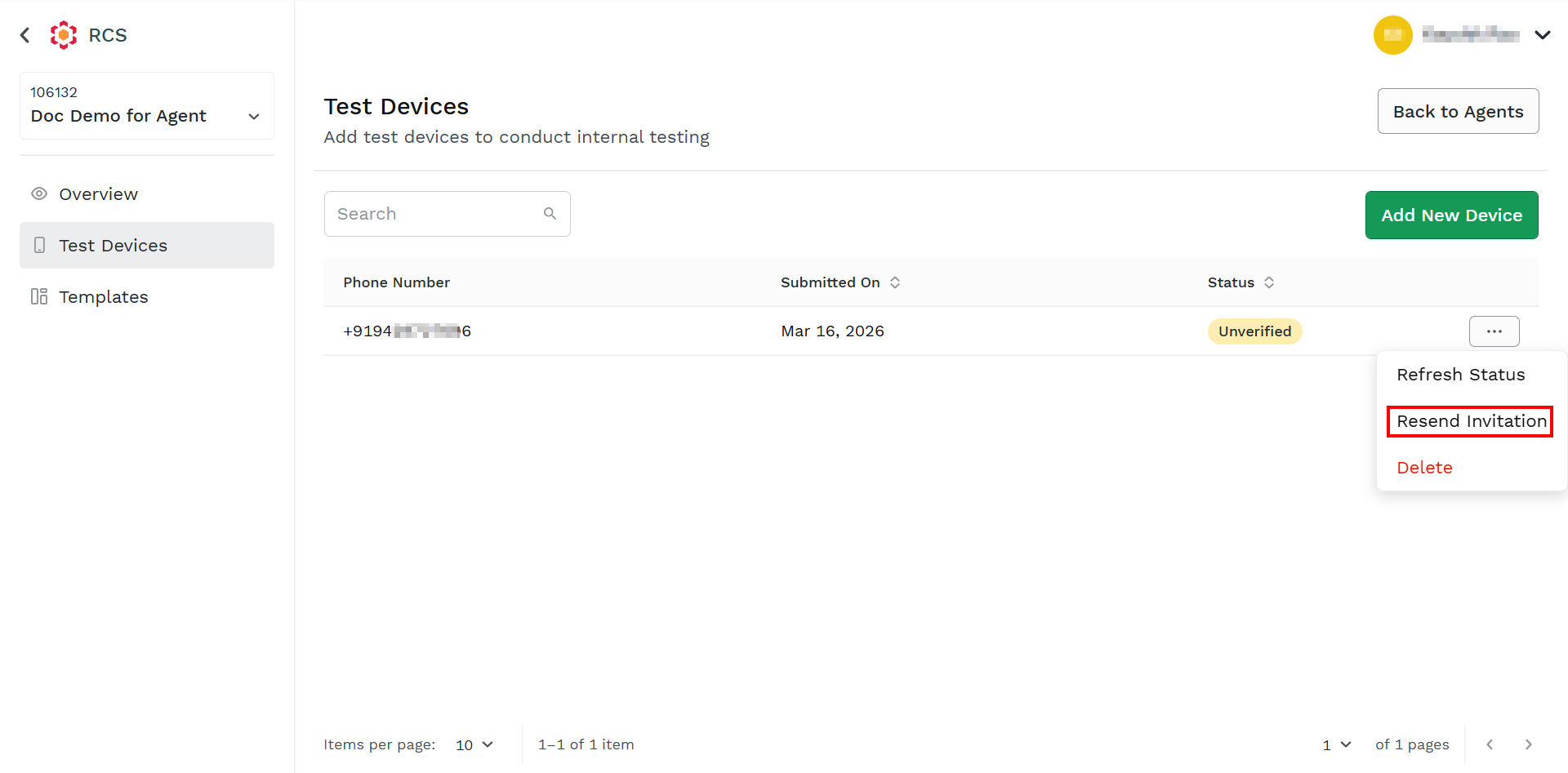
- Hover over the added device and then click the ellipsis icon. Select the Resend Invitation option.
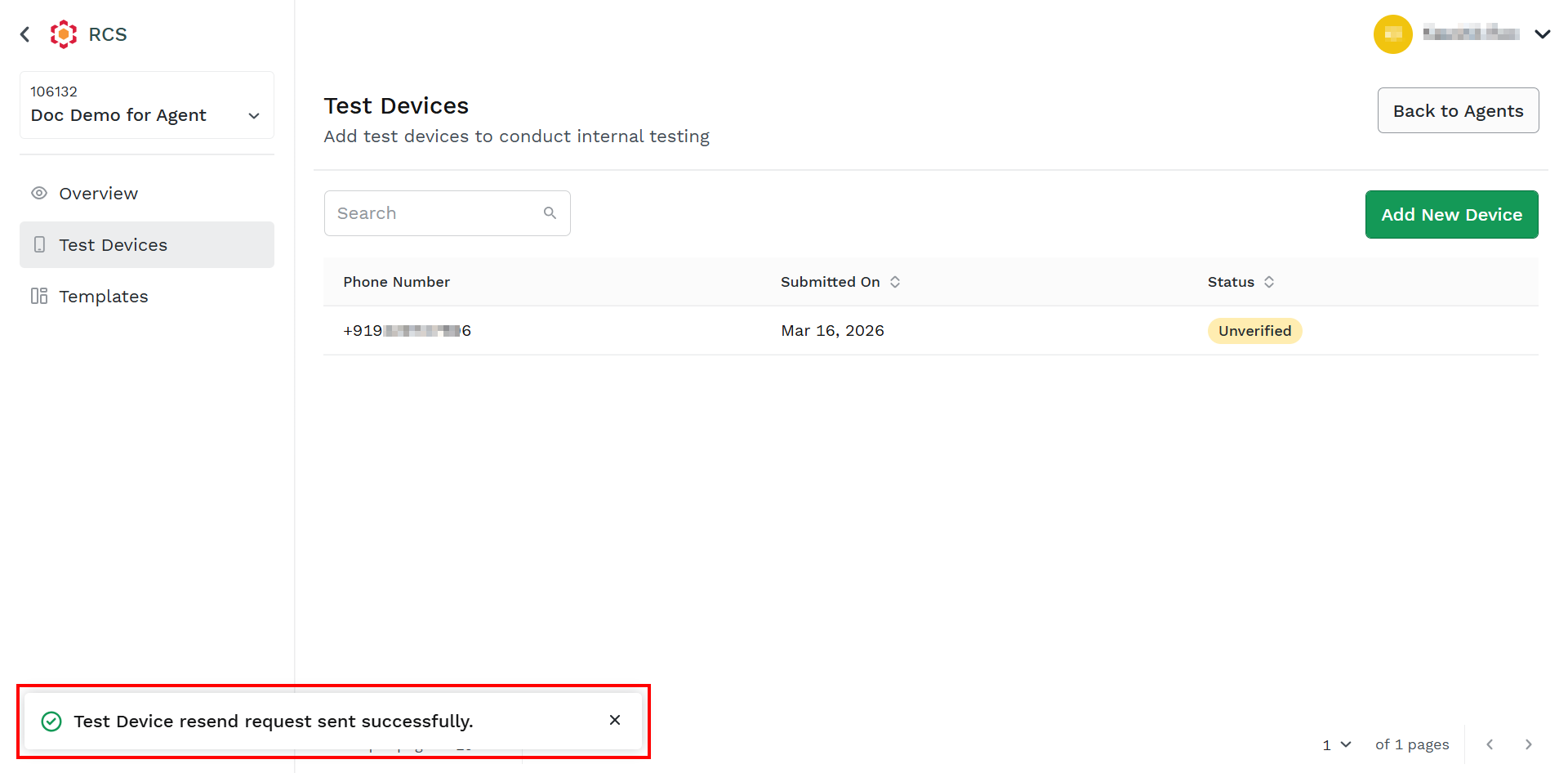
The confirmation message Test Device resend request sent successfully appears.
Tasks for an Approved Number
You can send a test message after the test device is approved by the mobile number with RCS enabled services.
You can perform the following tasks for an approved number:
Updated about 1 month ago
Did this page help you?