

Search Brand
The Search Brand feature allows you to search for the brand based on the Brand Name.
To search for a brand, perform the following steps:
- Sign in to your kaleyra platform. The Channels page appears.
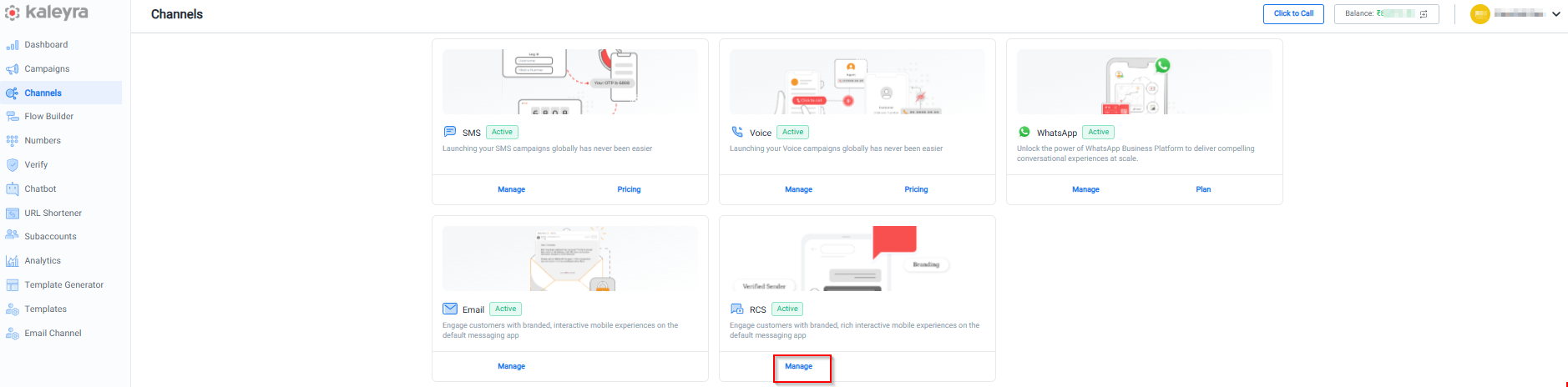
- On the RCS widget, click Manage. The Brands page appears.
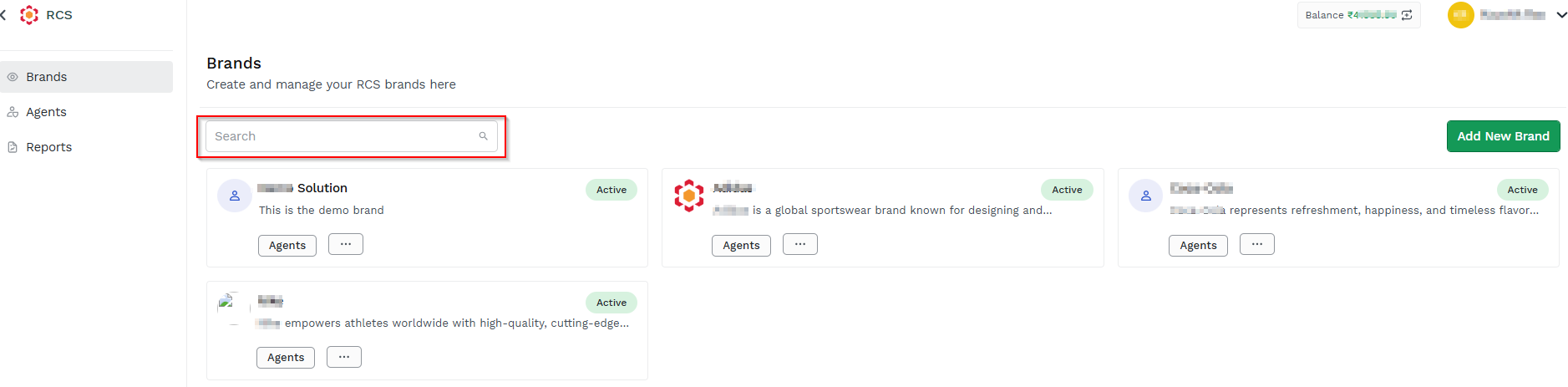
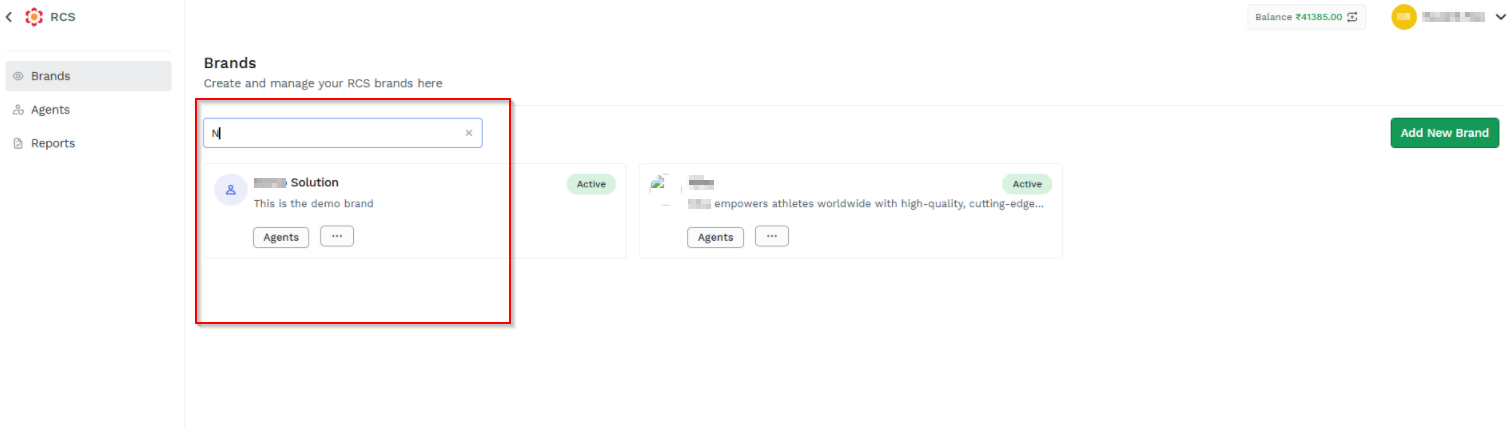
- In the Search field enter the complete or partial brand name for which you wish to search. The corresponding list of brands appears.
Updated about 1 month ago
Did this page help you?