

Search Test Device
The Search Test Device feature allows you to search for the test device based on the test device number.
To search for a test device, perform the following steps:
- Follow the step 1 to step 6 of the Add a New Test Device topic.
The Test Device page appears.
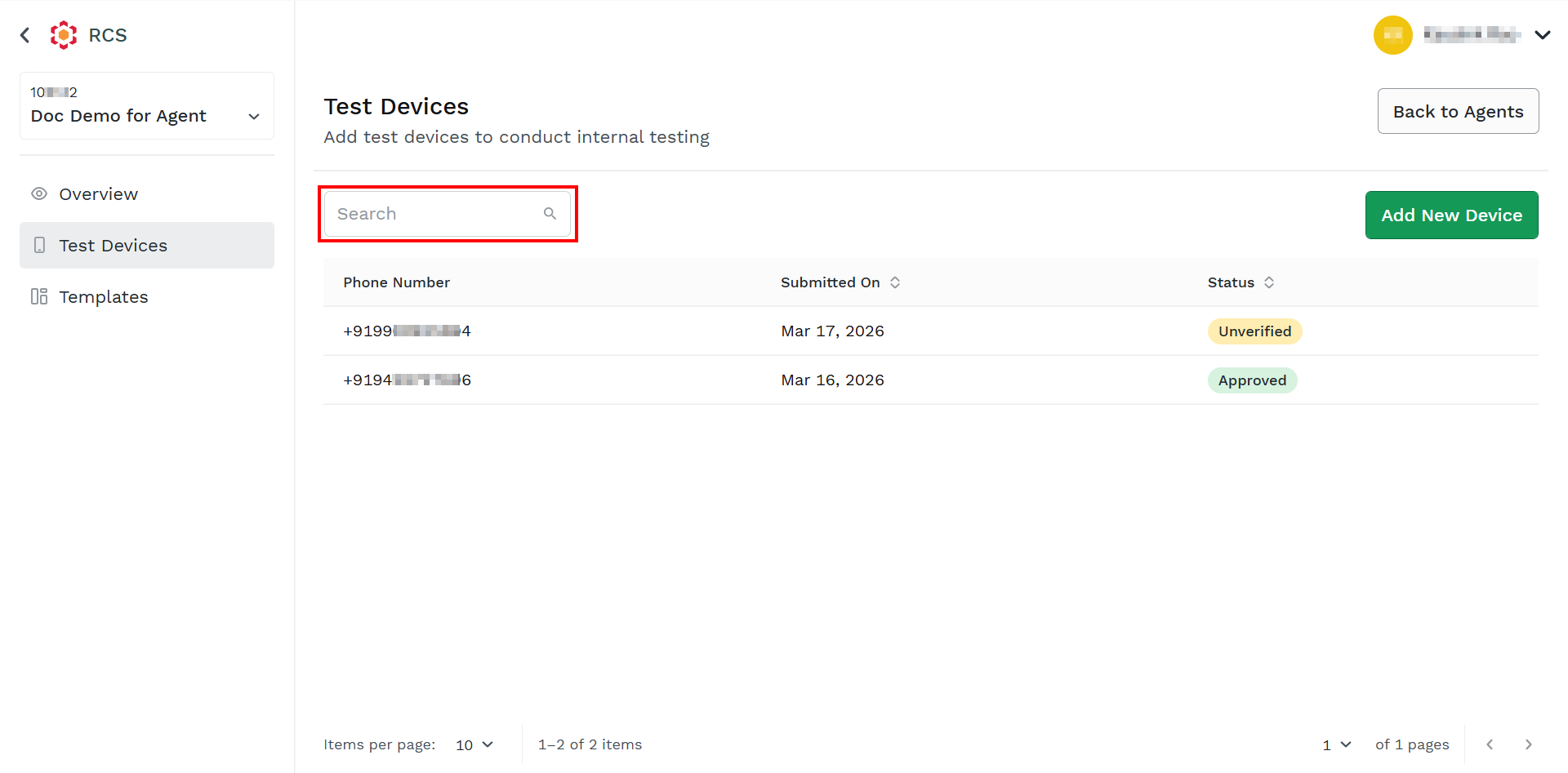
- In the Search field, enter the phone number.
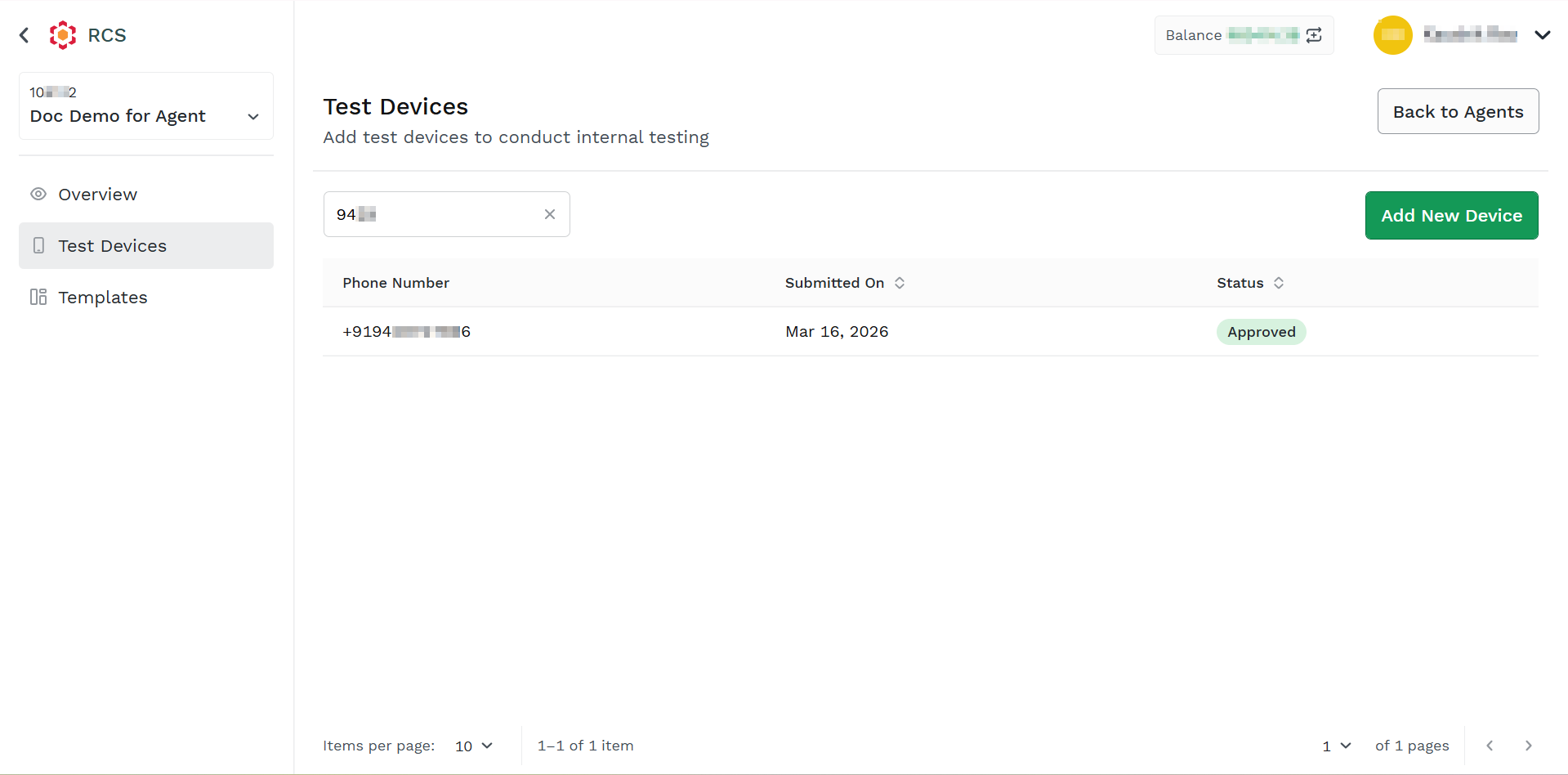
The search result appears.
Note:
You can clear the search results by clicking on the x icon next to the entered number.
Updated about 2 months ago
Did this page help you?