

Edit Template Details
You can edit the created template only before the template is approved. You cannot edit the template type while editing the template.
To edit the template details, perform the following steps:
- Follow step 1 to Step 8 of the RCS Text Template.
The Templates page appears.
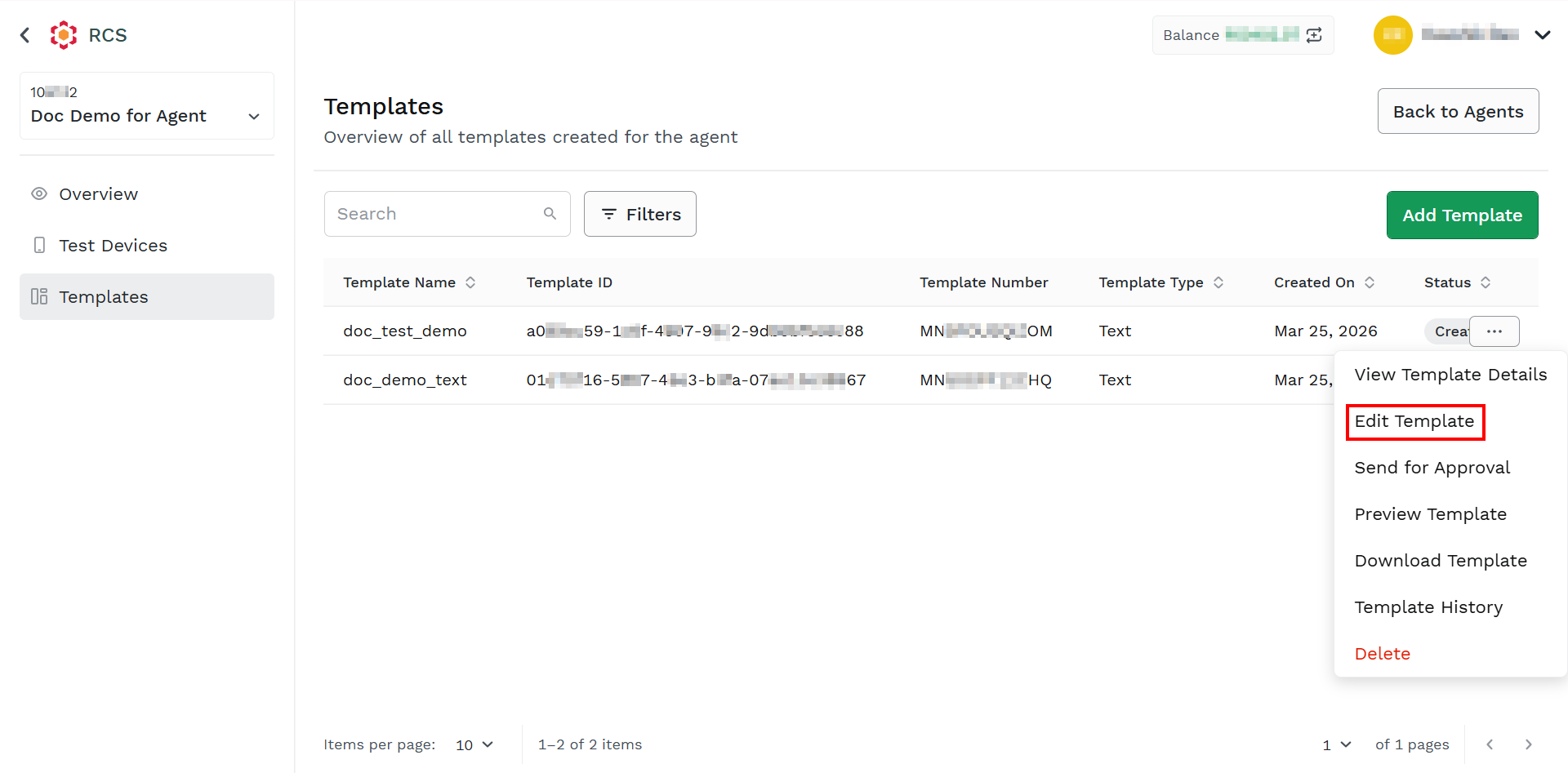
- Hover over the created template, the ellipsis icon appears. Click the ellipsis icon and then select the Edit Template option.
The Template Details section appears.
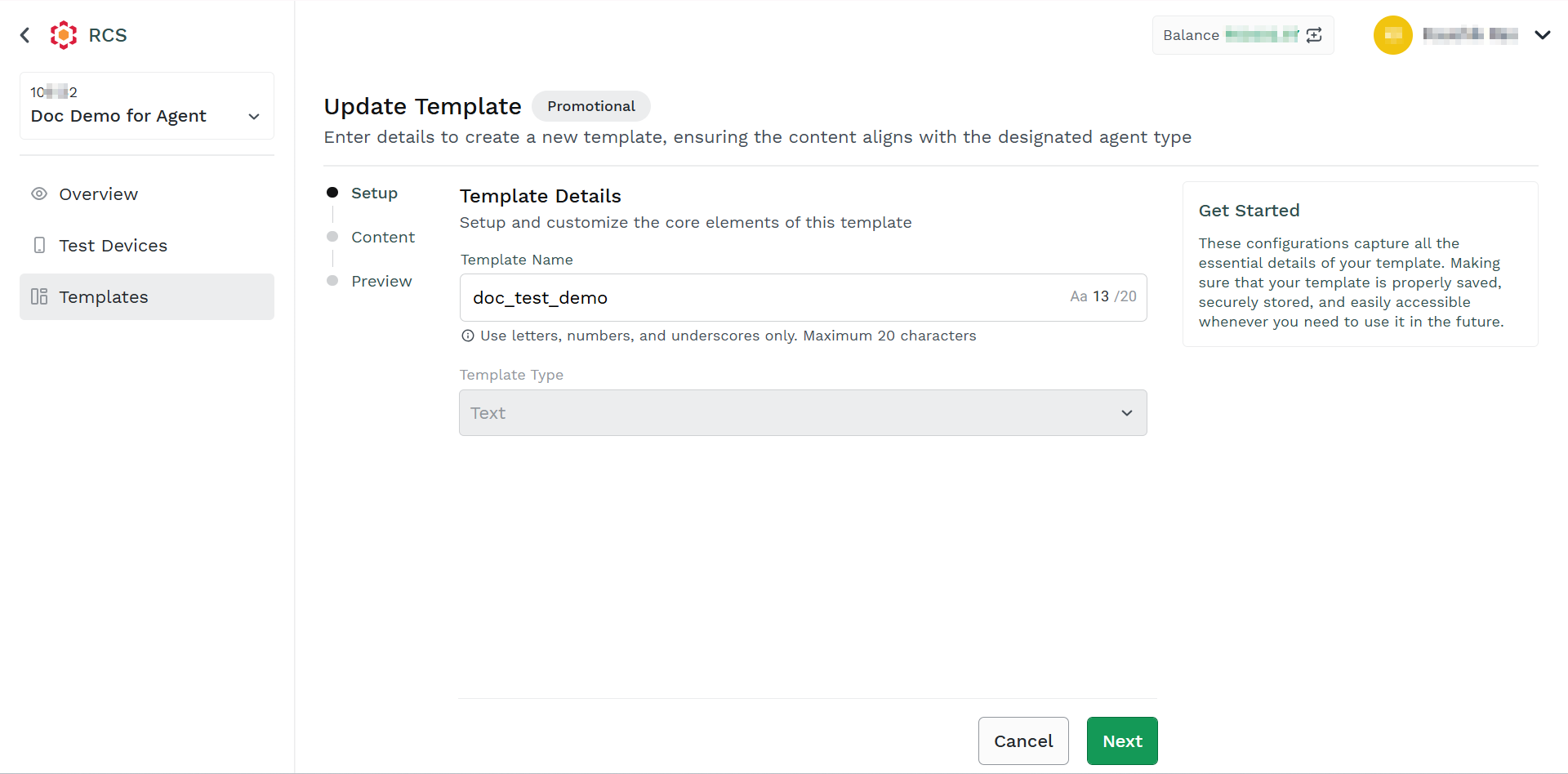
- In the Template Name field, edit the template name.
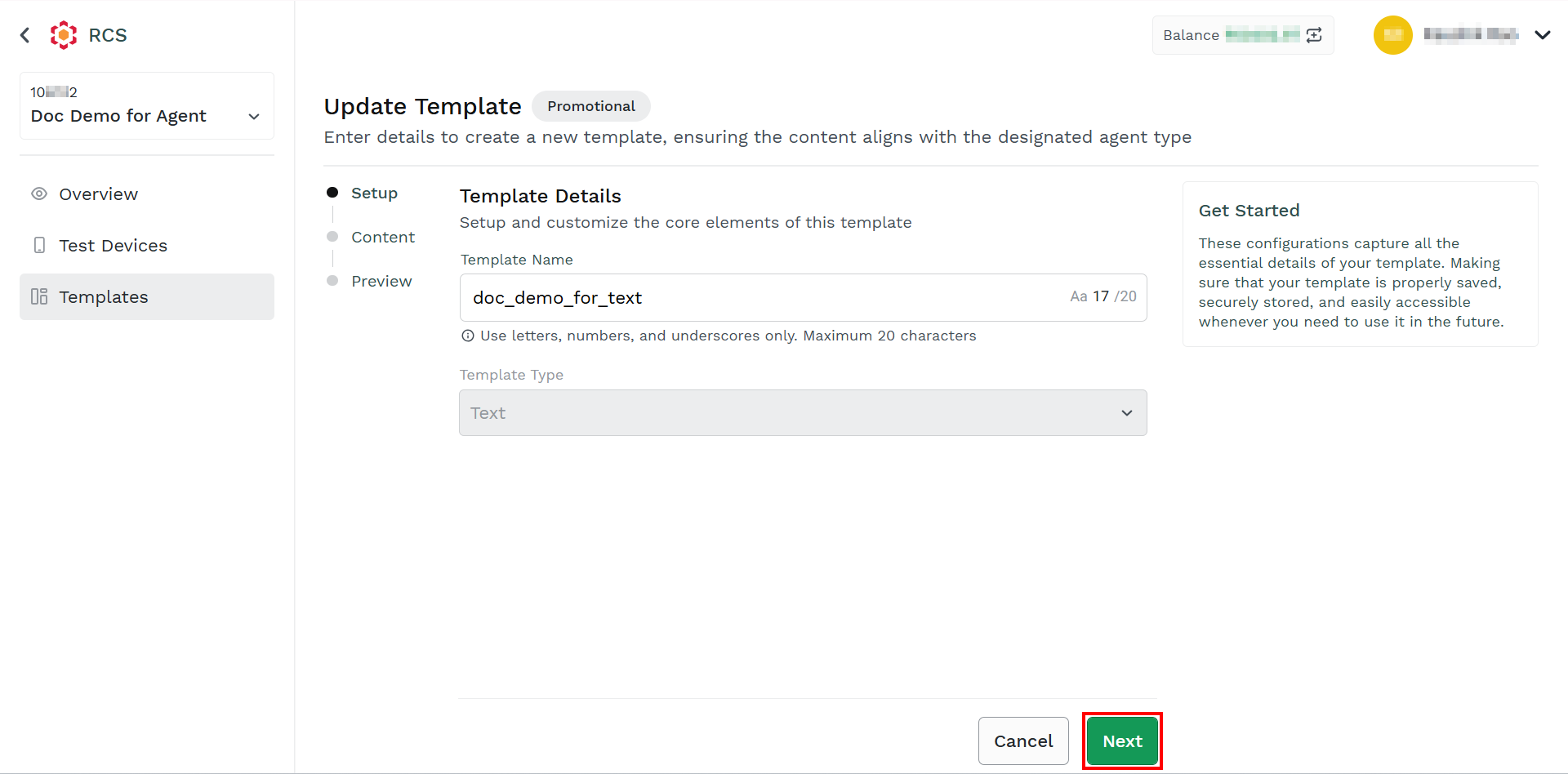
- Click Next.
The Add Content section appears.
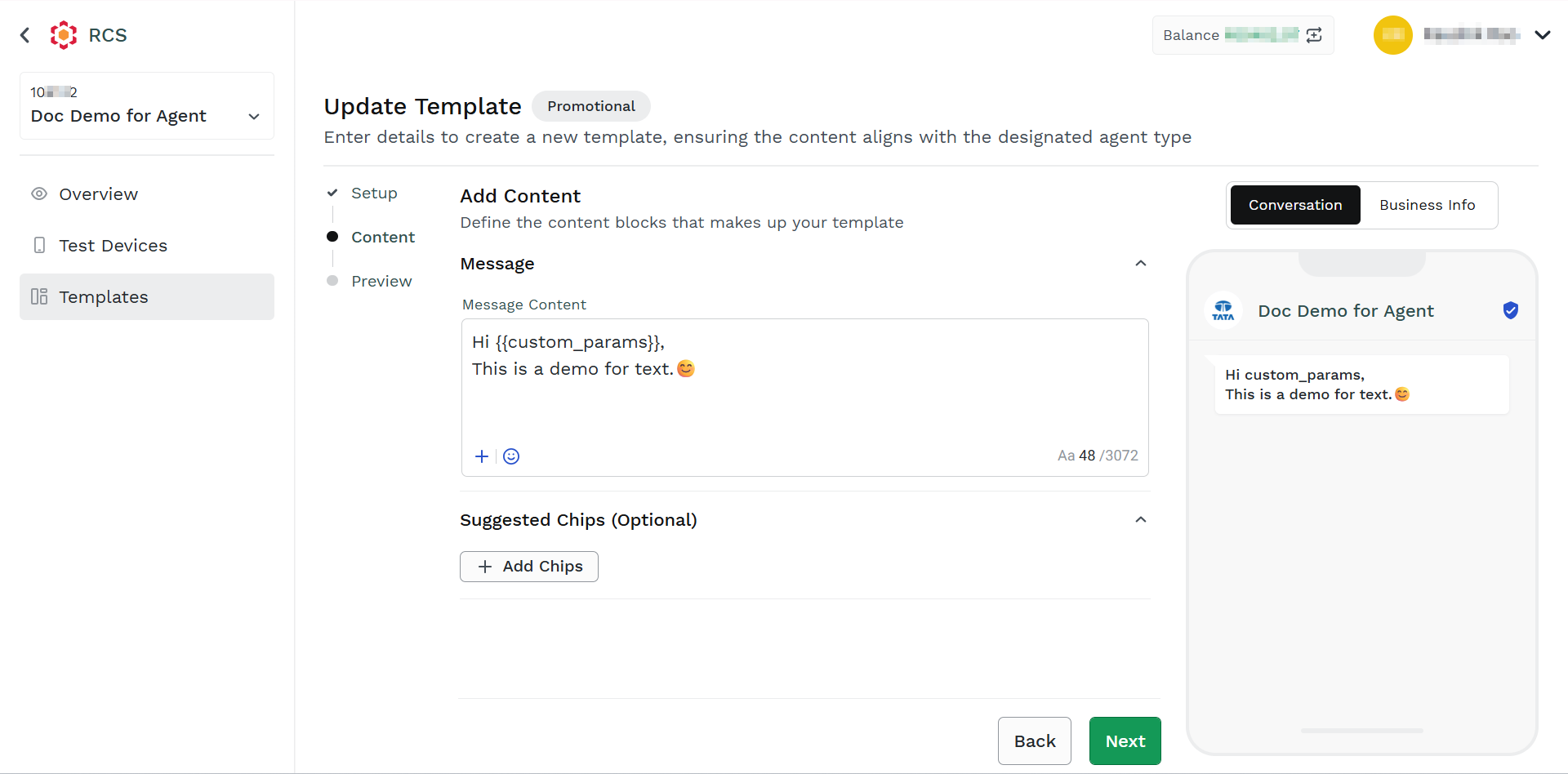
- To update the Message section, follow step 4 to step 8 of RCS Text Template.
Updated about 2 months ago
Did this page help you?