

Template History
You can view the history of the created or approved template.
To view the template history, perform the following steps:
- Follow step 1 to Step 8 of the RCS Text Template.
The Templates page appears.
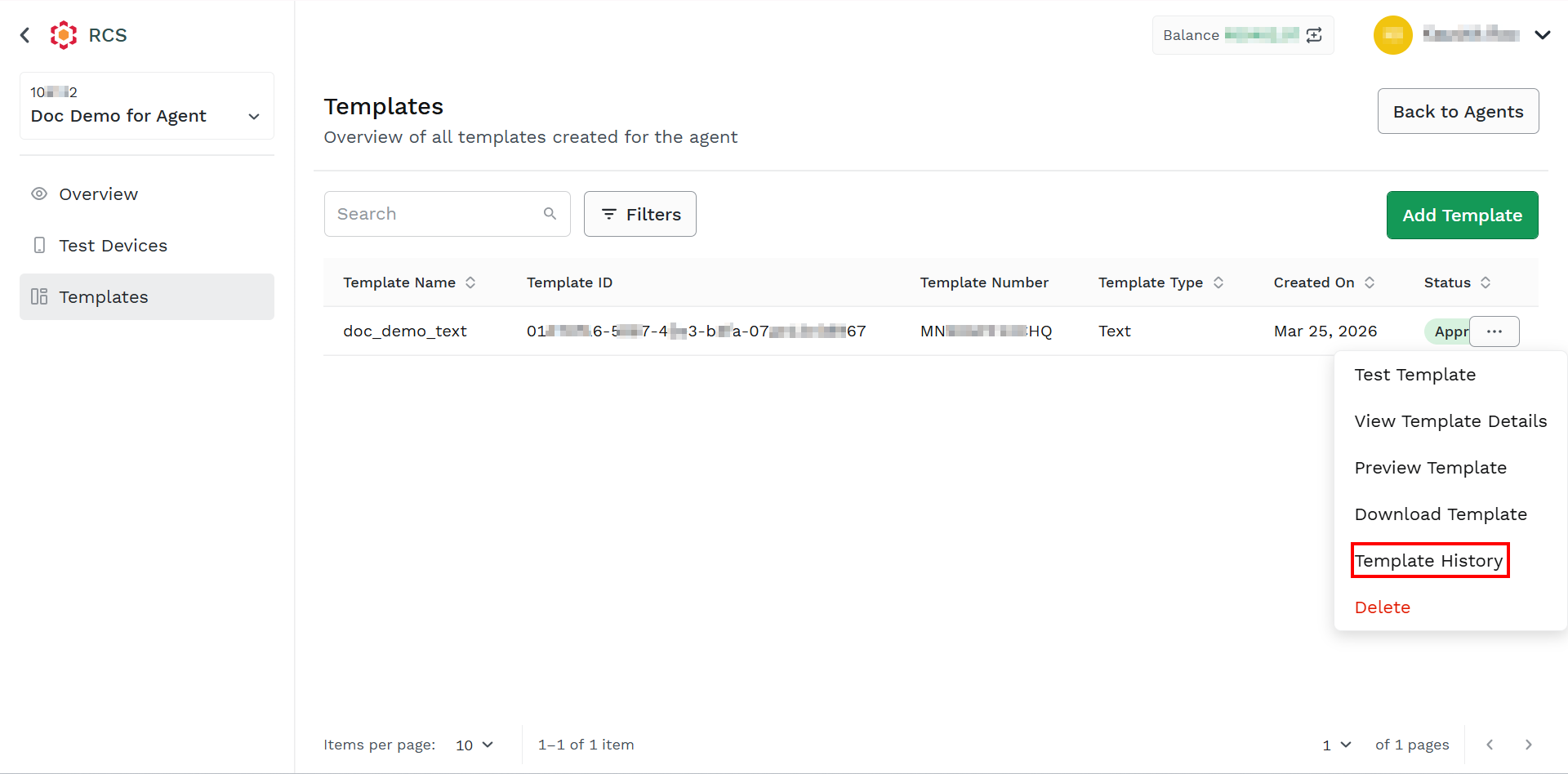
- Hover over the created template, the ellipsis icon appears. Click the ellipsis icon and then select the Template History option.
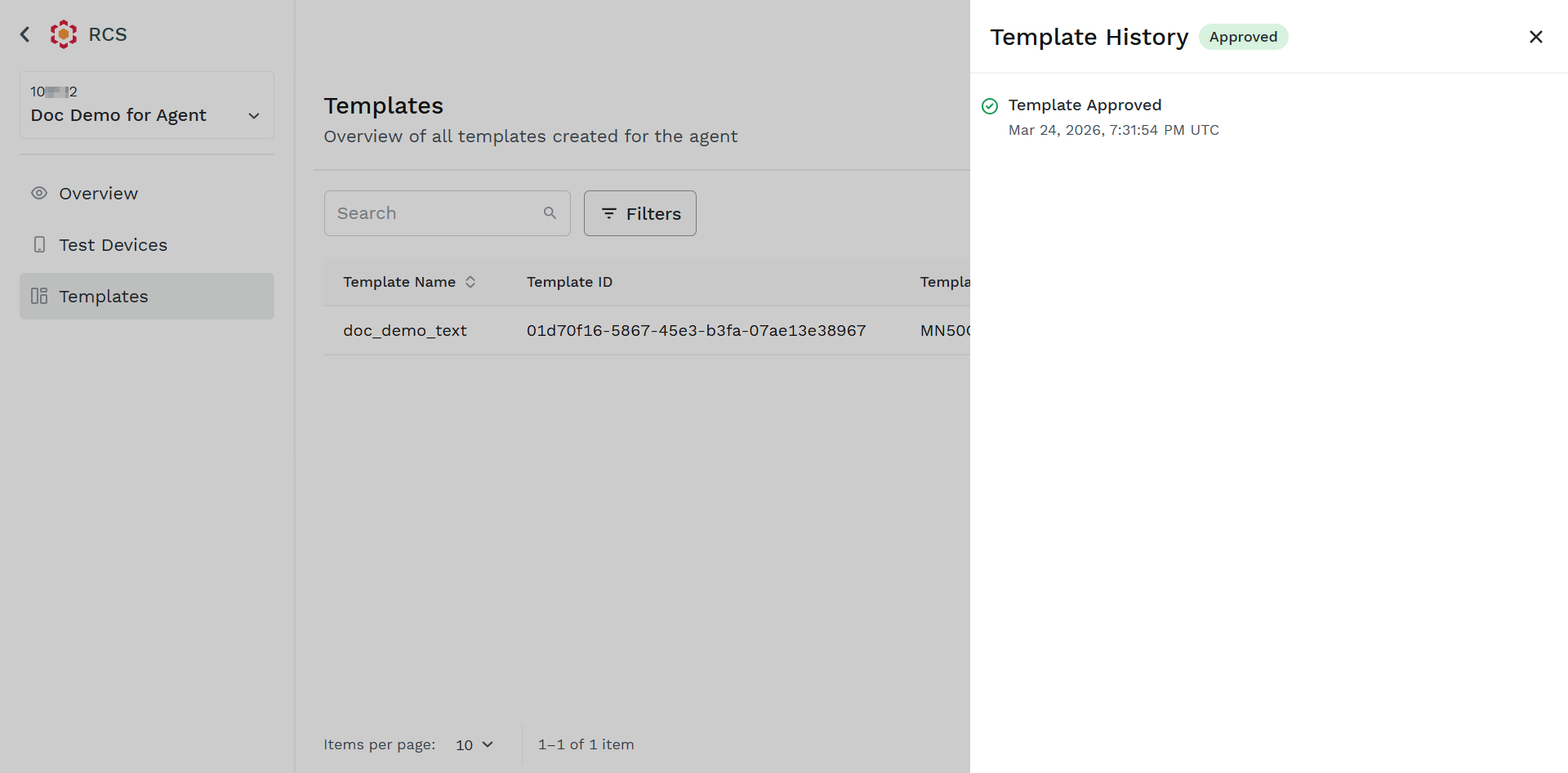
The Template History pane appears with the template status.
Updated about 2 months ago
Did this page help you?